
Bluebally666 - Minecraft Skins & Skin History
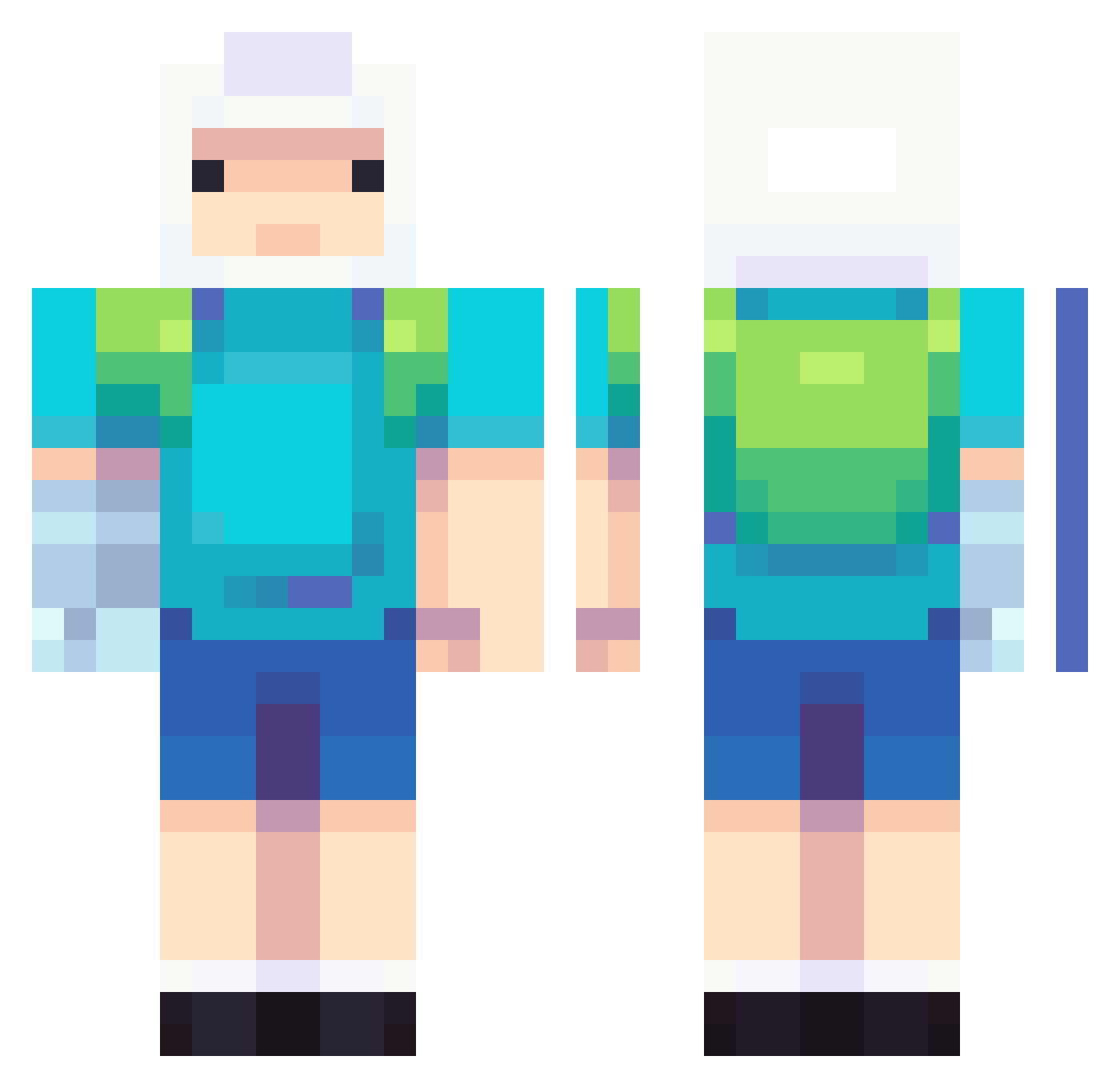
Current Minecraft skin of the player Bluebally666, loaded from the official Mojang API. Rotate the 3D model with your mouse or finger, then download the skin as a PNG file and use it in Minecraft: Bedrock Edition or Java Edition for free. When Bluebally666 changes their skin, this page updates automatically and the old skin stays in the history below.
Other players with this skin (738)
Bluebally666 was the 509th player we have seen with this skin, first spotted on 06.10.2026. The same skin was seen on these players. Open a nickname to see their current skin and skin history.
 BUBWDO420 pgh0st sadboiyui HUB95 TheD0NNNN El_Logano historydoll sophufu_ HectorTr BigBoyDonk YaBoiManuelSB K1RP_ mimipong senseiys mochely purin222 GyroSolo Bam_lz TruePatrick Fechho PsymonPabalate CorpichGZ k1ttenn woqhdqhd Mega_unja MarioVX5 Bukakee_Mazter yumso_02 Jayljm LOW291 MixedSenpai LilDevilCY Carpenter_Bee54 Angarabebesi0606 THC23 scrutaskroty Goresplat ArmoredOne072 Sustios JetSonscar LeoGA13 River110 rascamon v6ndo DumbImmigrant xCrypticChaosx 1_dingus Amett1 makomme KamAtaHan whooshyurrr Awesome_lokoguy1 R4vi0 kirillshik Vl4d2003 Eastbound81 MADARA200700 vi00_ Nesstms EatSkechers
More Finn The Human Minecraft skins
See all 445 Finn The Human skins
How to install the Bluebally666 skin
- Press the Download button above to save the skin as a PNG file.
- Minecraft: Bedrock Edition (PE): open the Dressing Room from the main menu (or tap your character → Edit Character), go to Classic Skins → Owned, press the + (new skin) button, choose the downloaded PNG and pick the Classic (Steve) model. Works on PC and mobile; consoles cannot import custom skins.
- Minecraft: Java Edition: open the Minecraft Launcher, go to the Skins tab, click New Skin, load the PNG, pick the Classic (Steve) model and press Save & Use. You can also upload it at minecraft.net → Profile → Change Skin.
The skin does not show up after import - what should I do?
Restart Minecraft and open the Dressing Room again - imported skins sometimes appear only after a restart. Also make sure you selected the imported skin and picked the Classic (Steve) model.
Which model should I choose, Classic or Slim?
This skin is designed for the Classic (Steve) model. If you pick the wrong model, the arms of the skin will look stretched or squeezed.
Is the skin of Bluebally666 free to download?
Yes. Press Download, save the PNG file and use it in Minecraft: Bedrock Edition or Java Edition - no payment or registration needed. The skin also works on multiplayer servers and Realms.
More skins
Looking for more? Go back to all Minecraft skins and check the top skins of the week, month and all time, or find any player's skin by nickname.