
Blpxkz - Minecraft Skins & Skin History
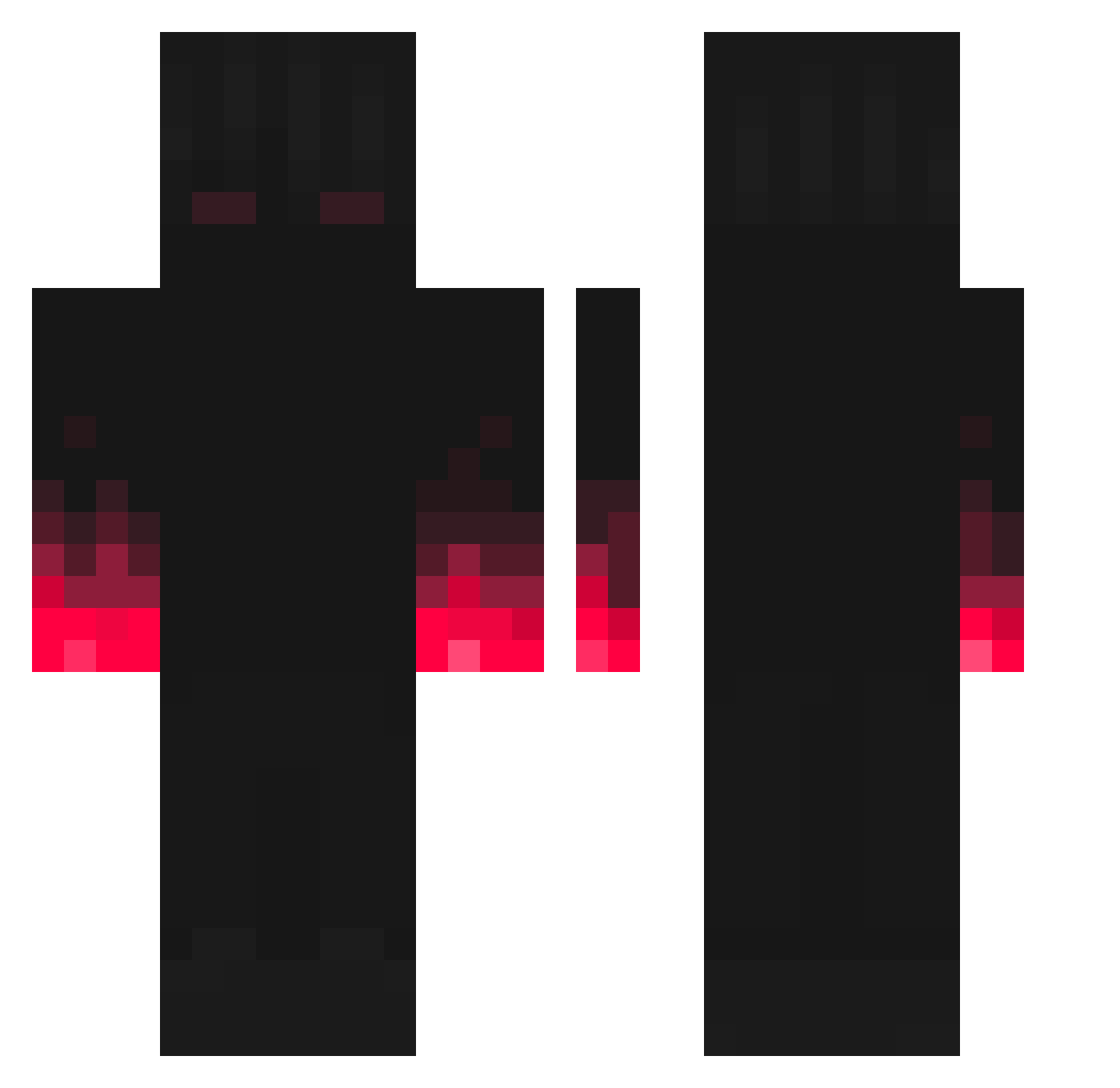
Current Minecraft skin of the player Blpxkz, loaded from the official Mojang API. Rotate the 3D model with your mouse or finger, then download the skin as a PNG file and use it in Minecraft: Bedrock Edition or Java Edition for free. When Blpxkz changes their skin, this page updates automatically and the old skin stays in the history below.
Other players with this skin (227)
Blpxkz was the 172nd player we have seen with this skin, first spotted on 12.10.2026. The same skin was seen on these players. Open a nickname to see their current skin and skin history.
 eaglz SuitedCrusader FearsomeDemon mathkid22 Tou_katana IMMORTAL_MEOWS woobacksimp TheDexy42 pxyzrtxo fire0342 Parcival03 jongmin807 Omega985 Flabio1713 _ImDonew0_ MOODIPOWER LothIG diavo1o Balou724 mc_robotica_027 Dcraftertv Or_b_ Kyla1319 RavensLuckyy NeGods makeshg MaurerStats edgymf jojobeans9 hayulend appleappstore TulpeIngwer Iris_dh shonisky _Barney_Stinson CMFDPk Nanxi256 QAnonQ temporaryuser381 Grattts Taioneson126 redhuy_mc Joao77 LoboMad ddonggun08 Rainnon Airwalk_PvP ElGordoValen przemon13 TheClownn Fede1002 n1kkoLa Laloux takakuni M3SS1FAN Solblaze12 Buelvaso PsykoTiiiK OhmChanelX2 MaggiKing4D
More Fire Hands Minecraft skins
How to install the Blpxkz skin
- Press the Download button above to save the skin as a PNG file.
- Minecraft: Bedrock Edition (PE): open the Dressing Room from the main menu (or tap your character → Edit Character), go to Classic Skins → Owned, press the + (new skin) button, choose the downloaded PNG and pick the Classic (Steve) model. Works on PC and mobile; consoles cannot import custom skins.
- Minecraft: Java Edition: open the Minecraft Launcher, go to the Skins tab, click New Skin, load the PNG, pick the Classic (Steve) model and press Save & Use. You can also upload it at minecraft.net → Profile → Change Skin.
The skin does not show up after import - what should I do?
Restart Minecraft and open the Dressing Room again - imported skins sometimes appear only after a restart. Also make sure you selected the imported skin and picked the Classic (Steve) model.
Which model should I choose, Classic or Slim?
This skin is designed for the Classic (Steve) model. If you pick the wrong model, the arms of the skin will look stretched or squeezed.
Is the skin of Blpxkz free to download?
Yes. Press Download, save the PNG file and use it in Minecraft: Bedrock Edition or Java Edition - no payment or registration needed. The skin also works on multiplayer servers and Realms.
More skins
Looking for more? Go back to all Minecraft skins and check the top skins of the week, month and all time, or find any player's skin by nickname.