
Blendid - Minecraft Skins & Skin History
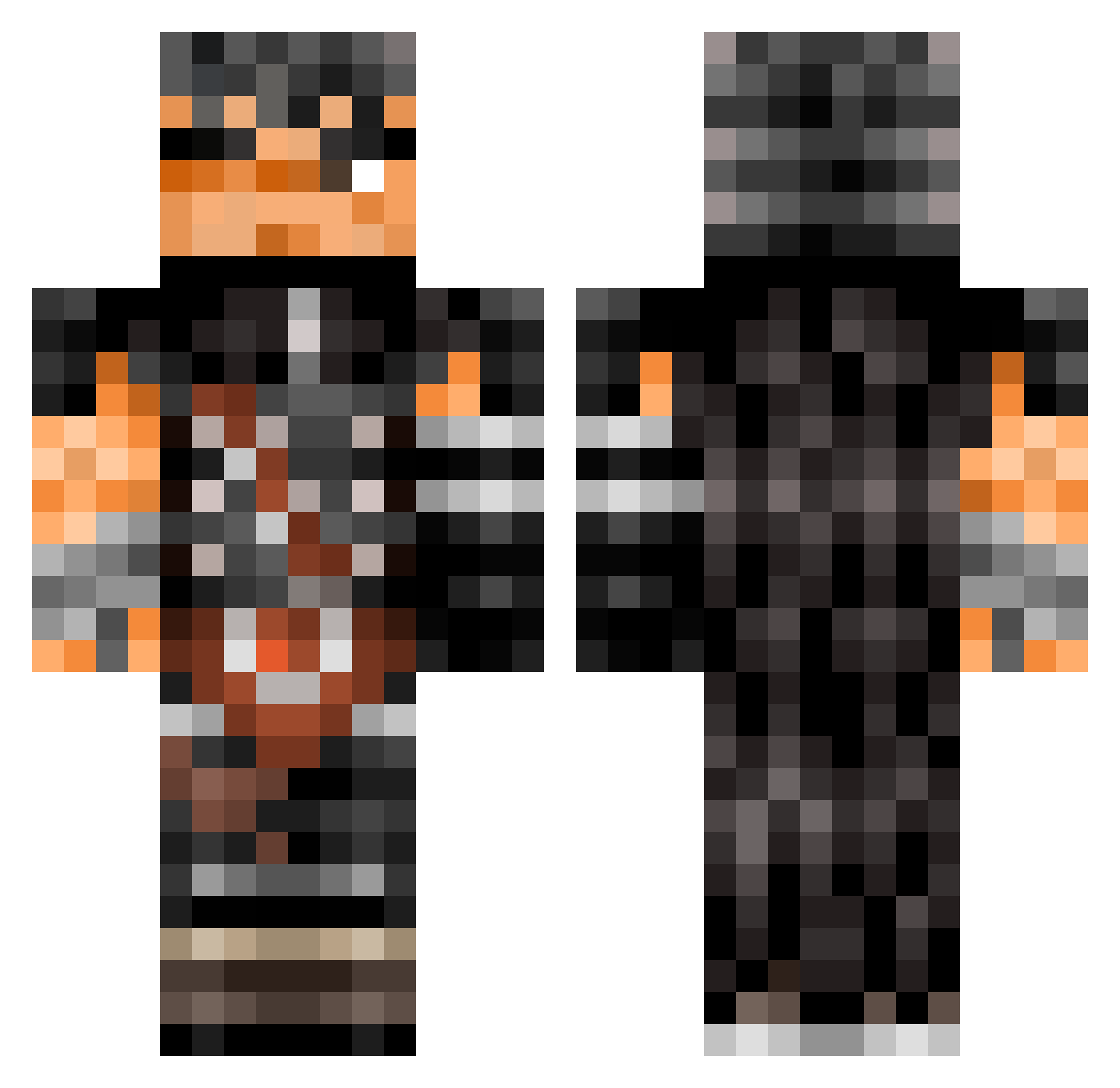
Current Minecraft skin of the player Blendid, loaded from the official Mojang API. Rotate the 3D model with your mouse or finger, then download the skin as a PNG file and use it in Minecraft: Bedrock Edition or Java Edition for free. When Blendid changes their skin, this page updates automatically and the old skin stays in the history below.
Other players with this skin (504)
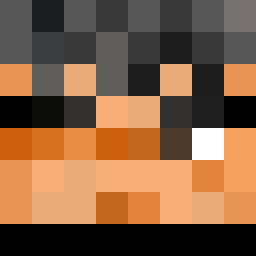
Blendid was the 402nd player we have seen with this skin, first spotted on 14.10.2026. The same skin was seen on these players. Open a nickname to see their current skin and skin history.
 5Azrael5 Masterchiefes Evan0wn LilKoyun Halgerty10 shelovtay Braso35 Bsh_Fish Sanraion Boryanka FrankWest1996 Some_Dumb_Bum Cloclo64 TLCamper MTVclarence gvstarr Darin_Vilhelm xotixxx Borborbinks VxXSomaXxV Ice_dout_zitrone Someonee37 Nikita_2a bigdaddiblockboi Koppari Anthonyioi 1S0 MateritoNuts DefensiveBjorn Charmarke gepettoMussolini Silent_Dreamer LegendaryDalk HummingbirdTM ShadowFordZ DYNAGO_14 Dryid davidguts TheSoulDead Garr0b0 asaf_69 Gumiboi Arxvo_ Yamorii Blade_Myth GF3A Aldimic SolidRacoon bigboss4893 Whoodaddy ov3rture gr0gs izanpyro HOZEN_ yazeedbescol2 Aroxiv Artbaddonmet Iruyzinho Solarcmoi Dopyuwu
More Guts Minecraft skins
How to install the Blendid skin
- Press the Download button above to save the skin as a PNG file.
- Minecraft: Bedrock Edition (PE): open the Dressing Room from the main menu (or tap your character → Edit Character), go to Classic Skins → Owned, press the + (new skin) button, choose the downloaded PNG and pick the Classic (Steve) model. Works on PC and mobile; consoles cannot import custom skins.
- Minecraft: Java Edition: open the Minecraft Launcher, go to the Skins tab, click New Skin, load the PNG, pick the Classic (Steve) model and press Save & Use. You can also upload it at minecraft.net → Profile → Change Skin.
The skin does not show up after import - what should I do?
Restart Minecraft and open the Dressing Room again - imported skins sometimes appear only after a restart. Also make sure you selected the imported skin and picked the Classic (Steve) model.
Which model should I choose, Classic or Slim?
This skin is designed for the Classic (Steve) model. If you pick the wrong model, the arms of the skin will look stretched or squeezed.
Is the skin of Blendid free to download?
Yes. Press Download, save the PNG file and use it in Minecraft: Bedrock Edition or Java Edition - no payment or registration needed. The skin also works on multiplayer servers and Realms.
More skins
Looking for more? Go back to all Minecraft skins and check the top skins of the week, month and all time, or find any player's skin by nickname.