
Blackrat528 - Minecraft Skins & Skin History
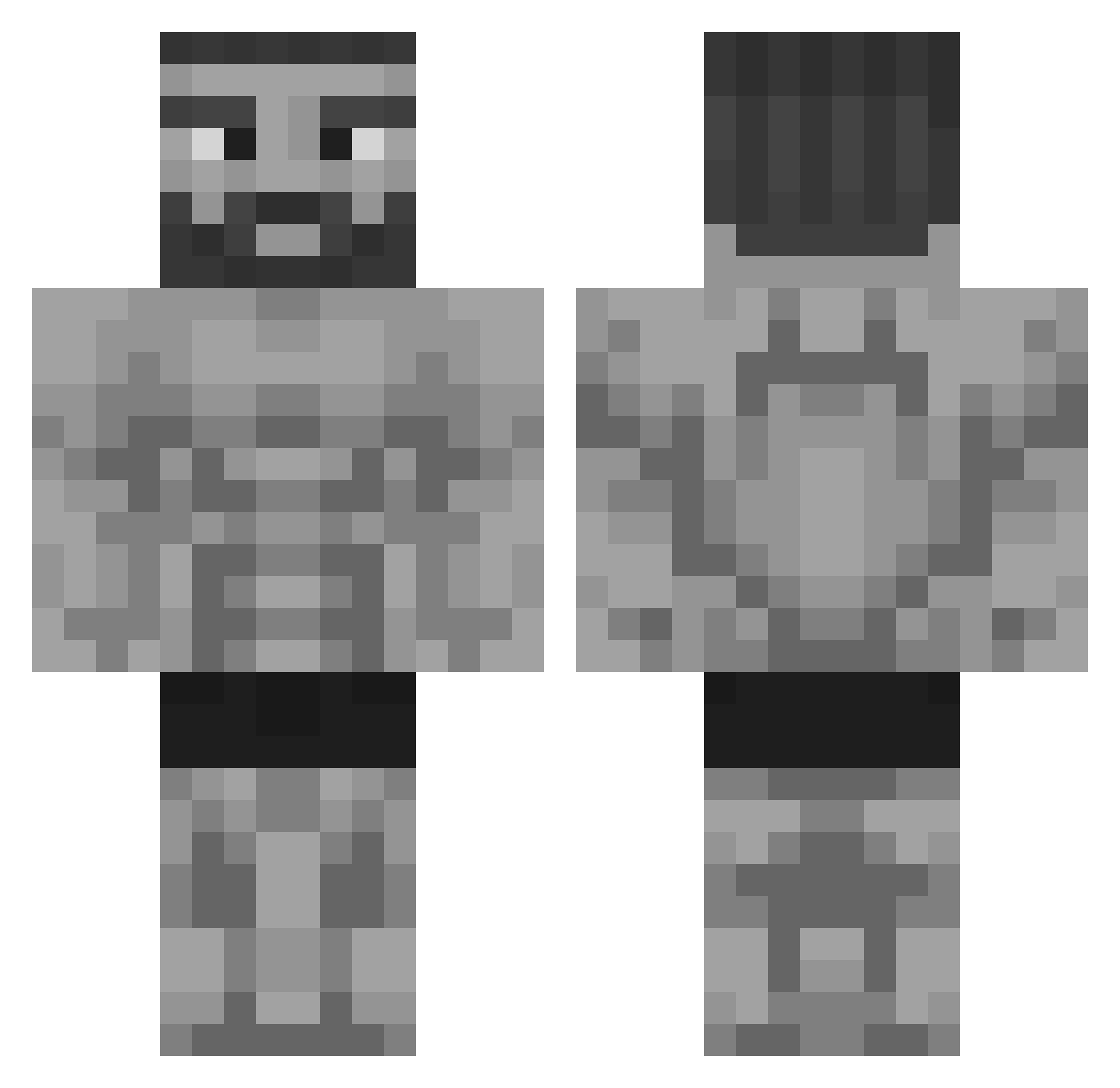
Current Minecraft skin of the player Blackrat528, loaded from the official Mojang API. Rotate the 3D model with your mouse or finger, then download the skin as a PNG file and use it in Minecraft: Bedrock Edition or Java Edition for free. When Blackrat528 changes their skin, this page updates automatically and the old skin stays in the history below.
Other players with this skin (325)
Blackrat528 was the 255th player we have seen with this skin, first spotted on 11.10.2026. The same skin was seen on these players. Open a nickname to see their current skin and skin history.
 Souzakiller371 Phenolpthaline Guexis BathWaterEnjoyer Maddogjoshua ThyIan mazzBOMB AMINE2503 FingyBang ArieBoomsma Thamby123 Unqownn eVulCoOPahh Dudu_671 i_i_i_i_i_i_i_i3 JET_ZIR Reuben_Gold ju_2_p0mme maqueve Nico23206 Spo0ky59 leonidas0880 champagnemartin MutluSpatula Naxxuscrist_HD RIOZVAZ Sunaperson Diskourai Bastos2207 Elevennine Malo_Sa PiscaPisca132 Xerxes55 Quaresma36 heisenb0rgor IH4t3B1gg3rz Kxxaa1669 Mysmann SirClowner kirpz guerrierNoirr Bouxy99 RocketJump6721 BerserkHealer90 Deadlypants196 Agx76 HyDr0X66 So61444 Neonkiwi1 RVR_6 Radmencz Ente_aufm_grill1 G1tgud hamburguesaqueso bAlemdar WildPhoenix_ PalaylaPompa N0Sc0peTheP0pe Fabi_Tanki FabFerrari03
More Gigachad Minecraft skins
How to install the Blackrat528 skin
- Press the Download button above to save the skin as a PNG file.
- Minecraft: Bedrock Edition (PE): open the Dressing Room from the main menu (or tap your character → Edit Character), go to Classic Skins → Owned, press the + (new skin) button, choose the downloaded PNG and pick the Classic (Steve) model. Works on PC and mobile; consoles cannot import custom skins.
- Minecraft: Java Edition: open the Minecraft Launcher, go to the Skins tab, click New Skin, load the PNG, pick the Classic (Steve) model and press Save & Use. You can also upload it at minecraft.net → Profile → Change Skin.
The skin does not show up after import - what should I do?
Restart Minecraft and open the Dressing Room again - imported skins sometimes appear only after a restart. Also make sure you selected the imported skin and picked the Classic (Steve) model.
Which model should I choose, Classic or Slim?
This skin is designed for the Classic (Steve) model. If you pick the wrong model, the arms of the skin will look stretched or squeezed.
Is the skin of Blackrat528 free to download?
Yes. Press Download, save the PNG file and use it in Minecraft: Bedrock Edition or Java Edition - no payment or registration needed. The skin also works on multiplayer servers and Realms.
More skins
Looking for more? Go back to all Minecraft skins and check the top skins of the week, month and all time, or find any player's skin by nickname.