
BlackOut_YT9 - Minecraft Skins & Skin History
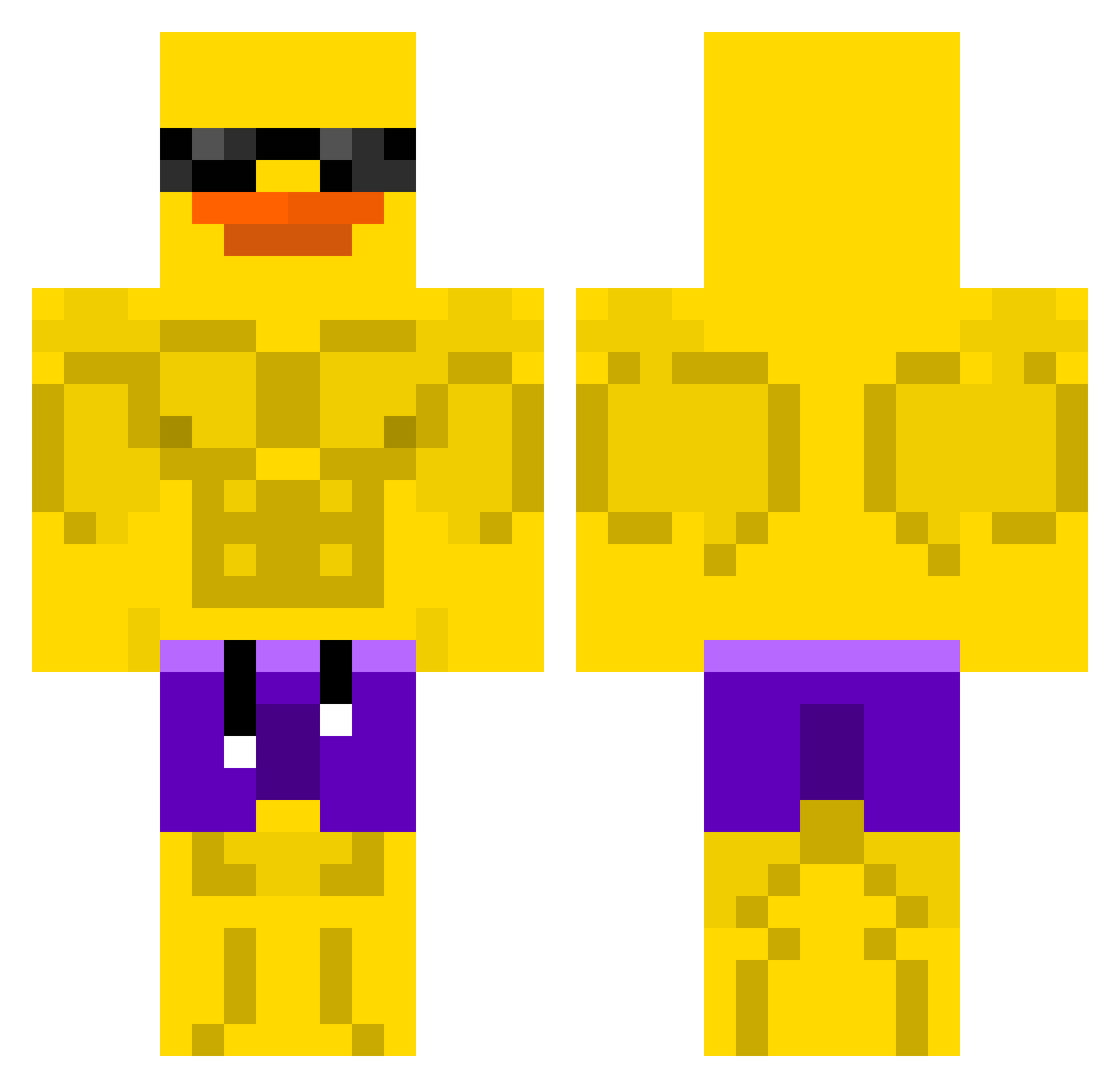
Current Minecraft skin of the player BlackOut_YT9, loaded from the official Mojang API. Rotate the 3D model with your mouse or finger, then download the skin as a PNG file and use it in Minecraft: Bedrock Edition or Java Edition for free. When BlackOut_YT9 changes their skin, this page updates automatically and the old skin stays in the history below.
Other players with this skin (556)
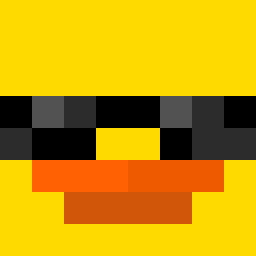
BlackOut_YT9 was the 516th player we have seen with this skin, first spotted on 23.10.2026. The same skin was seen on these players. Open a nickname to see their current skin and skin history.
 Mc_Patrick_ McSho3 Luzzex Arthur25632 Mqnding Mathgod101 Canciko MMMaXmaximal Patrikign ItzMinecrafter Kepsen12 FR4NGO fugitive_duck pedrogamer222 BineMC Itacklefatkids25 bill_gates_124 Sebhov04 mapache_tactico0 SchauerF7 MariusBogosse Lithum8n luv_riley taehyun24 luckypear123 BigMoistyy wls279 _reden sc0utOP LEPourfendeur231 Allen_Time LogNUTS odie_thedog234 Dr_Hurt Quack_Quacks YUJIA33 williamss111 Steel298 MICHALECZEK007 Riley7965 RekrutMaggi x3zz_1 tiziano213 HellaCakedUp sharkfreeze MenDoo08 ZEZE22 FBI_Ag3nt MrOmbra xWojtasx_77 DanK_cL msa0503 Squat601Lamb JDDrippy No0o0dle LilDibbie Whindra Y00P4_ MaffiaMc SOSOMG
More Swim Trunks Minecraft skins
How to install the BlackOut_YT9 skin
- Press the Download button above to save the skin as a PNG file.
- Minecraft: Bedrock Edition (PE): open the Dressing Room from the main menu (or tap your character → Edit Character), go to Classic Skins → Owned, press the + (new skin) button, choose the downloaded PNG and pick the Classic (Steve) model. Works on PC and mobile; consoles cannot import custom skins.
- Minecraft: Java Edition: open the Minecraft Launcher, go to the Skins tab, click New Skin, load the PNG, pick the Classic (Steve) model and press Save & Use. You can also upload it at minecraft.net → Profile → Change Skin.
The skin does not show up after import - what should I do?
Restart Minecraft and open the Dressing Room again - imported skins sometimes appear only after a restart. Also make sure you selected the imported skin and picked the Classic (Steve) model.
Which model should I choose, Classic or Slim?
This skin is designed for the Classic (Steve) model. If you pick the wrong model, the arms of the skin will look stretched or squeezed.
Is the skin of BlackOut_YT9 free to download?
Yes. Press Download, save the PNG file and use it in Minecraft: Bedrock Edition or Java Edition - no payment or registration needed. The skin also works on multiplayer servers and Realms.
More skins
Looking for more? Go back to all Minecraft skins and check the top skins of the week, month and all time, or find any player's skin by nickname.