
BitsyBumblebee - Minecraft Skins & Skin History
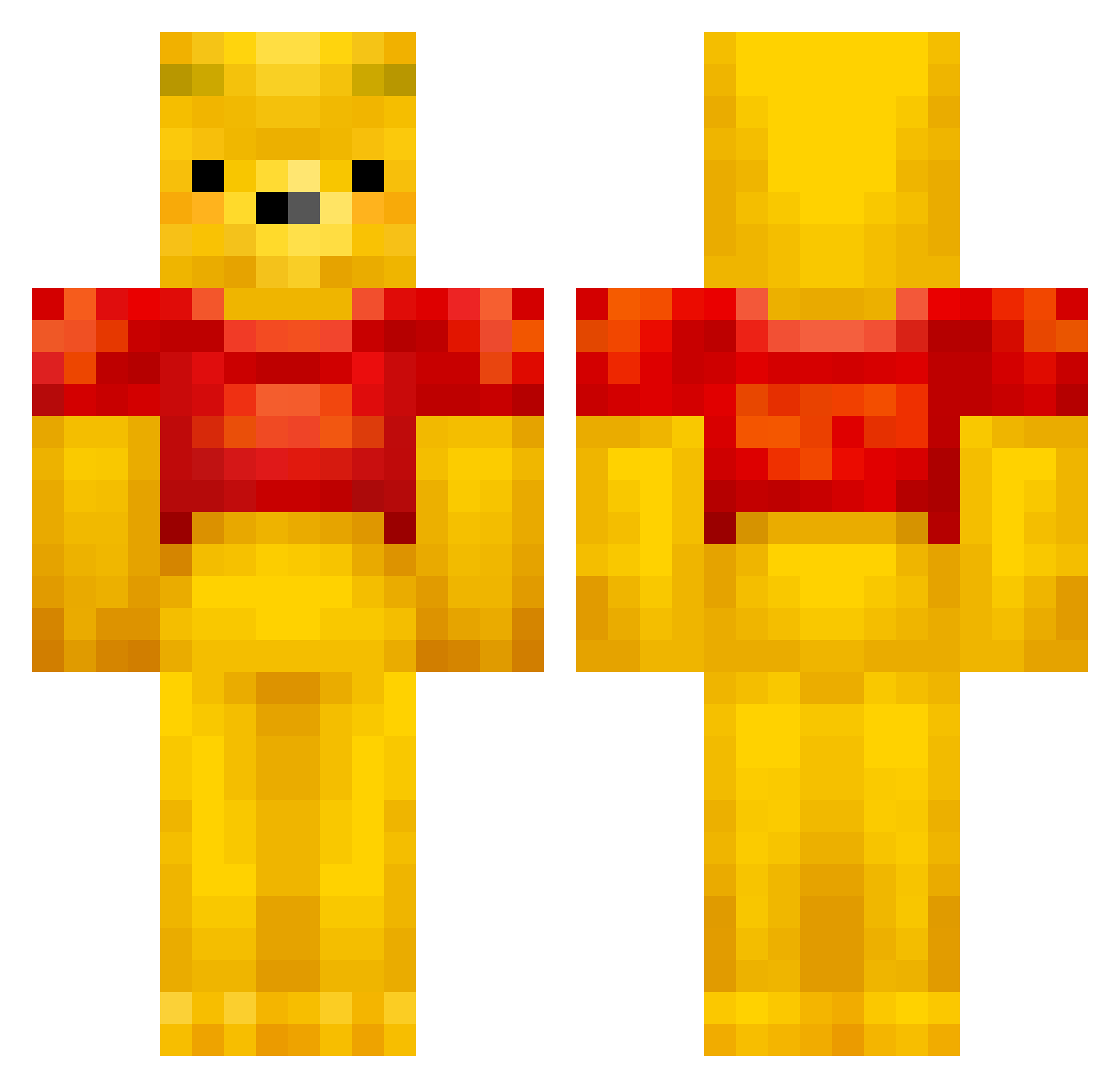
Current Minecraft skin of the player BitsyBumblebee, loaded from the official Mojang API. Rotate the 3D model with your mouse or finger, then download the skin as a PNG file and use it in Minecraft: Bedrock Edition or Java Edition for free. When BitsyBumblebee changes their skin, this page updates automatically and the old skin stays in the history below.
Other players with this skin (432)
BitsyBumblebee was the 200th player we have seen with this skin, first spotted on 14.09.2026. The same skin was seen on these players. Open a nickname to see their current skin and skin history.
 KVAZAR1IT wannaB7 Tuuukoo K_J_Kim mercureas fox_games9 AlmightyRain g0fer3k KneeAim K_sw98 bigboyrincon Sassou108 Es_hora_de_comer Thoman65 TheFlyingFork Cube1575 gogo_goose happyghost1127 DaniG64 Torkelsnork AAsmund0769 TiggysBoi Time2see S1rayuki WOWOPEN MuppetBroth SillyGoose212 jae_won_jae Varullen ChanelDollz Tribbelx Bing33 1Catt Alpacanizer owo1004 Galaxy_kiwiwi_31 KENTSAI CaptainLevi2234 BoatDredge Dynamiittiukko mep0044 SDUoU2 hollowkong green_pigeon_ ClassicDodoBird yoo_cute hithimforzero BadBarbecue991 samkayne WestCoastWilly hyun_seong_e tarantulas729 Wasabi1900 vmoonmanv Hasibert20 Bossen7 Straight_Boi Pinocchio0120 HongJin_ laxbro_ca
More Winnie The Pooh Minecraft skins
See all 302 Winnie The Pooh skins
How to install the BitsyBumblebee skin
- Press the Download button above to save the skin as a PNG file.
- Minecraft: Bedrock Edition (PE): open the Dressing Room from the main menu (or tap your character → Edit Character), go to Classic Skins → Owned, press the + (new skin) button, choose the downloaded PNG and pick the Classic (Steve) model. Works on PC and mobile; consoles cannot import custom skins.
- Minecraft: Java Edition: open the Minecraft Launcher, go to the Skins tab, click New Skin, load the PNG, pick the Classic (Steve) model and press Save & Use. You can also upload it at minecraft.net → Profile → Change Skin.
The skin does not show up after import - what should I do?
Restart Minecraft and open the Dressing Room again - imported skins sometimes appear only after a restart. Also make sure you selected the imported skin and picked the Classic (Steve) model.
Which model should I choose, Classic or Slim?
This skin is designed for the Classic (Steve) model. If you pick the wrong model, the arms of the skin will look stretched or squeezed.
Is the skin of BitsyBumblebee free to download?
Yes. Press Download, save the PNG file and use it in Minecraft: Bedrock Edition or Java Edition - no payment or registration needed. The skin also works on multiplayer servers and Realms.
More skins
Looking for more? Go back to all Minecraft skins and check the top skins of the week, month and all time, or find any player's skin by nickname.