
Billybobjoe_2310 - Minecraft Skins & Skin History
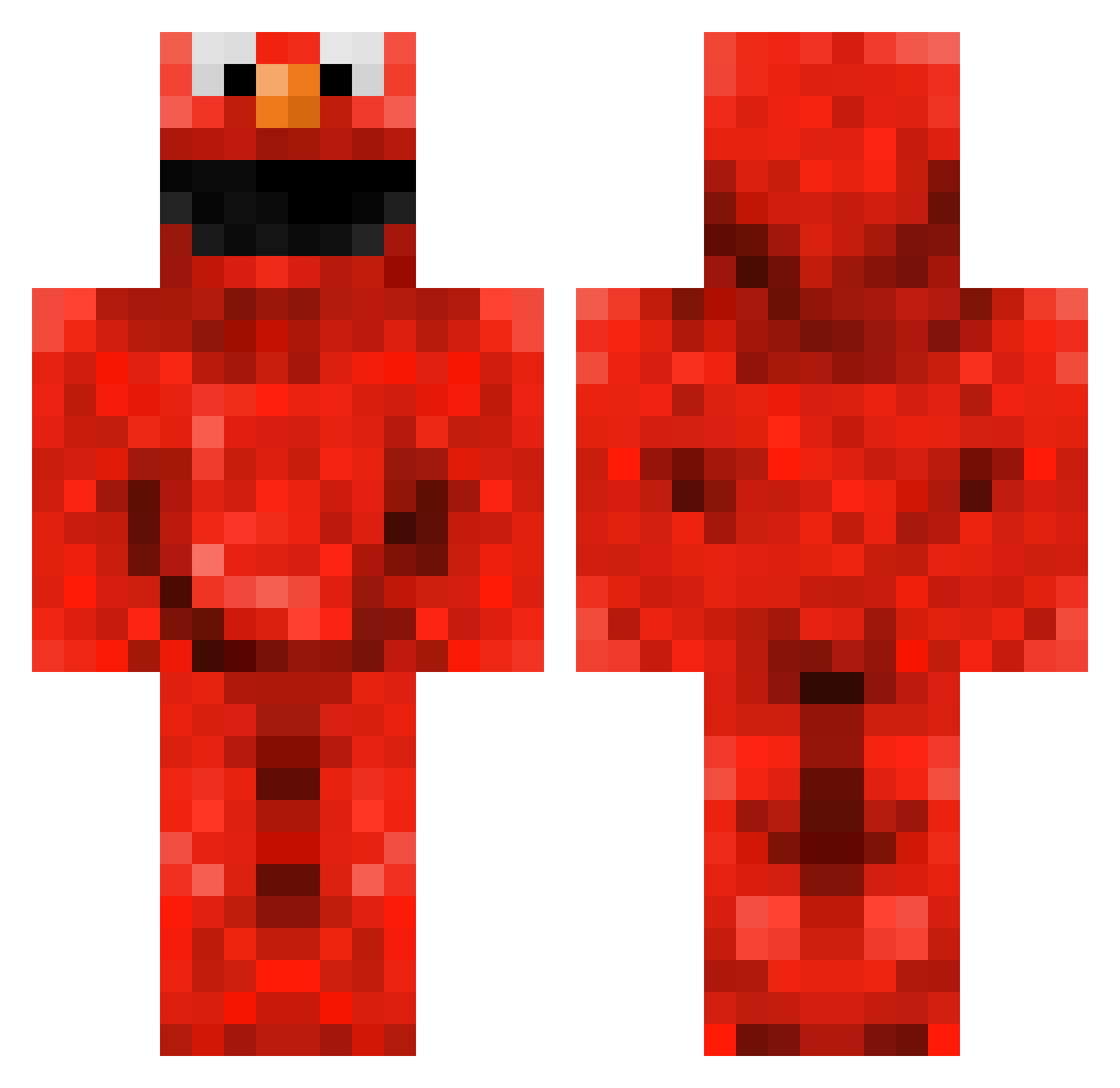
Current Minecraft skin of the player Billybobjoe_2310, loaded from the official Mojang API. Rotate the 3D model with your mouse or finger, then download the skin as a PNG file and use it in Minecraft: Bedrock Edition or Java Edition for free. When Billybobjoe_2310 changes their skin, this page updates automatically and the old skin stays in the history below.
Other players with this skin (266)
Billybobjoe_2310 was the 247th player we have seen with this skin, first spotted on 06.11.2026. The same skin was seen on these players. Open a nickname to see their current skin and skin history.
 Jack_Weir samoth3 TheSuperArmaan johnny_cal Valter001 Elmo149 SIMJIP Ddashcycle Catstrator sofie_dawg WanSlands Jake3918 SubToPorkTF2 Darkmistt DaddyMidget parkratpete KilerHades nata0115 jinyzz imaplayer11 jdubs654 stiperelmo leeroy85 kruemmel1985 darkstar185947 FRIFIX neonblood210 Swagasorus_Rex SigSauerP938 yajyak Yentje Soraxo97 DamianWayne03 vezque Zombiedawn185 Chewitt7 Choobed Eddward jake32000 creeperinthecave SqueexBox GANGMEMBERCHRIS StressedCactus carlosensale rulleski azervaas Tuutebatti TobaccoTaco the_great_Elmo DeputyDiarrhoea Kobliznik Toxics_LP NatBlair MIGHTYIM cswizzy SweetS6132 Autismystical superblaze007 creepergosss b0kcu
More Elmo Minecraft skins
How to install the Billybobjoe_2310 skin
- Press the Download button above to save the skin as a PNG file.
- Minecraft: Bedrock Edition (PE): open the Dressing Room from the main menu (or tap your character → Edit Character), go to Classic Skins → Owned, press the + (new skin) button, choose the downloaded PNG and pick the Classic (Steve) model. Works on PC and mobile; consoles cannot import custom skins.
- Minecraft: Java Edition: open the Minecraft Launcher, go to the Skins tab, click New Skin, load the PNG, pick the Classic (Steve) model and press Save & Use. You can also upload it at minecraft.net → Profile → Change Skin.
The skin does not show up after import - what should I do?
Restart Minecraft and open the Dressing Room again - imported skins sometimes appear only after a restart. Also make sure you selected the imported skin and picked the Classic (Steve) model.
Which model should I choose, Classic or Slim?
This skin is designed for the Classic (Steve) model. If you pick the wrong model, the arms of the skin will look stretched or squeezed.
Is the skin of Billybobjoe_2310 free to download?
Yes. Press Download, save the PNG file and use it in Minecraft: Bedrock Edition or Java Edition - no payment or registration needed. The skin also works on multiplayer servers and Realms.
More skins
Looking for more? Go back to all Minecraft skins and check the top skins of the week, month and all time, or find any player's skin by nickname.