
Bignuts115 - Minecraft Skins & Skin History
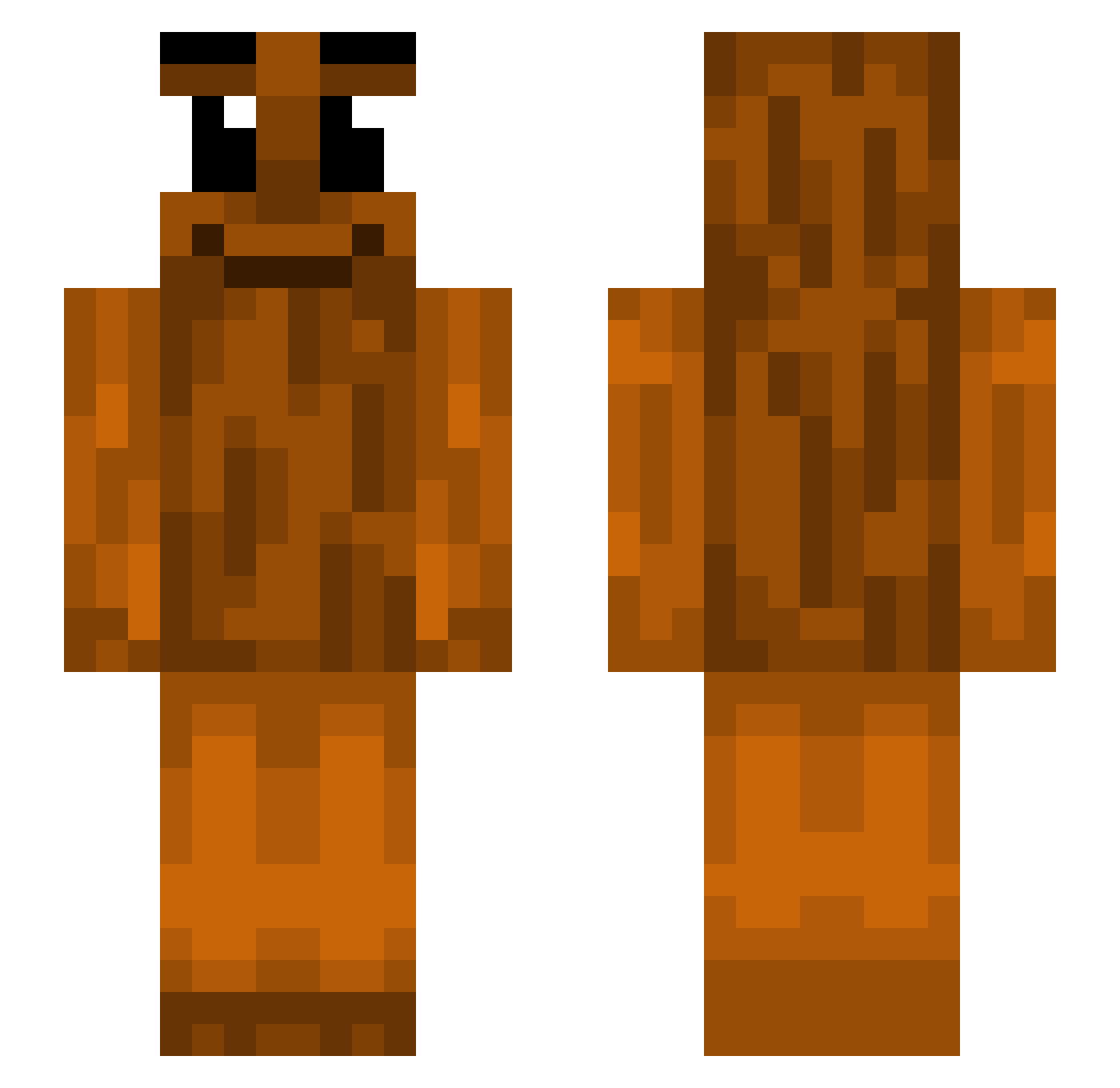
Current Minecraft skin of the player Bignuts115, loaded from the official Mojang API. Rotate the 3D model with your mouse or finger, then download the skin as a PNG file and use it in Minecraft: Bedrock Edition or Java Edition for free. When Bignuts115 changes their skin, this page updates automatically and the old skin stays in the history below.
Other players with this skin (390)
Bignuts115 was the 237th player we have seen with this skin, first spotted on 21.09.2026. The same skin was seen on these players. Open a nickname to see their current skin and skin history.
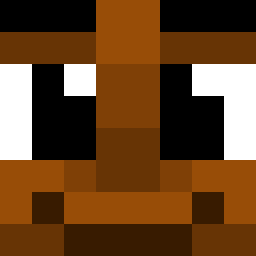 Cachorrao1233 hypxxv veganbigmac Matrexox_3 DRock101 Stuffty WMWheeler tomatoguy123 vichotloz Baum1203 ArrowGuy123 Krag5269 Slimerdimer dygdetikern25 YeEnthusiast LesbianNeeko FRANIASTY1 Starzo_ Mopeyduke kolokolo_0 realjway ItsMxrqo dederrza jungl3patr0l r2lucki Kris7718 victim29 FenaSeverim1_1 TungTungSahur825 Plasma_Gamer123 XAVII3RW0LF topdihmezz ThatsOneCrazyKid qmue leansych Farr420 covesz bigboiyost fabinkkkk milkaholic60000 Bonobo64 Call_Me_OaK Granosz lodzioYT shr0m MusiKutteri zSkersh sangu1ne0_o ZekRin GlibberMan07 oZurxx lamnatos_ firatsabotajj Fulrus bananablender14 love_osaczekl weltkriege damukeloom Veer0328 Dylbobaggins904
More Oak Log Minecraft skins
How to install the Bignuts115 skin
- Press the Download button above to save the skin as a PNG file.
- Minecraft: Bedrock Edition (PE): open the Dressing Room from the main menu (or tap your character → Edit Character), go to Classic Skins → Owned, press the + (new skin) button, choose the downloaded PNG and pick the Slim (Alex) model. Works on PC and mobile; consoles cannot import custom skins.
- Minecraft: Java Edition: open the Minecraft Launcher, go to the Skins tab, click New Skin, load the PNG, pick the Slim (Alex) model and press Save & Use. You can also upload it at minecraft.net → Profile → Change Skin.
The skin does not show up after import - what should I do?
Restart Minecraft and open the Dressing Room again - imported skins sometimes appear only after a restart. Also make sure you selected the imported skin and picked the Slim (Alex) model.
Which model should I choose, Classic or Slim?
This skin is designed for the Slim (Alex) model. If you pick the wrong model, the arms of the skin will look stretched or squeezed.
Is the skin of Bignuts115 free to download?
Yes. Press Download, save the PNG file and use it in Minecraft: Bedrock Edition or Java Edition - no payment or registration needed. The skin also works on multiplayer servers and Realms.
More skins
Looking for more? Go back to all Minecraft skins and check the top skins of the week, month and all time, or find any player's skin by nickname.