
BigGraphite - Minecraft Skins & Skin History
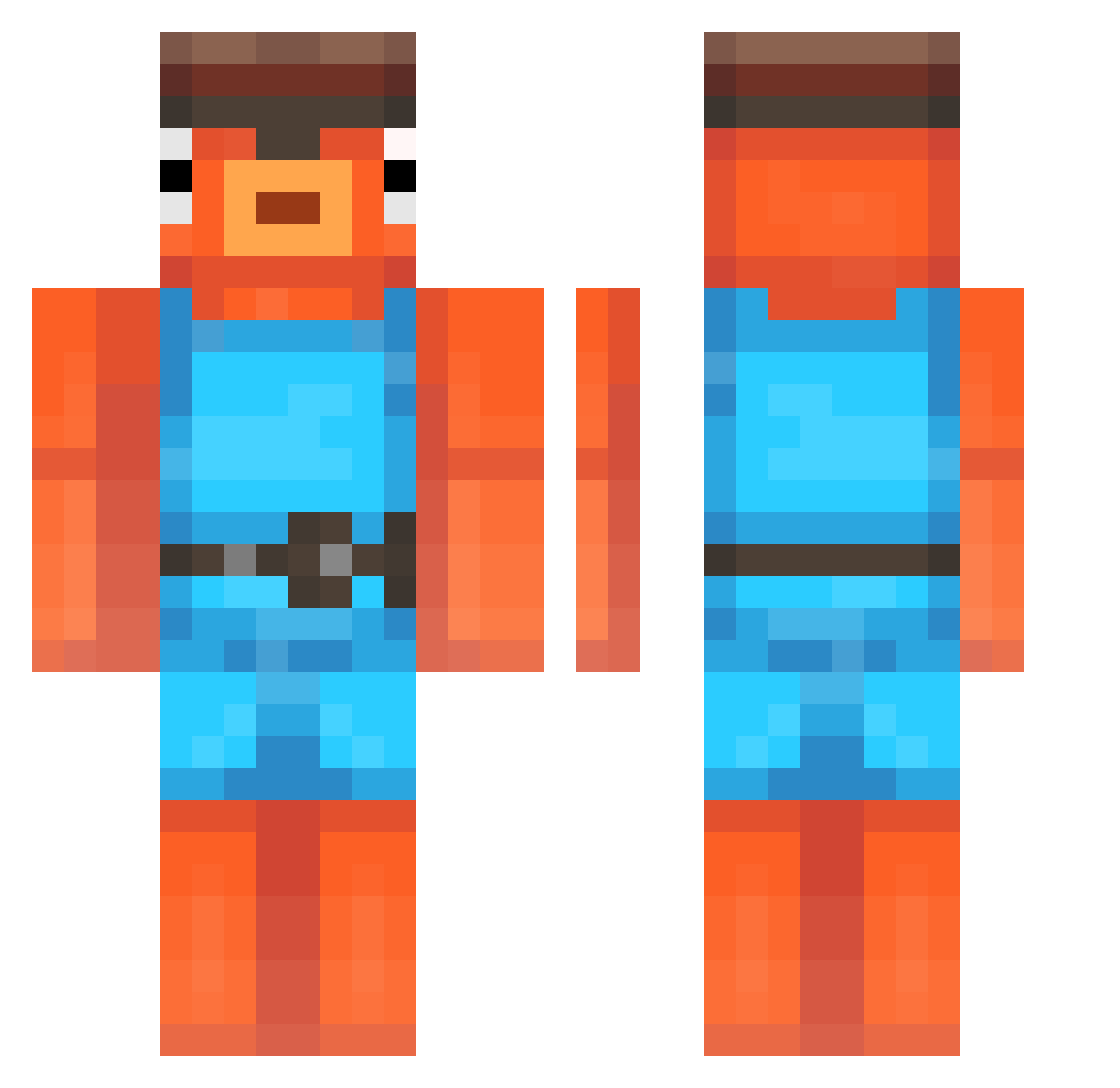
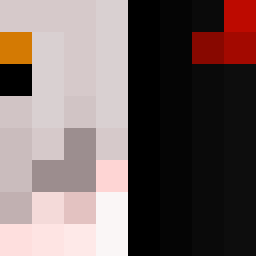
Current Minecraft skin of the player BigGraphite, loaded from the official Mojang API. Rotate the 3D model with your mouse or finger, then download the skin as a PNG file and use it in Minecraft: Bedrock Edition or Java Edition for free. When BigGraphite changes their skin, this page updates automatically and the old skin stays in the history below.
Other players with this skin (200)
BigGraphite was the 73rd player we have seen with this skin, first spotted on 29.08.2026. The same skin was seen on these players. Open a nickname to see their current skin and skin history.
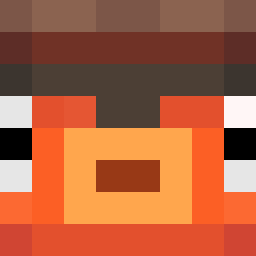 zroi Choluh hcox69
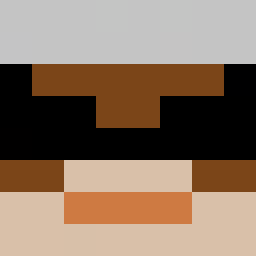 Taisster
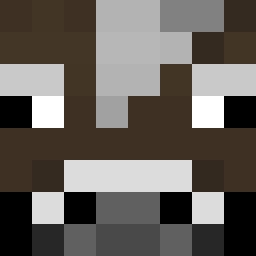 BioSeer
 xq415 bambi27321 Mael7020 SudsyGiraffe
 loocusx Poxocrox pinkpigment
 NoaMalka kikobravo08 David11_63 MAHBUUB GarrBarr5932 thedog44 tjdgns2 Sprite1 Thefox_Ytb Cemen__bakin ADV3L CowsJuice zksf SamnSoph RobloxerOwen PanchoAesthetic Aquariia
 barti67 BlueBuny kristoffer128 hal3d CherryChel m14s goremlinowaty YdarbCute Surfperch poliangle
 123_ABC_123 PutteHumsen MiguehWesT A499 bhaiya abadtyme gcesu notmonkeh loli_pof Turtle9456 Midget_Man69 Kepto IntroducingFlava N4F5 Doodleman76 Its_rx Frosty_The_4th TJKW vetlo2 dadioh RybaFotnite
More Fishstick Minecraft skins
How to install the BigGraphite skin
- Press the Download button above to save the skin as a PNG file.
- Minecraft: Bedrock Edition (PE): open the Dressing Room from the main menu (or tap your character → Edit Character), go to Classic Skins → Owned, press the + (new skin) button, choose the downloaded PNG and pick the Classic (Steve) model. Works on PC and mobile; consoles cannot import custom skins.
- Minecraft: Java Edition: open the Minecraft Launcher, go to the Skins tab, click New Skin, load the PNG, pick the Classic (Steve) model and press Save & Use. You can also upload it at minecraft.net → Profile → Change Skin.
The skin does not show up after import - what should I do?
Restart Minecraft and open the Dressing Room again - imported skins sometimes appear only after a restart. Also make sure you selected the imported skin and picked the Classic (Steve) model.
Which model should I choose, Classic or Slim?
This skin is designed for the Classic (Steve) model. If you pick the wrong model, the arms of the skin will look stretched or squeezed.
Is the skin of BigGraphite free to download?
Yes. Press Download, save the PNG file and use it in Minecraft: Bedrock Edition or Java Edition - no payment or registration needed. The skin also works on multiplayer servers and Realms.
More skins
Looking for more? Go back to all Minecraft skins and check the top skins of the week, month and all time, or find any player's skin by nickname.