
BigCloudz - Minecraft Skins & Skin History
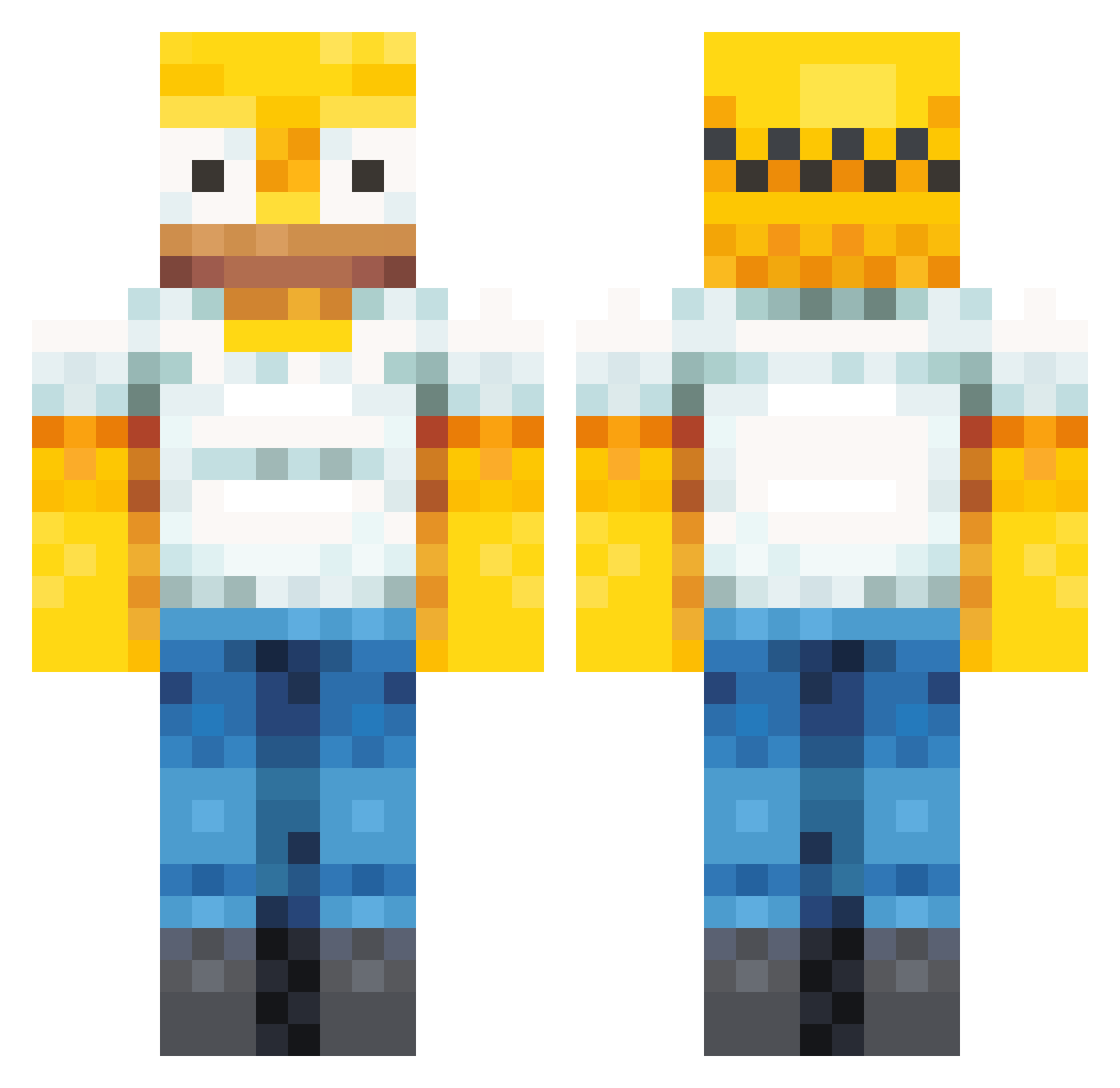
Current Minecraft skin of the player BigCloudz, loaded from the official Mojang API. Rotate the 3D model with your mouse or finger, then download the skin as a PNG file and use it in Minecraft: Bedrock Edition or Java Edition for free. When BigCloudz changes their skin, this page updates automatically and the old skin stays in the history below.
Other players with this skin (358)
BigCloudz was the 271st player we have seen with this skin, first spotted on 04.10.2026. The same skin was seen on these players. Open a nickname to see their current skin and skin history.
 seowoong11 ERMONTA__ Lord_Kristifor ChowdaSlime bigman4realz Carson30_ Maor96 cjstrrt AsianDwarf1 MaxBerserk iv3rny Ewort_ Meeeekes Br4nFl4ke5 AGUSTIN1406 DudeCrucial Logilego89 RolledByXan cxd_sulli yzkznn Arandios3 OHNYANG hermenegildo006 JuliusIsGay Pombear04 Triggatoni uhsuhdude dragonfruit0307 Ragman2004 PresidentPinguu jarmojarmottaja AaronMoonRising Walker_945 emanuele1988 POLITEMONST17 XICOBALANCEADO CoolArmyGuy Sharpping Hopfengebraeu Luckuy Vanetooth ely_boy SolidConcrete4 KarimaBegum kittenloves999 Baxterdon Bartelomeuswag Hugo_0v Genitaal Dsplif UncleChowder spiderslayervii RealT3KN0 Gleeok92 ShawnGotBailed Baldmartin333 Anoying1 Gagou49 Mimmbley GoodtimePaul
More Homer Simpson Minecraft skins
See all 284 Homer Simpson skins
How to install the BigCloudz skin
- Press the Download button above to save the skin as a PNG file.
- Minecraft: Bedrock Edition (PE): open the Dressing Room from the main menu (or tap your character → Edit Character), go to Classic Skins → Owned, press the + (new skin) button, choose the downloaded PNG and pick the Classic (Steve) model. Works on PC and mobile; consoles cannot import custom skins.
- Minecraft: Java Edition: open the Minecraft Launcher, go to the Skins tab, click New Skin, load the PNG, pick the Classic (Steve) model and press Save & Use. You can also upload it at minecraft.net → Profile → Change Skin.
The skin does not show up after import - what should I do?
Restart Minecraft and open the Dressing Room again - imported skins sometimes appear only after a restart. Also make sure you selected the imported skin and picked the Classic (Steve) model.
Which model should I choose, Classic or Slim?
This skin is designed for the Classic (Steve) model. If you pick the wrong model, the arms of the skin will look stretched or squeezed.
Is the skin of BigCloudz free to download?
Yes. Press Download, save the PNG file and use it in Minecraft: Bedrock Edition or Java Edition - no payment or registration needed. The skin also works on multiplayer servers and Realms.
More skins
Looking for more? Go back to all Minecraft skins and check the top skins of the week, month and all time, or find any player's skin by nickname.