
BigBillHecc - Minecraft Skins & Skin History
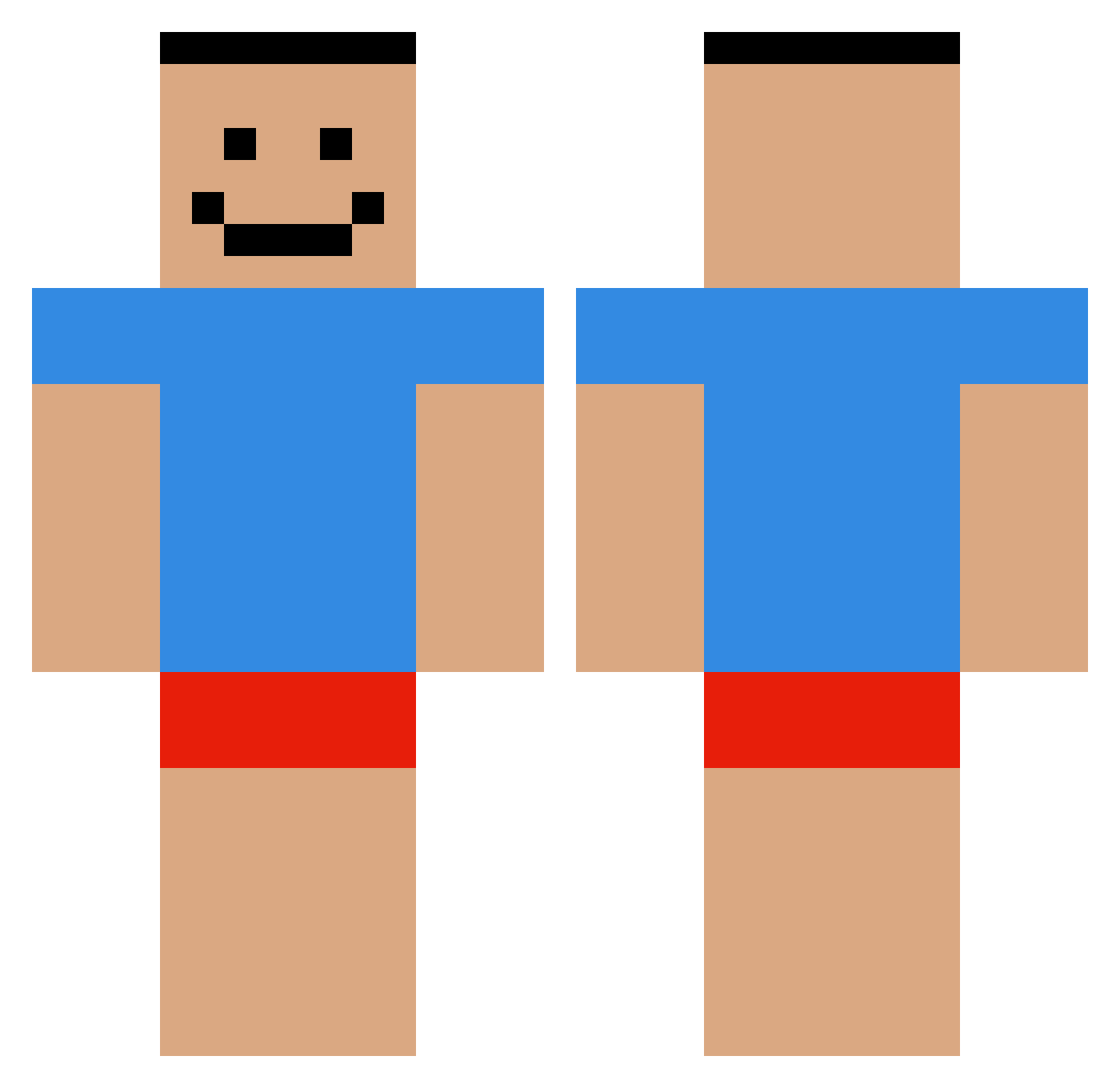
Current Minecraft skin of the player BigBillHecc, loaded from the official Mojang API. Rotate the 3D model with your mouse or finger, then download the skin as a PNG file and use it in Minecraft: Bedrock Edition or Java Edition for free. When BigBillHecc changes their skin, this page updates automatically and the old skin stays in the history below.
Other players with this skin (478)
BigBillHecc was the 225th player we have seen with this skin, first spotted on 11.09.2026. The same skin was seen on these players. Open a nickname to see their current skin and skin history.
 lil_nru Agent_Off EmCBilly SlinkyData46305 Dopation Dragon757575 Kyfrel flaff0 JaydeGemini fr6zn AdiTheKing123 holylollo BlossomAss dotu11 SaltyMilky 1mikciu i777th TheBigHead BIG_L0LL0X JUNFENG77 dahneq choiyoon1213 austin2799 GEEKER90 OPtswozzle69 ReZo_DriZzLe_YT MCChleba kolton004 ImS0rryMsJackson piyoter D4t1guy jong159 NissanSilviaS13 Phoenix70 samurai219 xmxm09 juhak0306 lukasprimedition E_jibbung AAAAAAGGHHHHH dlxogns1215 ch1taas aidanownsu JcHernandez ChunkyCookie88 FreezerDeezNugg sunro12 NeonB0t17 harambezander thicklatino LigmaLegends _kec AyaanGaminn5 Suspectless Neclaar TravvyPattty69 TakibiSa mmcblank CheekyMonkey448 TobLanders
How to install the BigBillHecc skin
- Press the Download button above to save the skin as a PNG file.
- Minecraft: Bedrock Edition (PE): open the Dressing Room from the main menu (or tap your character → Edit Character), go to Classic Skins → Owned, press the + (new skin) button, choose the downloaded PNG and pick the Classic (Steve) model. Works on PC and mobile; consoles cannot import custom skins.
- Minecraft: Java Edition: open the Minecraft Launcher, go to the Skins tab, click New Skin, load the PNG, pick the Classic (Steve) model and press Save & Use. You can also upload it at minecraft.net → Profile → Change Skin.
The skin does not show up after import - what should I do?
Restart Minecraft and open the Dressing Room again - imported skins sometimes appear only after a restart. Also make sure you selected the imported skin and picked the Classic (Steve) model.
Which model should I choose, Classic or Slim?
This skin is designed for the Classic (Steve) model. If you pick the wrong model, the arms of the skin will look stretched or squeezed.
Is the skin of BigBillHecc free to download?
Yes. Press Download, save the PNG file and use it in Minecraft: Bedrock Edition or Java Edition - no payment or registration needed. The skin also works on multiplayer servers and Realms.
More skins
Looking for more? Go back to all Minecraft skins and check the top skins of the week, month and all time, or find any player's skin by nickname.