
Bewaretheg - Minecraft Skins & Skin History
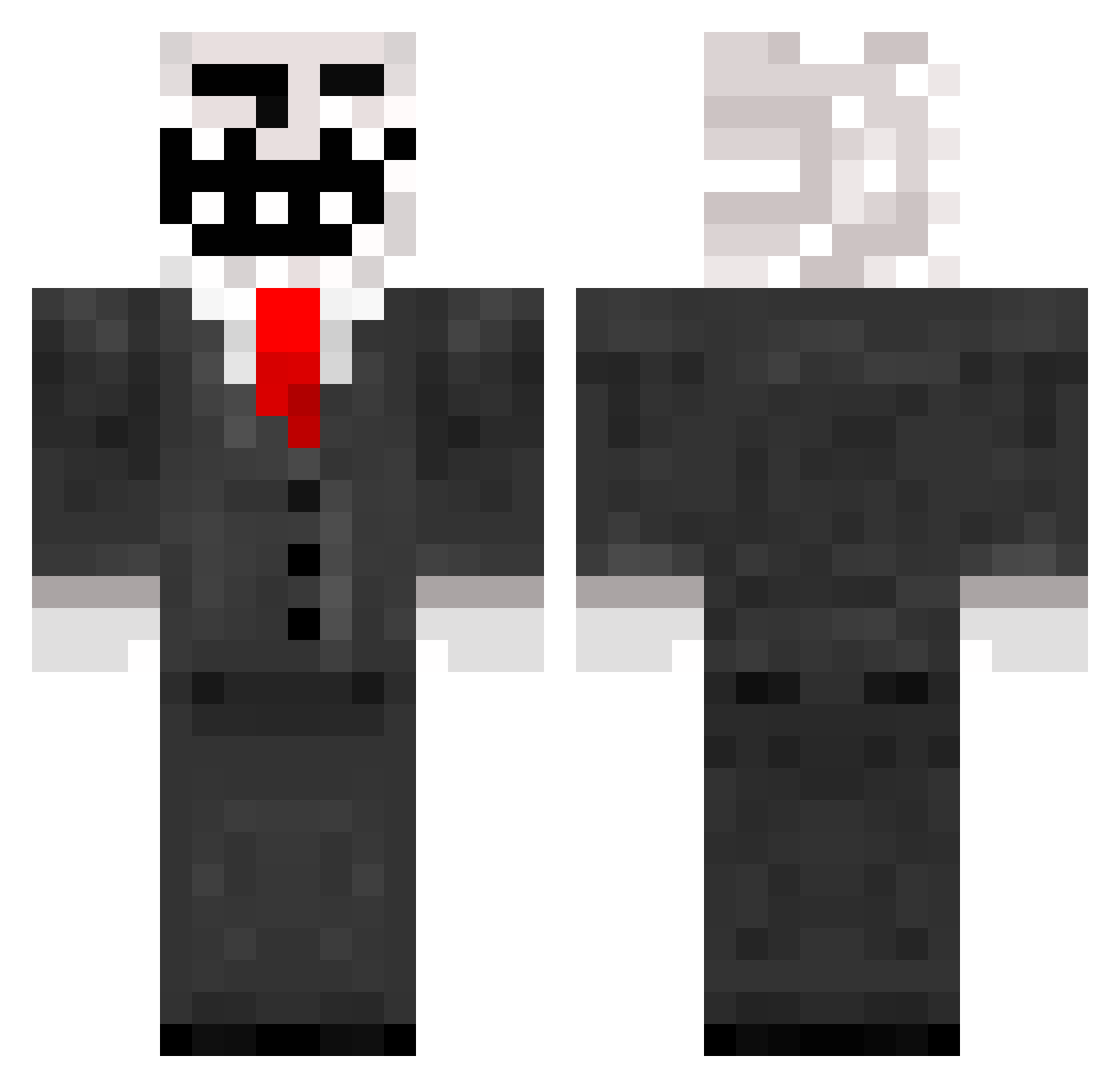
Current Minecraft skin of the player Bewaretheg, loaded from the official Mojang API. Rotate the 3D model with your mouse or finger, then download the skin as a PNG file and use it in Minecraft: Bedrock Edition or Java Edition for free. When Bewaretheg changes their skin, this page updates automatically and the old skin stays in the history below.
Other players with this skin (259)
Bewaretheg was the 31st player we have seen with this skin, first spotted on 08.08.2026. The same skin was seen on these players. Open a nickname to see their current skin and skin history.
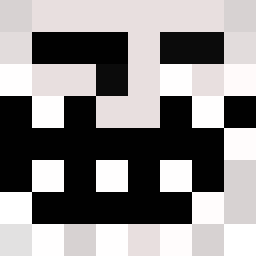 kapellen465 FlyingPig104 CLundgren PapaSmurfXx wasabimobi12 rmtx LaZocka Gruztav MalteseCoNiFeRs Creeper_link oliy_0800 slick4516 TheTrollerBoy2 matty19035 grant56 fatvinay Underx13377 BisforBryce JoelAunix brandonbrooks2 MelonenLP _Ploup_ pepeisfun _superman_321 Koowhip LordKirky turtlelover420 144A killerkai12 Ris3 Kevin_1995 howard881216 o3oMaster671 Harakat00 destroyer7105 SakkeGG enhancedblack jordanherbert Rising_Ego xMeLLzzz Lillstig DeathByBlackHole Annularity jfjack110 The_Punisher6969 xavierpdf JackCrush CosmiC_Eclipse RealChadKing hcpwner42 Supernova_Z MrDeathhimself billybob3423 likeabosssss goochy16 iVip Keepertje026 colinsbutter Patrick999 isaacmonas
More Trollface Minecraft skins
How to install the Bewaretheg skin
- Press the Download button above to save the skin as a PNG file.
- Minecraft: Bedrock Edition (PE): open the Dressing Room from the main menu (or tap your character → Edit Character), go to Classic Skins → Owned, press the + (new skin) button, choose the downloaded PNG and pick the Classic (Steve) model. Works on PC and mobile; consoles cannot import custom skins.
- Minecraft: Java Edition: open the Minecraft Launcher, go to the Skins tab, click New Skin, load the PNG, pick the Classic (Steve) model and press Save & Use. You can also upload it at minecraft.net → Profile → Change Skin.
The skin does not show up after import - what should I do?
Restart Minecraft and open the Dressing Room again - imported skins sometimes appear only after a restart. Also make sure you selected the imported skin and picked the Classic (Steve) model.
Which model should I choose, Classic or Slim?
This skin is designed for the Classic (Steve) model. If you pick the wrong model, the arms of the skin will look stretched or squeezed.
Is the skin of Bewaretheg free to download?
Yes. Press Download, save the PNG file and use it in Minecraft: Bedrock Edition or Java Edition - no payment or registration needed. The skin also works on multiplayer servers and Realms.
More skins
Looking for more? Go back to all Minecraft skins and check the top skins of the week, month and all time, or find any player's skin by nickname.