
BestMate2003 - Minecraft Skins & Skin History
Current Minecraft skin of the player BestMate2003, loaded from the official Mojang API. Rotate the 3D model with your mouse or finger, then download the skin as a PNG file and use it in Minecraft: Bedrock Edition or Java Edition for free. When BestMate2003 changes their skin, this page updates automatically and the old skin stays in the history below.
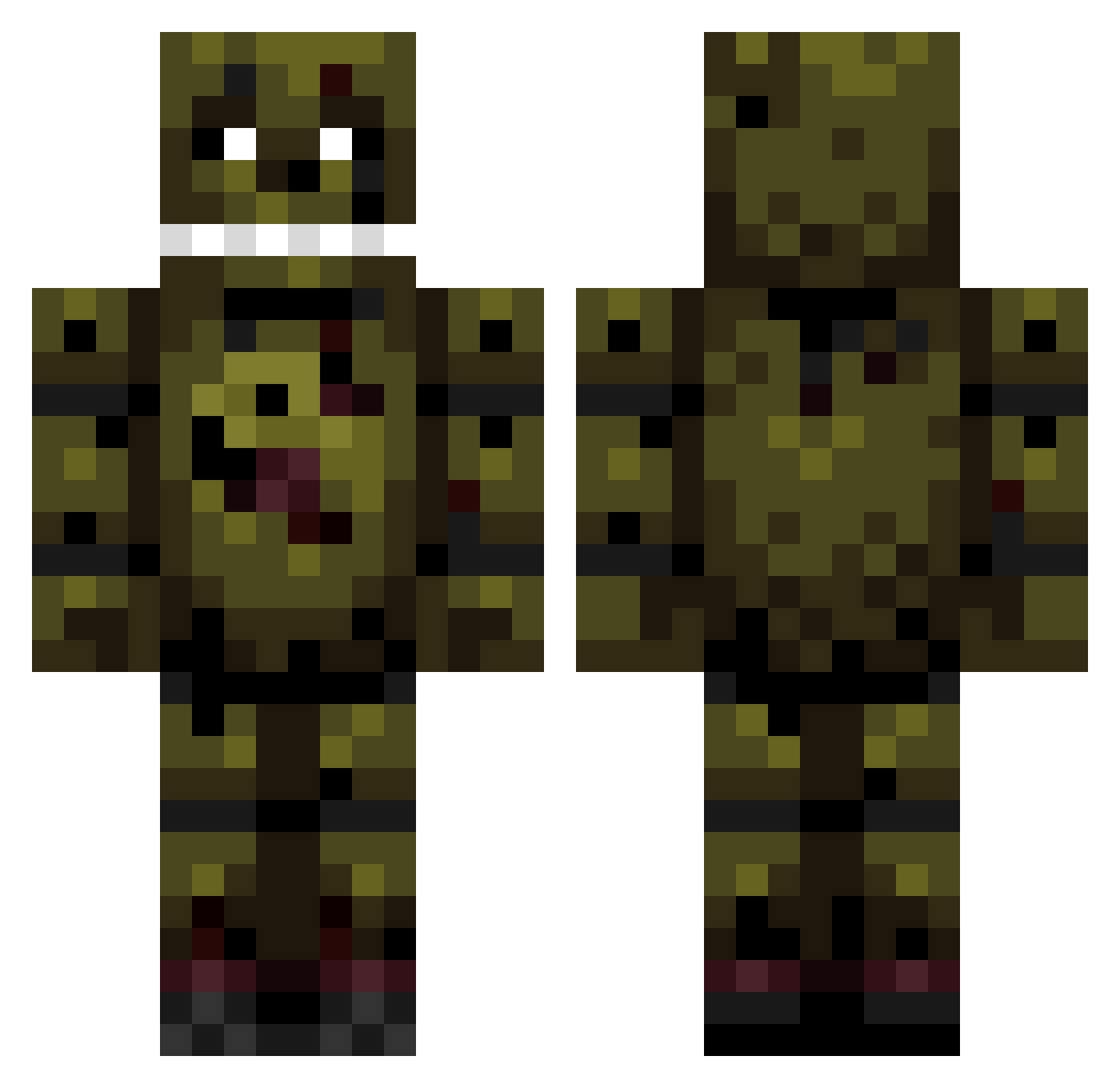
Other players with this skin (159)
BestMate2003 was the 90th player we have seen with this skin, first spotted on 27.09.2026. The same skin was seen on these players. Open a nickname to see their current skin and skin history.
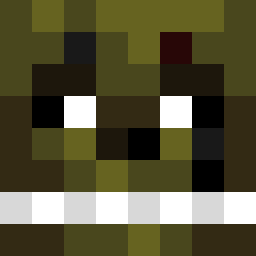 BadBadger428 donpollo1323 NiteStrike1000 Wockyy_Slush101 Mitchell00112 sevenvalgamer7G Acorn11115 Spxeedy Acryo Alexem55 ColtraneTV Dr_Detonation Xartemon426 burntrap_58 OctaganalArdvark Springtrap0145 G1asc MrGamer347 Garex0 Jayjames178 RamenNuudls gueang007 MildChillester JDRowland2 CheeringShark52 DanyckB Vexicek Bismark24 oRenzei Judo2k8 bluedove1967 Samuconner Serbirt Poobinss AMONGUS2137 marioo999 Bocrux SanIsHereYT syo1_ egg_101 Black_Luigiii LEBB_1 mikolaj911 Raindays7 HUGO345 adewwieboy wyattn69 AdrienKjer Niuwell TCMDom JohnnyValiant22 RatRussy orixon09 Ialwayscome GreedBiscuit Candeloro Janfrota sweetboy303 HUNTER1978160 yvxrn
More Springtrap Minecraft skins
How to install the BestMate2003 skin
- Press the Download button above to save the skin as a PNG file.
- Minecraft: Bedrock Edition (PE): open the Dressing Room from the main menu (or tap your character → Edit Character), go to Classic Skins → Owned, press the + (new skin) button, choose the downloaded PNG and pick the Classic (Steve) model. Works on PC and mobile; consoles cannot import custom skins.
- Minecraft: Java Edition: open the Minecraft Launcher, go to the Skins tab, click New Skin, load the PNG, pick the Classic (Steve) model and press Save & Use. You can also upload it at minecraft.net → Profile → Change Skin.
The skin does not show up after import - what should I do?
Restart Minecraft and open the Dressing Room again - imported skins sometimes appear only after a restart. Also make sure you selected the imported skin and picked the Classic (Steve) model.
Which model should I choose, Classic or Slim?
This skin is designed for the Classic (Steve) model. If you pick the wrong model, the arms of the skin will look stretched or squeezed.
Is the skin of BestMate2003 free to download?
Yes. Press Download, save the PNG file and use it in Minecraft: Bedrock Edition or Java Edition - no payment or registration needed. The skin also works on multiplayer servers and Realms.
More skins
Looking for more? Go back to all Minecraft skins and check the top skins of the week, month and all time, or find any player's skin by nickname.