
Beserkfury - Minecraft Skins & Skin History
Current Minecraft skin of the player Beserkfury, loaded from the official Mojang API. Rotate the 3D model with your mouse or finger, then download the skin as a PNG file and use it in Minecraft: Bedrock Edition or Java Edition for free. When Beserkfury changes their skin, this page updates automatically and the old skin stays in the history below.
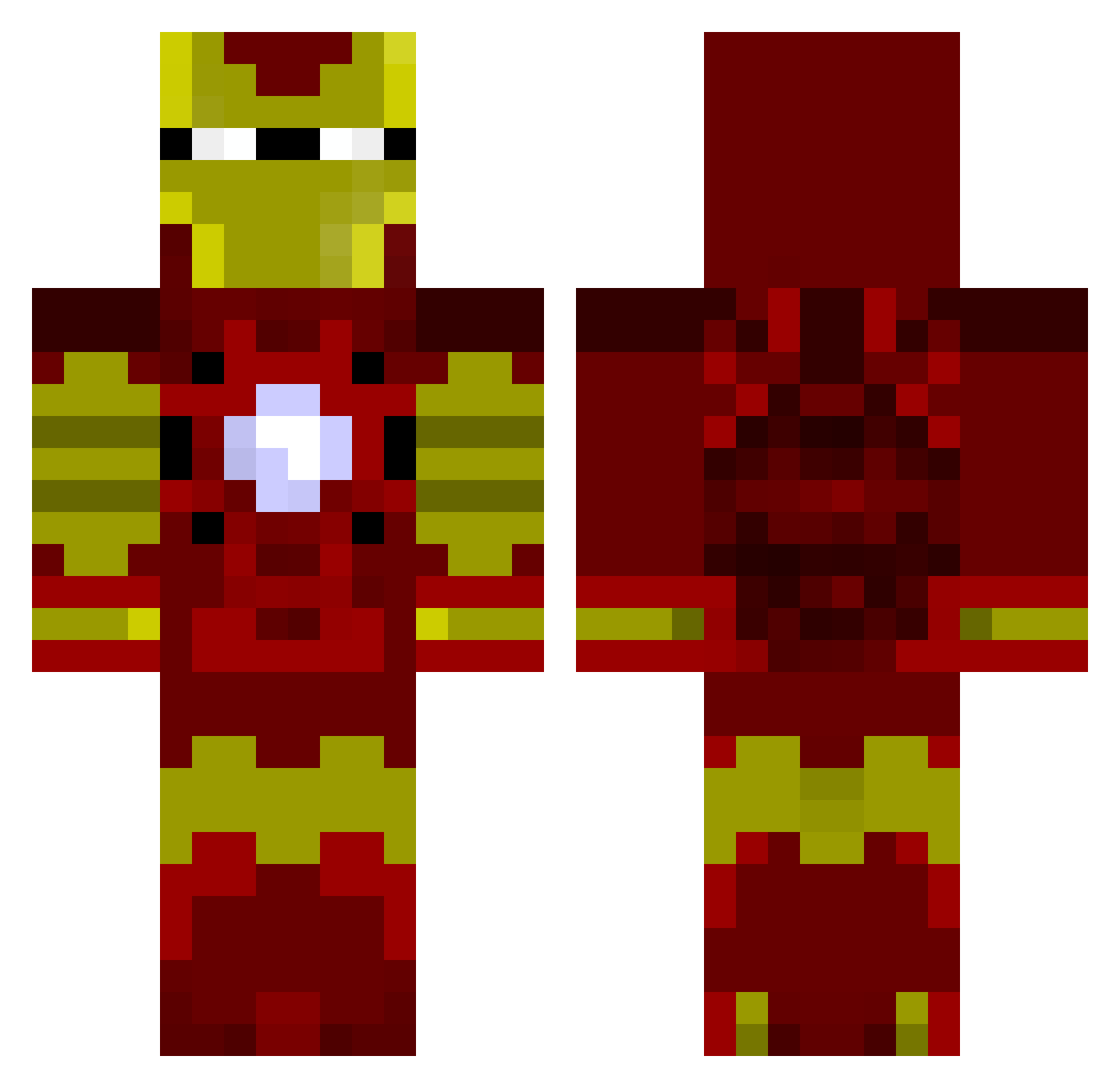
Other players with this skin (805)
Beserkfury was the 531st player we have seen with this skin, first spotted on 25.09.2026. The same skin was seen on these players. Open a nickname to see their current skin and skin history.
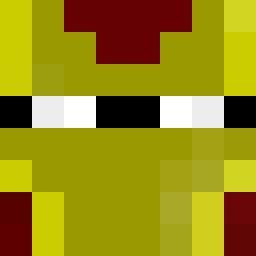 WattTaylor bikiniman ErgerBerger Fwaitl SiDdAsLoTh7 matheusssales maazhar cityforever98 jakefoxx CptTeeBag Doolan249 D4NGLESNIPECELLY BradenRobert jumbunna FruityPickle AnarchyPenguin Cruel_potato C_Soer SPART4N93 imluism8 ThatboyNathan the_oskola Norelec7 Gobati Kavachi Danielmoy ryles316 ADeLsaN JupiterCyclops Irrival Zephyr010 Laros64 johng2107 cooper_fam cocochco SuperRyo DGD92 FreshAsFuk robinwever NRCeder nissiy AnonimousPY Anstice3 Silverstone007 ThomasK32 nativetotem wyldcard90 mike3999 scottish_whip MIA_Temp batman600 MF_Masta mrmarko247 Pokernight Rikiepaniekie TonyStark2304 stewaart sdykstra11 Eagle_33 Roving19
More Iron Man Minecraft skins
How to install the Beserkfury skin
- Press the Download button above to save the skin as a PNG file.
- Minecraft: Bedrock Edition (PE): open the Dressing Room from the main menu (or tap your character → Edit Character), go to Classic Skins → Owned, press the + (new skin) button, choose the downloaded PNG and pick the Classic (Steve) model. Works on PC and mobile; consoles cannot import custom skins.
- Minecraft: Java Edition: open the Minecraft Launcher, go to the Skins tab, click New Skin, load the PNG, pick the Classic (Steve) model and press Save & Use. You can also upload it at minecraft.net → Profile → Change Skin.
The skin does not show up after import - what should I do?
Restart Minecraft and open the Dressing Room again - imported skins sometimes appear only after a restart. Also make sure you selected the imported skin and picked the Classic (Steve) model.
Which model should I choose, Classic or Slim?
This skin is designed for the Classic (Steve) model. If you pick the wrong model, the arms of the skin will look stretched or squeezed.
Is the skin of Beserkfury free to download?
Yes. Press Download, save the PNG file and use it in Minecraft: Bedrock Edition or Java Edition - no payment or registration needed. The skin also works on multiplayer servers and Realms.
More skins
Looking for more? Go back to all Minecraft skins and check the top skins of the week, month and all time, or find any player's skin by nickname.