
Bernardoelbuitre - Minecraft Skins & Skin History
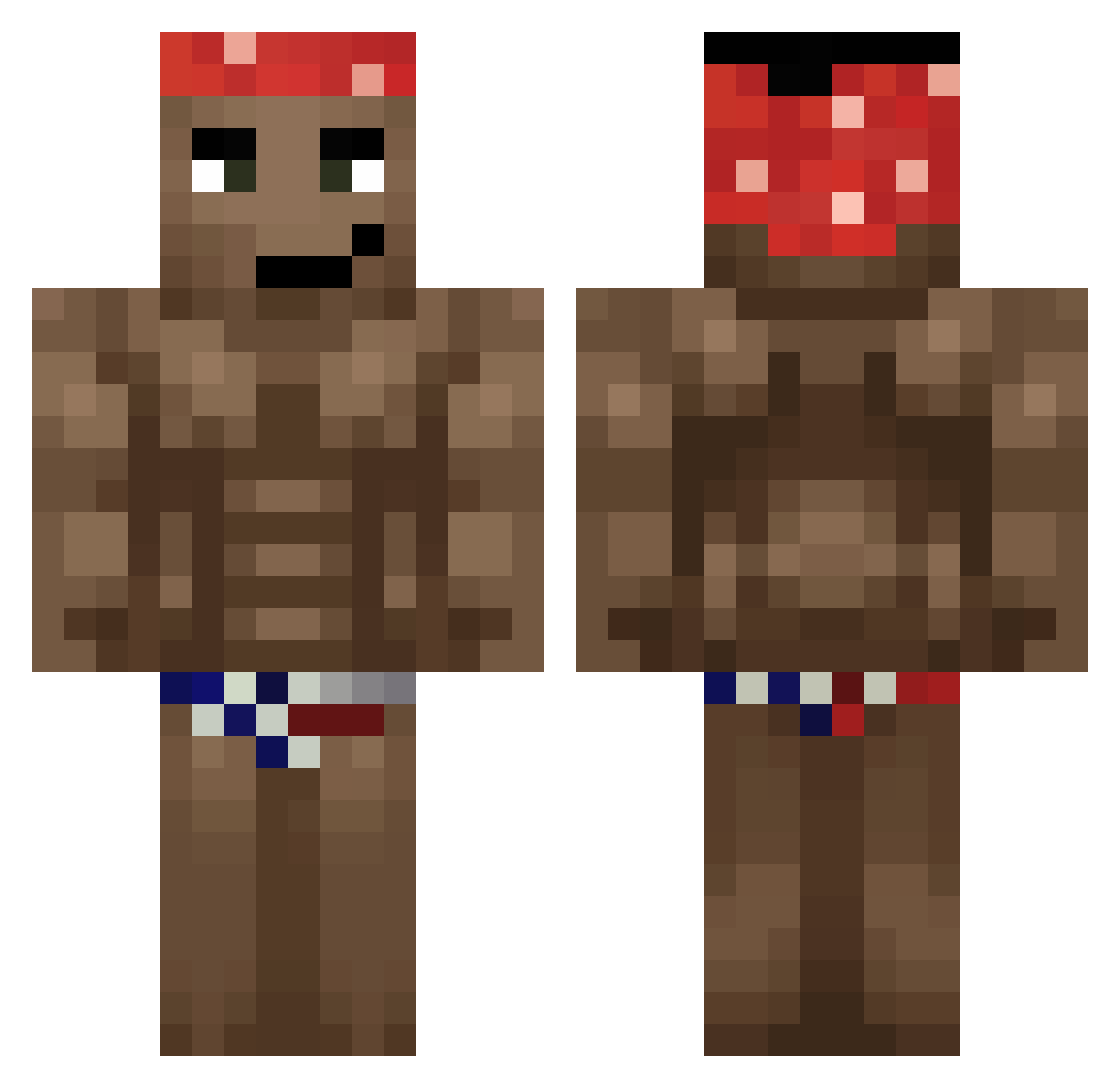
Current Minecraft skin of the player Bernardoelbuitre, loaded from the official Mojang API. Rotate the 3D model with your mouse or finger, then download the skin as a PNG file and use it in Minecraft: Bedrock Edition or Java Edition for free. When Bernardoelbuitre changes their skin, this page updates automatically and the old skin stays in the history below.
Other players with this skin (541)
Bernardoelbuitre was the 131st player we have seen with this skin, first spotted on 14.08.2026. The same skin was seen on these players. Open a nickname to see their current skin and skin history.
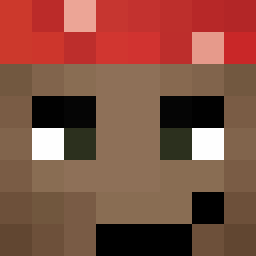 Witarak XXJeysoonXX Olomanek AmezedShark arutensan LucboyRage Heleghen Iliminator007 exxx_ kroks1000__ Pinilla04 Kvcpfer cachondoofisial umut1232 Jano_boss RepublicaCheca rakusek Chorruxo Robiboss dasdaw233 CernySlunicko_ exitsz Lolipek UnMaya Choy__ Peter43078 BerkeCanKabatas Griddyforyukrain BODEGA_CONSUMER Klzinn28 Chongyys skinnyp3n15
 RAAZOOIE _Wener_ LittleAoy PiotrulaGG Fartsickles wexoas loletan_ EcUxela98 kkkaiser_ Kaesiwa Tarzaza25086 mauro963 Tomson7442 feetlicker234 Eliud190 MustafaErenK Ziansu Mirac_66 andreas2664 bigbenzo GoodIceTea Tzawolaru Mangolef JoNsTeRs Not_cyfe1309 NayXM tobio9092 blackchicken856
More Dancer Minecraft skins
How to install the Bernardoelbuitre skin
- Press the Download button above to save the skin as a PNG file.
- Minecraft: Bedrock Edition (PE): open the Dressing Room from the main menu (or tap your character → Edit Character), go to Classic Skins → Owned, press the + (new skin) button, choose the downloaded PNG and pick the Classic (Steve) model. Works on PC and mobile; consoles cannot import custom skins.
- Minecraft: Java Edition: open the Minecraft Launcher, go to the Skins tab, click New Skin, load the PNG, pick the Classic (Steve) model and press Save & Use. You can also upload it at minecraft.net → Profile → Change Skin.
The skin does not show up after import - what should I do?
Restart Minecraft and open the Dressing Room again - imported skins sometimes appear only after a restart. Also make sure you selected the imported skin and picked the Classic (Steve) model.
Which model should I choose, Classic or Slim?
This skin is designed for the Classic (Steve) model. If you pick the wrong model, the arms of the skin will look stretched or squeezed.
Is the skin of Bernardoelbuitre free to download?
Yes. Press Download, save the PNG file and use it in Minecraft: Bedrock Edition or Java Edition - no payment or registration needed. The skin also works on multiplayer servers and Realms.
More skins
Looking for more? Go back to all Minecraft skins and check the top skins of the week, month and all time, or find any player's skin by nickname.