
Bentreible - Minecraft Skins & Skin History
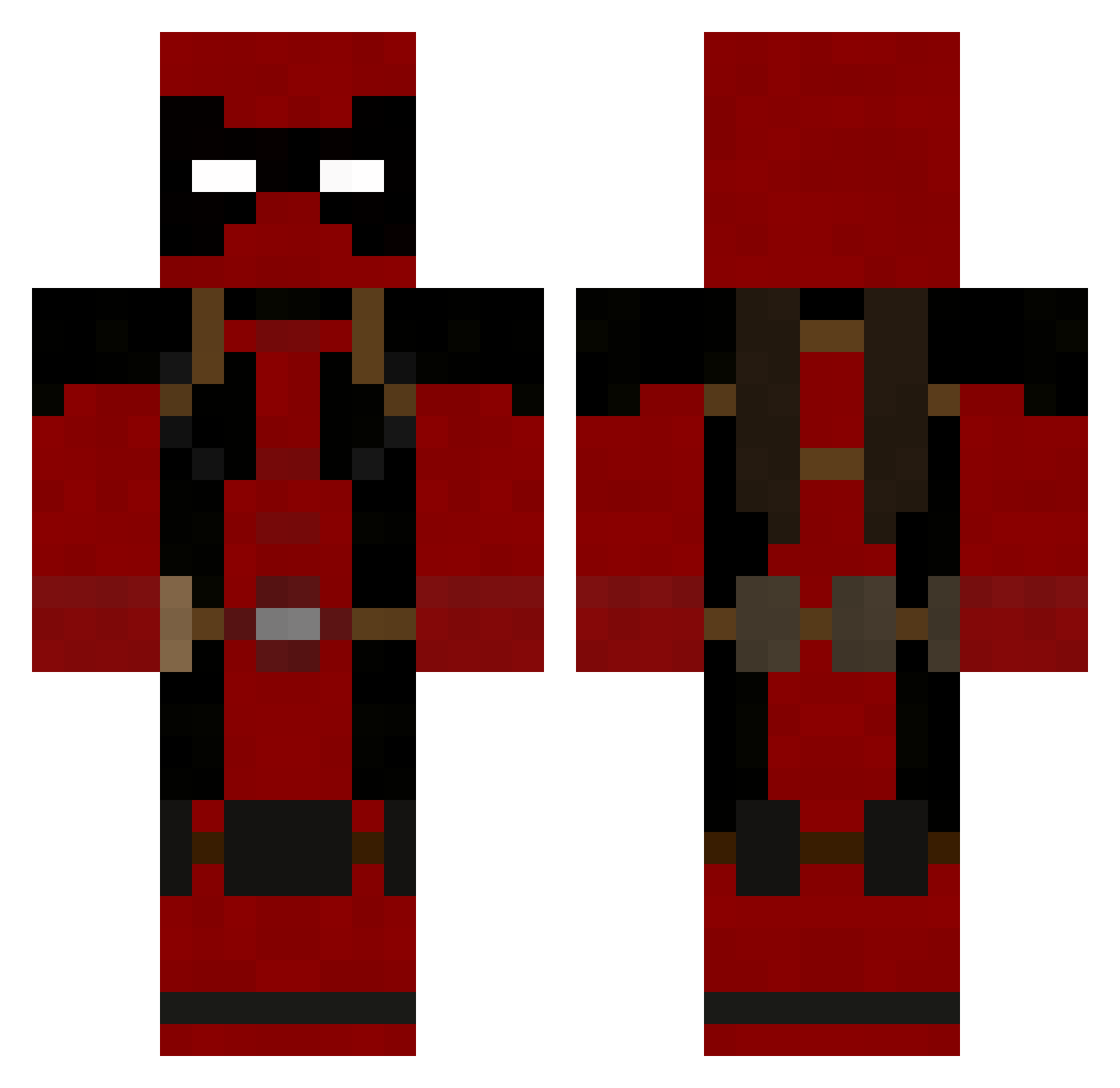
Current Minecraft skin of the player Bentreible, loaded from the official Mojang API. Rotate the 3D model with your mouse or finger, then download the skin as a PNG file and use it in Minecraft: Bedrock Edition or Java Edition for free. When Bentreible changes their skin, this page updates automatically and the old skin stays in the history below.
Other players with this skin (986)
Bentreible was the 885th player we have seen with this skin, first spotted on 04.11.2026. The same skin was seen on these players. Open a nickname to see their current skin and skin history.
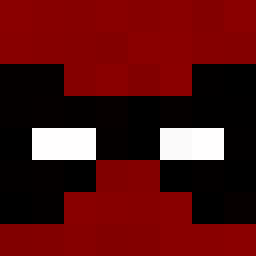 smile3110 kirikage iDiego20 xMsPho3nix mandalorianpool Lazorkrab SoHartless wellthatisodd DesKids legitboss12345 doodlewong darktutor spartanfam Dmonster_12 Khaos_King121 TehCaptain Legendary1031 MrDarkDruid Pandafantti AKhan74u berserker80 Rokcz sinderlin Procrumpets13 Rinshaw001 Alcotan Cland9stine Zekethekid1234 BToTheA Teagy_G lukiemansd HagridsBasket NINJABLADE404 Sir_Mine_A_Lot bigkid7 MatuzalenG IronSky77 jac134 joserico00 Alerav zouzou2000 killer_trik_shot AfroJerky LewissMarkleyy98 killfeast Froodzilla Mictian_Azrael crazyjake28 Smrouzouf thewolfsquad16 nobieone1 DONBROLY CaptainAwesome94 bmxpirate Devil1980 Braxton546 fifou96 Ir0nEagle LeKoopa WalkingTall98
More Deadpool Minecraft skins
How to install the Bentreible skin
- Press the Download button above to save the skin as a PNG file.
- Minecraft: Bedrock Edition (PE): open the Dressing Room from the main menu (or tap your character → Edit Character), go to Classic Skins → Owned, press the + (new skin) button, choose the downloaded PNG and pick the Classic (Steve) model. Works on PC and mobile; consoles cannot import custom skins.
- Minecraft: Java Edition: open the Minecraft Launcher, go to the Skins tab, click New Skin, load the PNG, pick the Classic (Steve) model and press Save & Use. You can also upload it at minecraft.net → Profile → Change Skin.
The skin does not show up after import - what should I do?
Restart Minecraft and open the Dressing Room again - imported skins sometimes appear only after a restart. Also make sure you selected the imported skin and picked the Classic (Steve) model.
Which model should I choose, Classic or Slim?
This skin is designed for the Classic (Steve) model. If you pick the wrong model, the arms of the skin will look stretched or squeezed.
Is the skin of Bentreible free to download?
Yes. Press Download, save the PNG file and use it in Minecraft: Bedrock Edition or Java Edition - no payment or registration needed. The skin also works on multiplayer servers and Realms.
More skins
Looking for more? Go back to all Minecraft skins and check the top skins of the week, month and all time, or find any player's skin by nickname.