
Bena1234567 - Minecraft Skins & Skin History
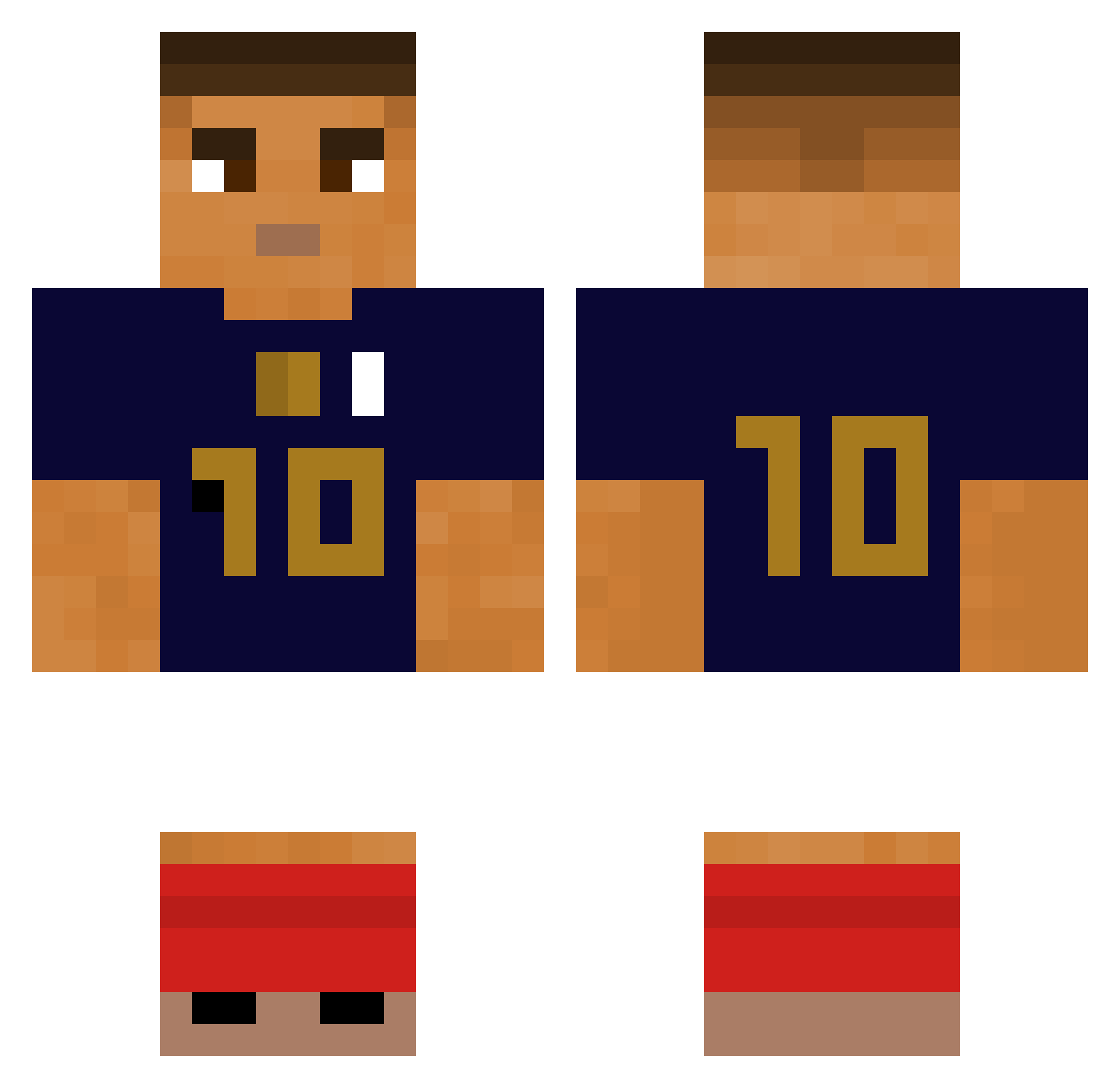
Current Minecraft skin of the player Bena1234567, loaded from the official Mojang API. Rotate the 3D model with your mouse or finger, then download the skin as a PNG file and use it in Minecraft: Bedrock Edition or Java Edition for free. When Bena1234567 changes their skin, this page updates automatically and the old skin stays in the history below.
Other players with this skin (280)
Bena1234567 was the 198th player we have seen with this skin, first spotted on 30.09.2026. The same skin was seen on these players. Open a nickname to see their current skin and skin history.
 SuccKilleLoser leezeus dartagnon2007 bluE23_ Campos mati88_ enzize AlexX776 Deeeaaaa d1d1n3 Howen2 Ineed14wives Dajosik Mizifi pedripotter8 ManuelRojas69 Makoprogamer fncarts synix100 solvit932 Teykz Birnardi_2 erendrn lelyoBGsupreme Baptiste0412 Synixx20 Ugww ptit_lou1s EDUARIRO22 Ztomia12 wazys2 811_Poland SePlayJ skyzen2909 Gotjd_916 WRLDmatheo L2ClxpEditz1 RokuGyo XXSC0RP10NXX Soyouzz_ Senwor mamaspvp super_eom EmirCany gyokan0906 Rutsan07 KexPlays_ K1ylian_Mbappe MbappeGoat777 Elio898 Tzenic Rosinha0121 axel0339 ogdiesel187 FVZ707 kykypesto thomas_lvl EunSeop0123 pla1boy FromLegendsToGod
More Kylian Mbappe Minecraft skins
See all 33 Kylian Mbappe skins
How to install the Bena1234567 skin
- Press the Download button above to save the skin as a PNG file.
- Minecraft: Bedrock Edition (PE): open the Dressing Room from the main menu (or tap your character → Edit Character), go to Classic Skins → Owned, press the + (new skin) button, choose the downloaded PNG and pick the Classic (Steve) model. Works on PC and mobile; consoles cannot import custom skins.
- Minecraft: Java Edition: open the Minecraft Launcher, go to the Skins tab, click New Skin, load the PNG, pick the Classic (Steve) model and press Save & Use. You can also upload it at minecraft.net → Profile → Change Skin.
The skin does not show up after import - what should I do?
Restart Minecraft and open the Dressing Room again - imported skins sometimes appear only after a restart. Also make sure you selected the imported skin and picked the Classic (Steve) model.
Which model should I choose, Classic or Slim?
This skin is designed for the Classic (Steve) model. If you pick the wrong model, the arms of the skin will look stretched or squeezed.
Is the skin of Bena1234567 free to download?
Yes. Press Download, save the PNG file and use it in Minecraft: Bedrock Edition or Java Edition - no payment or registration needed. The skin also works on multiplayer servers and Realms.
More skins
Looking for more? Go back to all Minecraft skins and check the top skins of the week, month and all time, or find any player's skin by nickname.