
BeestyBoy9 - Minecraft Skins & Skin History
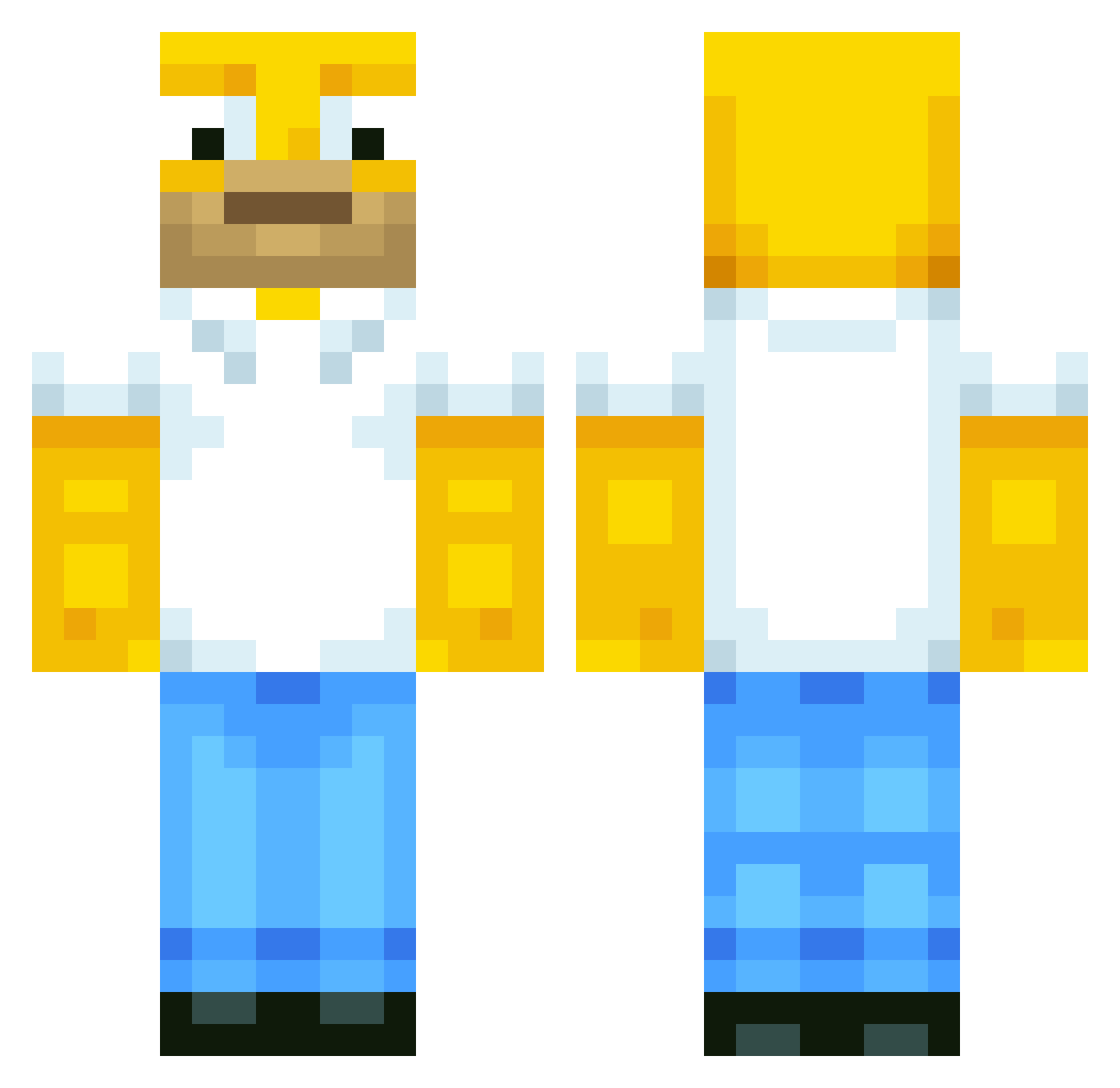
Current Minecraft skin of the player BeestyBoy9, loaded from the official Mojang API. Rotate the 3D model with your mouse or finger, then download the skin as a PNG file and use it in Minecraft: Bedrock Edition or Java Edition for free. When BeestyBoy9 changes their skin, this page updates automatically and the old skin stays in the history below.
Other players with this skin (513)
BeestyBoy9 was the 253rd player we have seen with this skin, first spotted on 09.09.2026. The same skin was seen on these players. Open a nickname to see their current skin and skin history.
 Eadlejuice Mr_bananas27 Maschevere sebacolo99 itsFatduck jamesbob767 RoyalFuZiOnZz ManelNogueira Bennibaer87 Paradox_Gamer Madinfo Willister2012 minivinni PARRAZYT JB123JB ABigStick __Bing__ Destructor9119 MrTaddy Tom_Bench supremeasseater Thomas200031 ulih Gronque ClassyAct alsace68 Marcusmadsen123 JsbJenkins ZXR_Val Borgemoen02 CarlosFRz Fin1337 theghost619 ImDaHulk Lazzar360 spikybanana sqwac Kang92 IWearCDG papaslagterdig aariv1 CurtisCustoms KyleLaporte Popielatte crashworth26 harrycook TornadoTazz Buffey123 McPea BrenoNaves afratos misteurcassoulet kuledud33 TanteGuri Psychedelicx luckyminer17 zombiefromnike10 carlsen1234 homer1234567 julienn02
More Homer Simpson Minecraft skins
See all 283 Homer Simpson skins
How to install the BeestyBoy9 skin
- Press the Download button above to save the skin as a PNG file.
- Minecraft: Bedrock Edition (PE): open the Dressing Room from the main menu (or tap your character → Edit Character), go to Classic Skins → Owned, press the + (new skin) button, choose the downloaded PNG and pick the Classic (Steve) model. Works on PC and mobile; consoles cannot import custom skins.
- Minecraft: Java Edition: open the Minecraft Launcher, go to the Skins tab, click New Skin, load the PNG, pick the Classic (Steve) model and press Save & Use. You can also upload it at minecraft.net → Profile → Change Skin.
The skin does not show up after import - what should I do?
Restart Minecraft and open the Dressing Room again - imported skins sometimes appear only after a restart. Also make sure you selected the imported skin and picked the Classic (Steve) model.
Which model should I choose, Classic or Slim?
This skin is designed for the Classic (Steve) model. If you pick the wrong model, the arms of the skin will look stretched or squeezed.
Is the skin of BeestyBoy9 free to download?
Yes. Press Download, save the PNG file and use it in Minecraft: Bedrock Edition or Java Edition - no payment or registration needed. The skin also works on multiplayer servers and Realms.
More skins
Looking for more? Go back to all Minecraft skins and check the top skins of the week, month and all time, or find any player's skin by nickname.