
BangBr0 - Minecraft Skins & Skin History
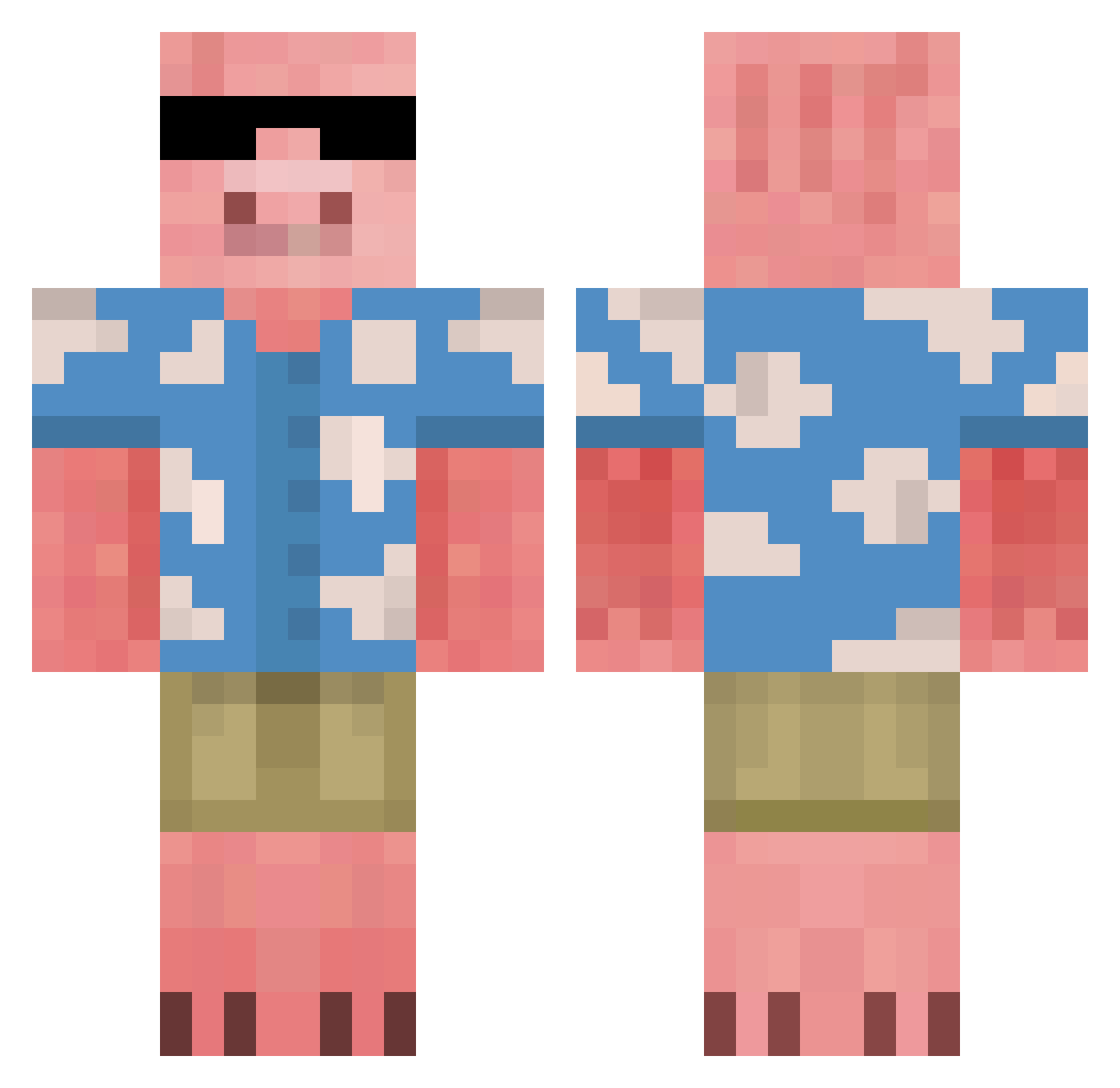
Current Minecraft skin of the player BangBr0, loaded from the official Mojang API. Rotate the 3D model with your mouse or finger, then download the skin as a PNG file and use it in Minecraft: Bedrock Edition or Java Edition for free. When BangBr0 changes their skin, this page updates automatically and the old skin stays in the history below.
Other players with this skin (676)
BangBr0 was the 229th player we have seen with this skin, first spotted on 29.08.2026. The same skin was seen on these players. Open a nickname to see their current skin and skin history.
 RealMaggo Marcos1703 ImTeeps 0815typ averytbhhhh1 Sizgi CarstenPT LoveSalsa31 mintygrl DeeSmizzy RepkinTIM rogalddl2x48 PHYZE_ Dapig8 HiddenIceBlock zadasi ANTE97 Tomz27 HTXGODLY xiebai xHalfMe MrTwoMazza Riskyglue xTheBullDog LAMS2310 Dragty5 LeugiMil drums4life Executioner1249 bravoo jbfneto Fxalio serosann haim1000 FalcioniM Darkjol PiRinseN StevenThePig jeffjeff1313 WhoaTooViolent poopyhead1003 jaw_knee_bee
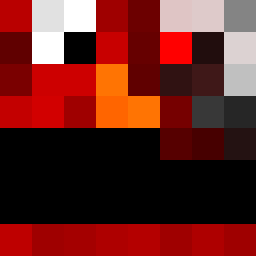 kyynine Pepstien BigMoneyNoLapis Subaru_Kung Marwinioos ElTaquito30 HSlim1 rkdtjdcjf KalebMFReid InfiniteProblems ZeroWritten Vaniiity SenorCrentist Kempesss Spoingi NotMyron ig_himiloszx ArkarianUK
More Piglin Minecraft skins
How to install the BangBr0 skin
- Press the Download button above to save the skin as a PNG file.
- Minecraft: Bedrock Edition (PE): open the Dressing Room from the main menu (or tap your character → Edit Character), go to Classic Skins → Owned, press the + (new skin) button, choose the downloaded PNG and pick the Classic (Steve) model. Works on PC and mobile; consoles cannot import custom skins.
- Minecraft: Java Edition: open the Minecraft Launcher, go to the Skins tab, click New Skin, load the PNG, pick the Classic (Steve) model and press Save & Use. You can also upload it at minecraft.net → Profile → Change Skin.
The skin does not show up after import - what should I do?
Restart Minecraft and open the Dressing Room again - imported skins sometimes appear only after a restart. Also make sure you selected the imported skin and picked the Classic (Steve) model.
Which model should I choose, Classic or Slim?
This skin is designed for the Classic (Steve) model. If you pick the wrong model, the arms of the skin will look stretched or squeezed.
Is the skin of BangBr0 free to download?
Yes. Press Download, save the PNG file and use it in Minecraft: Bedrock Edition or Java Edition - no payment or registration needed. The skin also works on multiplayer servers and Realms.
More skins
Looking for more? Go back to all Minecraft skins and check the top skins of the week, month and all time, or find any player's skin by nickname.