
BandiKanz - Minecraft Skins & Skin History
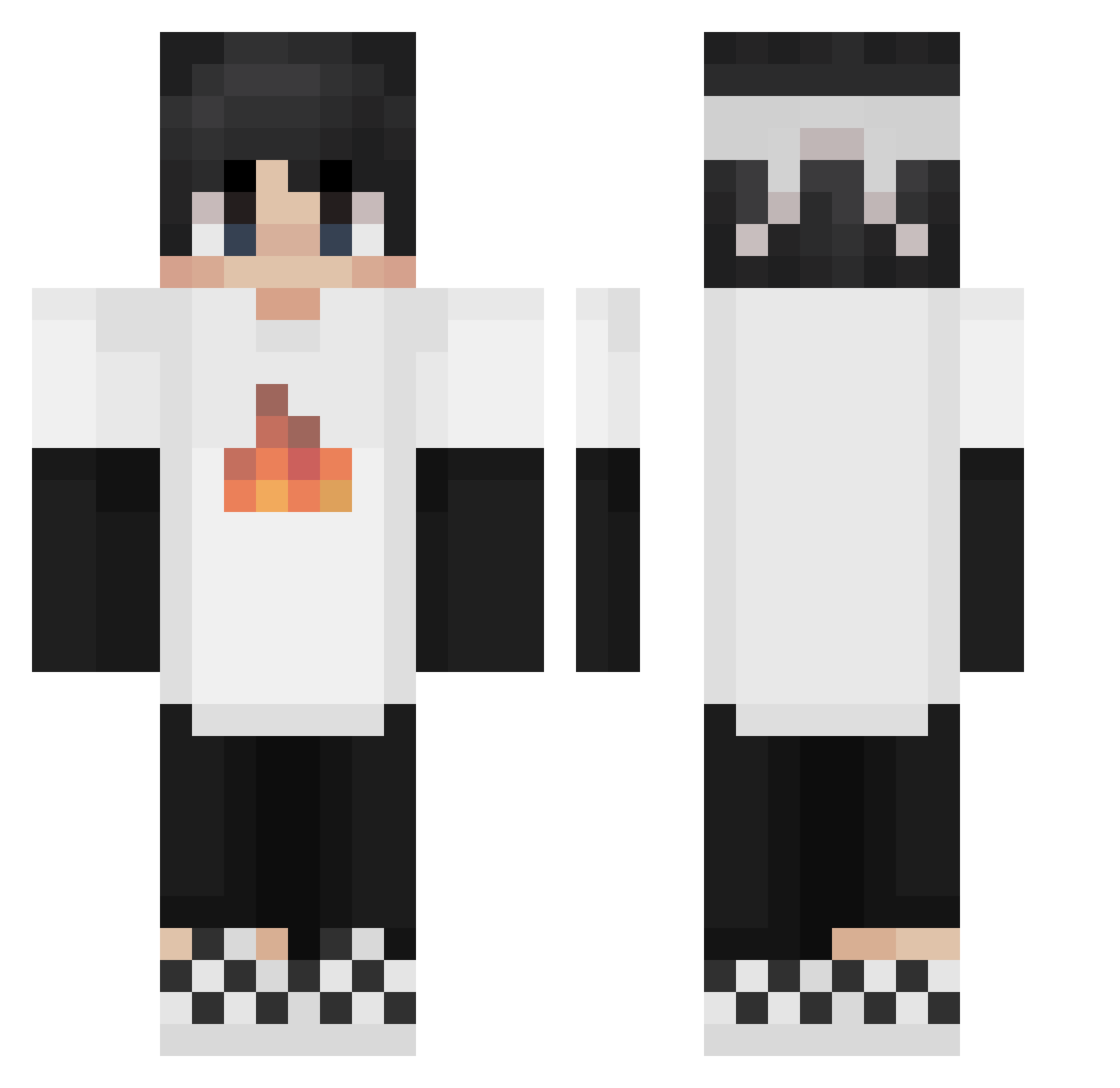
Current Minecraft skin of the player BandiKanz, loaded from the official Mojang API. Rotate the 3D model with your mouse or finger, then download the skin as a PNG file and use it in Minecraft: Bedrock Edition or Java Edition for free. When BandiKanz changes their skin, this page updates automatically and the old skin stays in the history below.
Other players with this skin (224)
BandiKanz was the 49th player we have seen with this skin, first spotted on 13.08.2026. The same skin was seen on these players. Open a nickname to see their current skin and skin history.
 hello_wow_ NAGEBUM Garynofound201 AlexCraft1608 imkzzh RobboPanther1 Tontrakul ziglelee IIGH05TII bablubola SapnapHalo _jinx_grave EvenYouBrutus barnesfirm ilikecurry69 tiantian_666 IsaacGamer10 Nobody6969 ALEX0227 oqweifengpo Sapnap101 Arc_Rider Void_Rampage Raptorek2012 alexzeww Tidus92 Syarky92 SpeceFenixSix IamNour8 ITzYoussef KirigiriLove LeviathanX_ thecottonfamily Aidanrap DocGonzo2009 JumpSideDown MeyweliLehmecun AskedCarrot654 Mikaelimut H1tplay Noo0o0 kittennap Kou128 xNotSampan arrinstoner kickundaface BigC1614 Ender_dargon____ SamaRitaGoJo Nicocapo20 Melonpin SeattleLion e1rq6 Turbo_05 susyrussain Ender31412 TheSecretFam KirumI_I Tyrrant_ Crxstallized
More Checkered Shoes Minecraft skins
See all 55 Checkered Shoes skins
How to install the BandiKanz skin
- Press the Download button above to save the skin as a PNG file.
- Minecraft: Bedrock Edition (PE): open the Dressing Room from the main menu (or tap your character → Edit Character), go to Classic Skins → Owned, press the + (new skin) button, choose the downloaded PNG and pick the Classic (Steve) model. Works on PC and mobile; consoles cannot import custom skins.
- Minecraft: Java Edition: open the Minecraft Launcher, go to the Skins tab, click New Skin, load the PNG, pick the Classic (Steve) model and press Save & Use. You can also upload it at minecraft.net → Profile → Change Skin.
The skin does not show up after import - what should I do?
Restart Minecraft and open the Dressing Room again - imported skins sometimes appear only after a restart. Also make sure you selected the imported skin and picked the Classic (Steve) model.
Which model should I choose, Classic or Slim?
This skin is designed for the Classic (Steve) model. If you pick the wrong model, the arms of the skin will look stretched or squeezed.
Is the skin of BandiKanz free to download?
Yes. Press Download, save the PNG file and use it in Minecraft: Bedrock Edition or Java Edition - no payment or registration needed. The skin also works on multiplayer servers and Realms.
More skins
Looking for more? Go back to all Minecraft skins and check the top skins of the week, month and all time, or find any player's skin by nickname.