
BaconShoTz - Minecraft Skins & Skin History
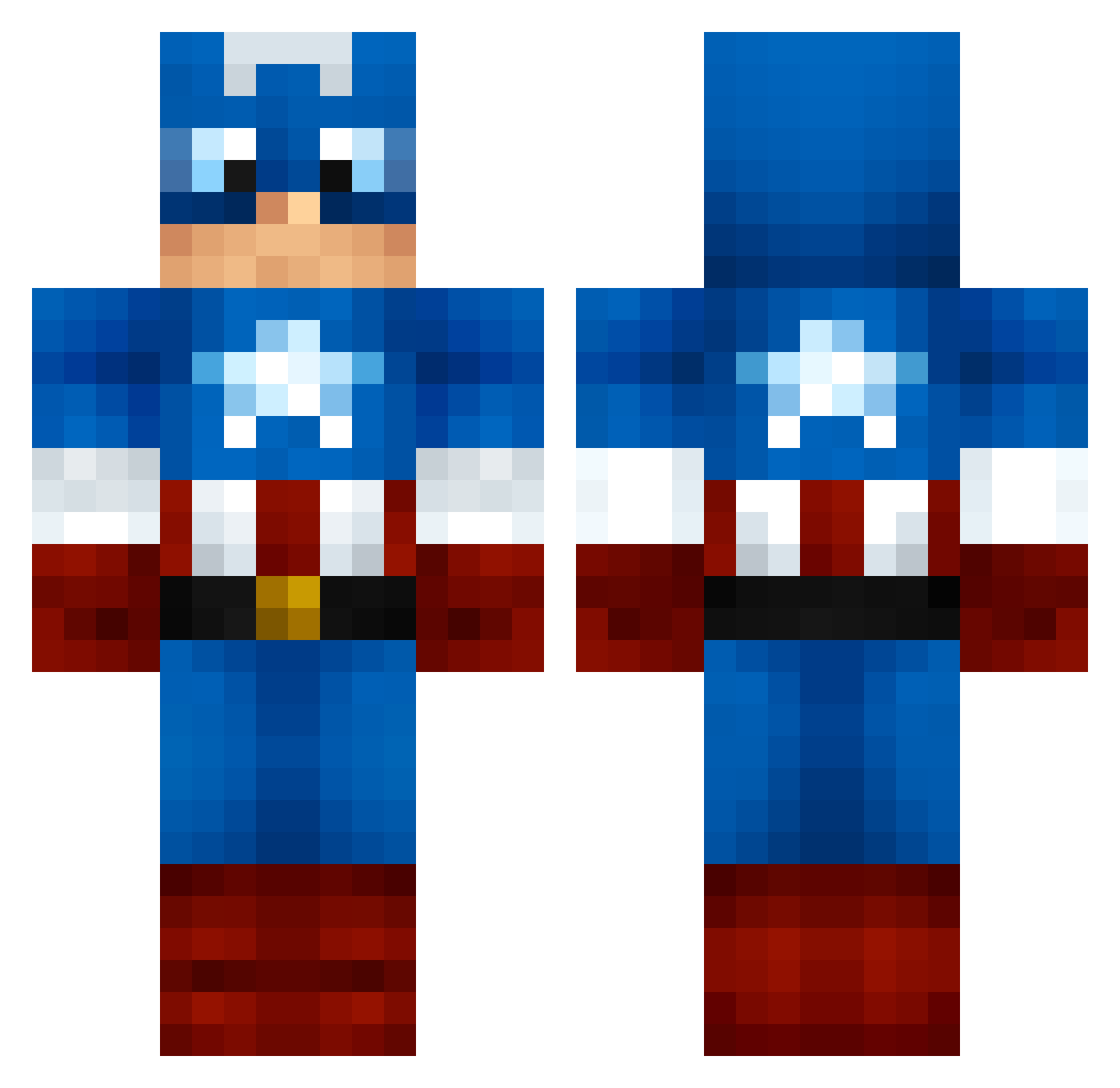
Current Minecraft skin of the player BaconShoTz, loaded from the official Mojang API. Rotate the 3D model with your mouse or finger, then download the skin as a PNG file and use it in Minecraft: Bedrock Edition or Java Edition for free. When BaconShoTz changes their skin, this page updates automatically and the old skin stays in the history below.
Other players with this skin (999)
BaconShoTz was the 268th player we have seen with this skin, first spotted on 17.08.2026. The same skin was seen on these players. Open a nickname to see their current skin and skin history.
 chubsters1221 Lyhar jbarrxx11 BAILEYC55 rea1genius wrightyjosh scranby Giovy10 Kreese_73 l0v3sh07 M_Millz005 merijn2004 CirdanPR rhycebe Executive_Geek gboeckman renrentv TheMcnasty bonsenge EmperorBeorn Vanqwishe RampageNickson nico_313 IanR4792 EastEnders Brashboy Nathounet76280 Anne_Visscher kdogg73 Voidwar RocketsCA duyronaldo rogersrule FAINT_MOB Quindiesel BigDaddy0H RaknRak Jetpack6 Fazecracka69 wby233 Core_21 DragonicStar22 _CaptainMiner_ lee061298 VIcce836 Darth_Uncle joakimiscool CaptainAmerca Patriots188 EmilOberg Hedwig88 Iceboy455 Excalibrah Cap_Tony ThePJC hadywades gabrylo rfm477 SACHA44610 Kilwarden
More Captain America Minecraft skins
See all 148 Captain America skins
How to install the BaconShoTz skin
- Press the Download button above to save the skin as a PNG file.
- Minecraft: Bedrock Edition (PE): open the Dressing Room from the main menu (or tap your character → Edit Character), go to Classic Skins → Owned, press the + (new skin) button, choose the downloaded PNG and pick the Classic (Steve) model. Works on PC and mobile; consoles cannot import custom skins.
- Minecraft: Java Edition: open the Minecraft Launcher, go to the Skins tab, click New Skin, load the PNG, pick the Classic (Steve) model and press Save & Use. You can also upload it at minecraft.net → Profile → Change Skin.
The skin does not show up after import - what should I do?
Restart Minecraft and open the Dressing Room again - imported skins sometimes appear only after a restart. Also make sure you selected the imported skin and picked the Classic (Steve) model.
Which model should I choose, Classic or Slim?
This skin is designed for the Classic (Steve) model. If you pick the wrong model, the arms of the skin will look stretched or squeezed.
Is the skin of BaconShoTz free to download?
Yes. Press Download, save the PNG file and use it in Minecraft: Bedrock Edition or Java Edition - no payment or registration needed. The skin also works on multiplayer servers and Realms.
More skins
Looking for more? Go back to all Minecraft skins and check the top skins of the week, month and all time, or find any player's skin by nickname.