
BabaG01 - Minecraft Skins & Skin History
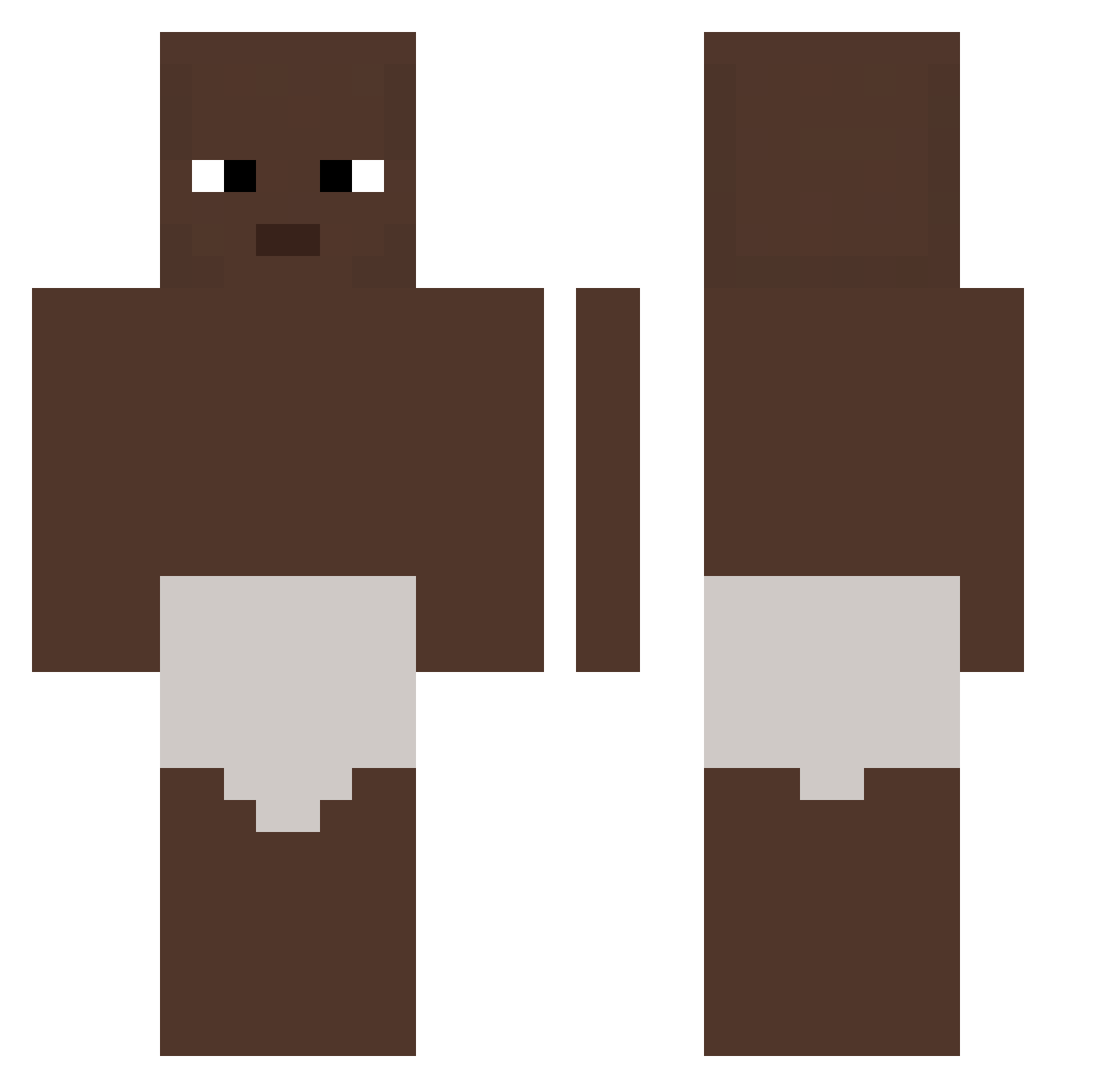
Current Minecraft skin of the player BabaG01, loaded from the official Mojang API. Rotate the 3D model with your mouse or finger, then download the skin as a PNG file and use it in Minecraft: Bedrock Edition or Java Edition for free. When BabaG01 changes their skin, this page updates automatically and the old skin stays in the history below.
Other players with this skin (326)
BabaG01 was the 65th player we have seen with this skin, first spotted on 12.08.2026. The same skin was seen on these players. Open a nickname to see their current skin and skin history.
 biktor_ Thicc_blocks FireFox20054 Mr2slippery Yogury GodZac yek0n PedroAFolly Javi01123 OnurG123 thefropozanator axouli31 SzonTorta
 clearixxx conclusao KDAak4li Laymannn Glgb Fencing0514 MAMAMAMAMAMAMAL 7hxg KILO_2006 YuvalGroshois006 Einzbern___ MCFLOAT222 Berol4700 whiteytegf Sun_woo123 HeroBlieX2 Samende MishaBrest Chiefx4 zerez7624 AndrzejGugu Petersbug00 326ms FengHua6 Summer_Invasion STRONGSEXY gabrius993 Rogers_is_goat 120hzmakowiec997 EN_nike Malthe76 slisy
 DarkiLine HXREvan CertifiedBushin Shrek1912 Tiago142 jiqqa SISAKS LemonBossAdam alter_og3 mtinae josj__ g0x1x CyberBearex Markmuz pasquue
More Baby Minecraft skins
How to install the BabaG01 skin
- Press the Download button above to save the skin as a PNG file.
- Minecraft: Bedrock Edition (PE): open the Dressing Room from the main menu (or tap your character → Edit Character), go to Classic Skins → Owned, press the + (new skin) button, choose the downloaded PNG and pick the Classic (Steve) model. Works on PC and mobile; consoles cannot import custom skins.
- Minecraft: Java Edition: open the Minecraft Launcher, go to the Skins tab, click New Skin, load the PNG, pick the Classic (Steve) model and press Save & Use. You can also upload it at minecraft.net → Profile → Change Skin.
The skin does not show up after import - what should I do?
Restart Minecraft and open the Dressing Room again - imported skins sometimes appear only after a restart. Also make sure you selected the imported skin and picked the Classic (Steve) model.
Which model should I choose, Classic or Slim?
This skin is designed for the Classic (Steve) model. If you pick the wrong model, the arms of the skin will look stretched or squeezed.
Is the skin of BabaG01 free to download?
Yes. Press Download, save the PNG file and use it in Minecraft: Bedrock Edition or Java Edition - no payment or registration needed. The skin also works on multiplayer servers and Realms.
More skins
Looking for more? Go back to all Minecraft skins and check the top skins of the week, month and all time, or find any player's skin by nickname.