
B_Treechow - Minecraft Skins & Skin History
Current Minecraft skin of the player B_Treechow, loaded from the official Mojang API. Rotate the 3D model with your mouse or finger, then download the skin as a PNG file and use it in Minecraft: Bedrock Edition or Java Edition for free. When B_Treechow changes their skin, this page updates automatically and the old skin stays in the history below.
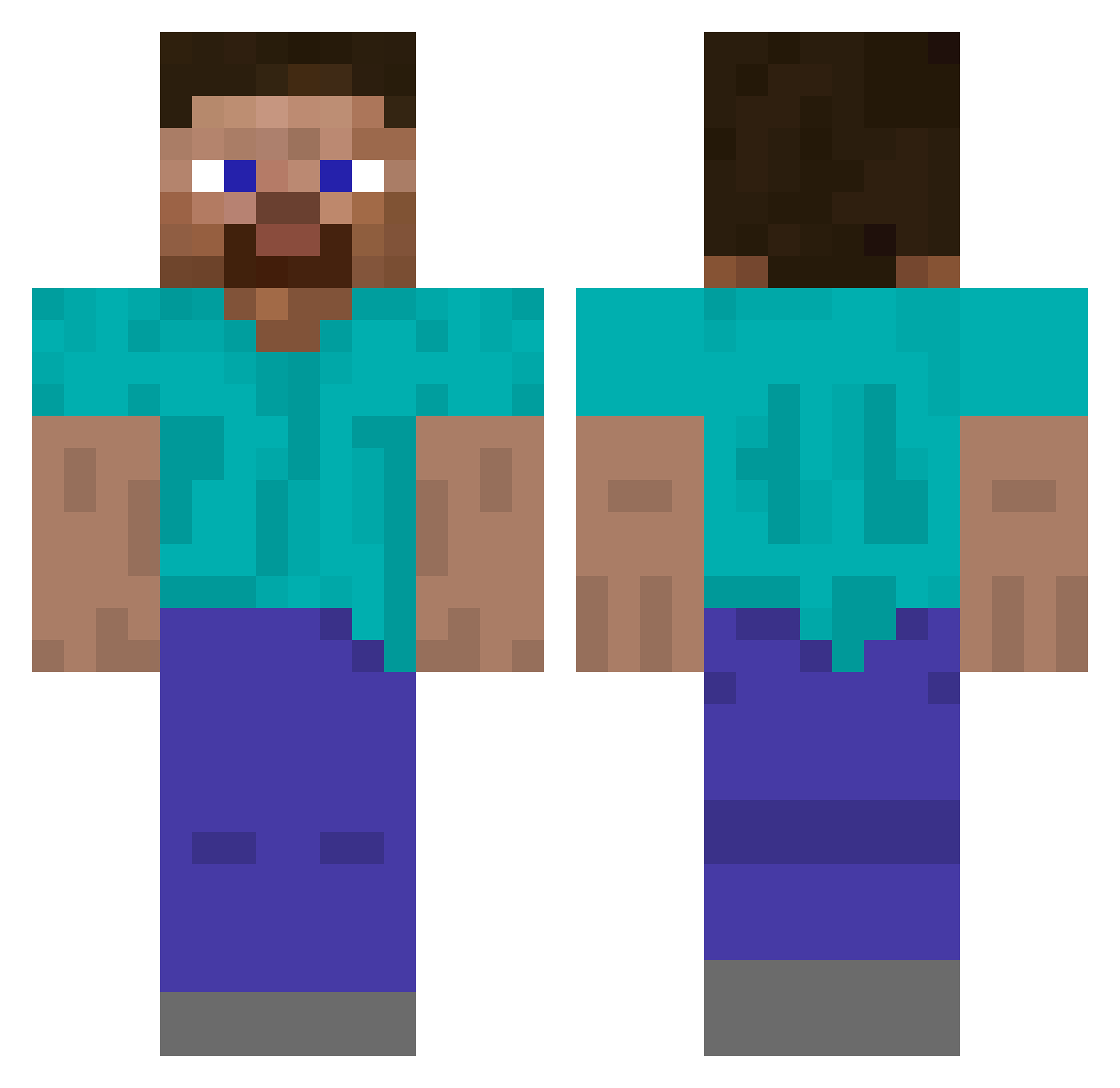
Other players with this skin (488)
B_Treechow was the 22nd player we have seen with this skin, first spotted on 28.07.2026. The same skin was seen on these players. Open a nickname to see their current skin and skin history.
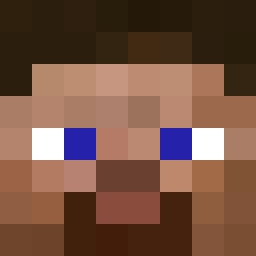 osamabnlagin669 DecapltatedBeans ulvsblak JoghurtKoenig BirtokMc
 Arjun756 Chalky231 GruncleLayne ZeroToHero12 qqqbees djtivoli enderhelmet Arcanitor FCMGX lukaslohmann BlikjeKassis Armethious Azzam4 BopZip Daorian_ GWZ_MC sdmj Mix_235 Talentys Vagn MaC1284h fricker2000 Pajanek RealSharpness
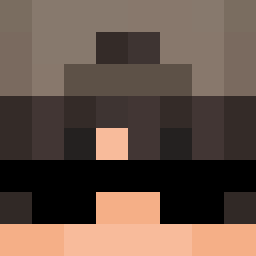 Kubicek_proste HurtzPlayz maxspeedlimit salamander011 SolidPrep FTWFuZioN UrAvgTherapist Never0gre ballistic711 0mm ZoneP_ PCVeteran SaycoJoker__ farsight321 thekacper133 CardboardEvil NakaaGG csdylan
 MIGHT3Y DeadinSilence
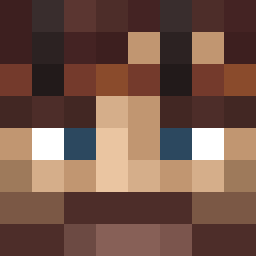 Salted_Pumpkiin RobotJones12 Blisticsquid850 Ringua LeCaydenWasTaken robster2111 boopsieoopsie Otaske SwagLikeThat 117legend nattyboy8162
How to install the B_Treechow skin
- Press the Download button above to save the skin as a PNG file.
- Minecraft: Bedrock Edition (PE): open the Dressing Room from the main menu (or tap your character → Edit Character), go to Classic Skins → Owned, press the + (new skin) button, choose the downloaded PNG and pick the Classic (Steve) model. Works on PC and mobile; consoles cannot import custom skins.
- Minecraft: Java Edition: open the Minecraft Launcher, go to the Skins tab, click New Skin, load the PNG, pick the Classic (Steve) model and press Save & Use. You can also upload it at minecraft.net → Profile → Change Skin.
The skin does not show up after import - what should I do?
Restart Minecraft and open the Dressing Room again - imported skins sometimes appear only after a restart. Also make sure you selected the imported skin and picked the Classic (Steve) model.
Which model should I choose, Classic or Slim?
This skin is designed for the Classic (Steve) model. If you pick the wrong model, the arms of the skin will look stretched or squeezed.
Is the skin of B_Treechow free to download?
Yes. Press Download, save the PNG file and use it in Minecraft: Bedrock Edition or Java Edition - no payment or registration needed. The skin also works on multiplayer servers and Realms.
More skins
Looking for more? Go back to all Minecraft skins and check the top skins of the week, month and all time, or find any player's skin by nickname.