
BUGDY - Minecraft Skins & Skin History
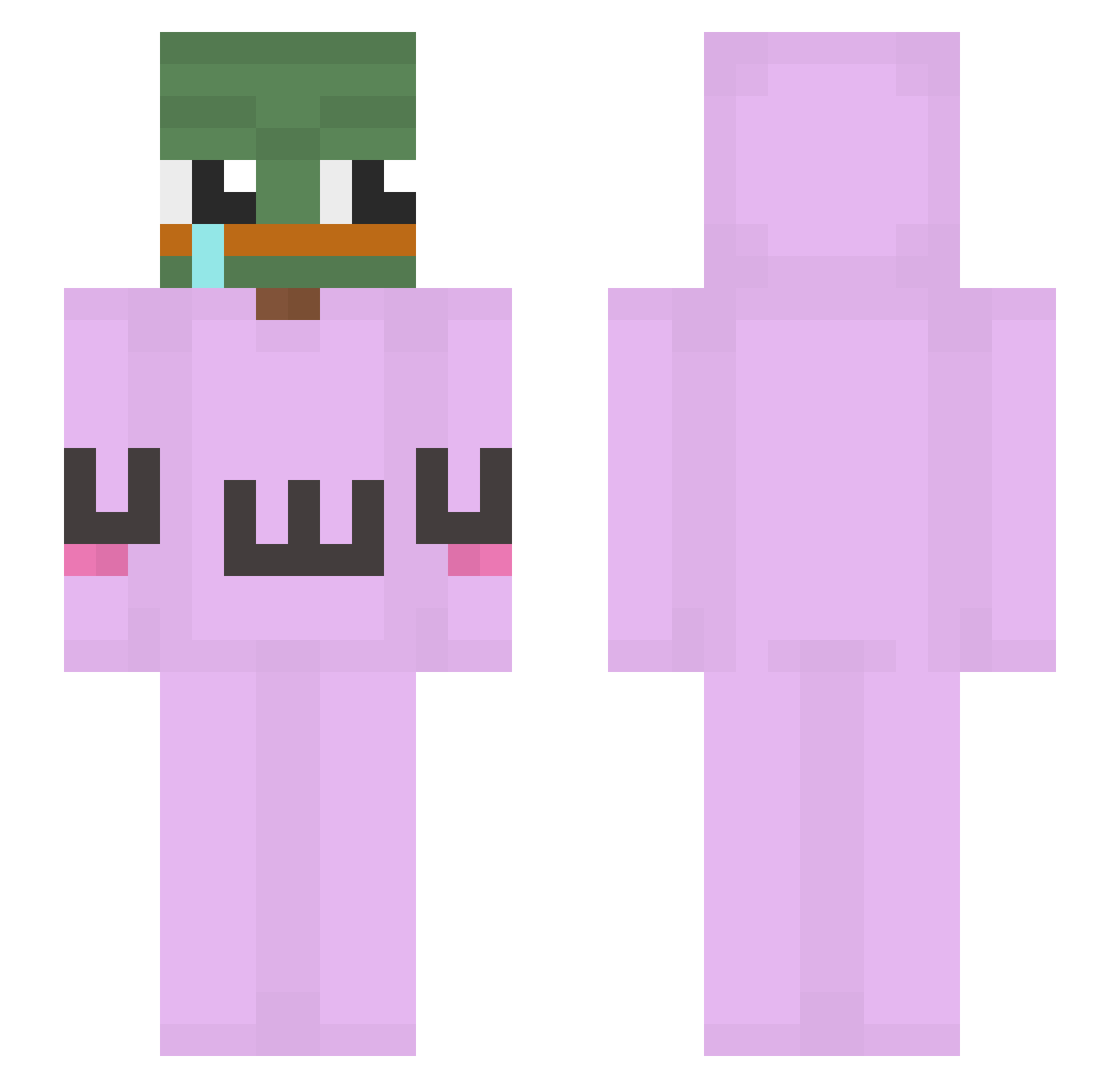
Current Minecraft skin of the player BUGDY, loaded from the official Mojang API. Rotate the 3D model with your mouse or finger, then download the skin as a PNG file and use it in Minecraft: Bedrock Edition or Java Edition for free. When BUGDY changes their skin, this page updates automatically and the old skin stays in the history below.
Other players with this skin (237)
BUGDY was the 166th player we have seen with this skin, first spotted on 09.10.2026. The same skin was seen on these players. Open a nickname to see their current skin and skin history.
 Cromeor Mam8Lat reaperz1337 Schlecho Driver72 ButloMistrz420 kamjatang JulianHugo LancesLeftNut Yarrn geVeS Orelosha Jayeamber haruksy Bebeshrek Ars933 AbsoluteMOG HappyRe4per LOXBLYAT originalbot Patra_will_Spass Didibibi Kagexa0 Vilagamer999 ZeeGao WhoShotCha CTRLGears KarstenmedK Tongtunghwan wraxu69 colchar larilla11 gabbiev24 MrPunnani MJK9243 miko3412 wdg69 Xqzu LegitFrogs Wafflesanonymous Doci11_ sexkimchi CarlaPosey llNexill Quax_OneTwoThree FergalR HalfYearBan YaBoiPumpkin redclaw202 kitgoUwU nechter_Sven madamada3 Lenochod_19 shinykk ImHaKer_r gobbb Geuskk Coolboylennard Unvitalized Tuggzy
More Uwu Minecraft skins
How to install the BUGDY skin
- Press the Download button above to save the skin as a PNG file.
- Minecraft: Bedrock Edition (PE): open the Dressing Room from the main menu (or tap your character → Edit Character), go to Classic Skins → Owned, press the + (new skin) button, choose the downloaded PNG and pick the Slim (Alex) model. Works on PC and mobile; consoles cannot import custom skins.
- Minecraft: Java Edition: open the Minecraft Launcher, go to the Skins tab, click New Skin, load the PNG, pick the Slim (Alex) model and press Save & Use. You can also upload it at minecraft.net → Profile → Change Skin.
The skin does not show up after import - what should I do?
Restart Minecraft and open the Dressing Room again - imported skins sometimes appear only after a restart. Also make sure you selected the imported skin and picked the Slim (Alex) model.
Which model should I choose, Classic or Slim?
This skin is designed for the Slim (Alex) model. If you pick the wrong model, the arms of the skin will look stretched or squeezed.
Is the skin of BUGDY free to download?
Yes. Press Download, save the PNG file and use it in Minecraft: Bedrock Edition or Java Edition - no payment or registration needed. The skin also works on multiplayer servers and Realms.
More skins
Looking for more? Go back to all Minecraft skins and check the top skins of the week, month and all time, or find any player's skin by nickname.