
BOMBER6640 - Minecraft Skins & Skin History
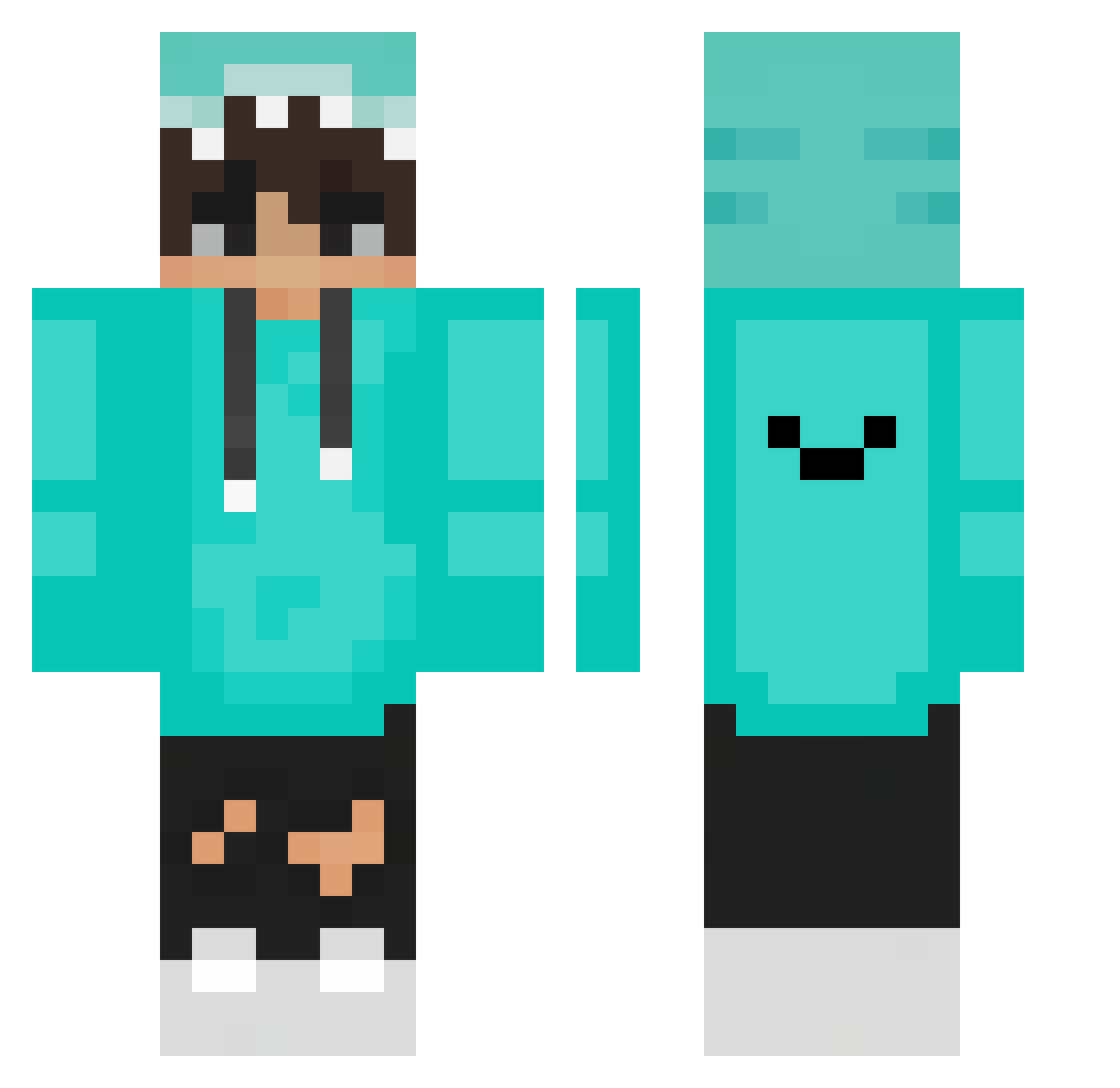
Current Minecraft skin of the player BOMBER6640, loaded from the official Mojang API. Rotate the 3D model with your mouse or finger, then download the skin as a PNG file and use it in Minecraft: Bedrock Edition or Java Edition for free. When BOMBER6640 changes their skin, this page updates automatically and the old skin stays in the history below.
Other players with this skin (273)
BOMBER6640 was the 254th player we have seen with this skin, first spotted on 04.11.2026. The same skin was seen on these players. Open a nickname to see their current skin and skin history.
 Secret_Jacob Tonietlo15 Hasira_4885 OG_CHILL smilej1008 ps_majster_ VincentDesu MIST_MATT Xxhackerhero Banane98 MarkGideon Nikoliccc jonni0204 giulia_345xx Hraoz Hurtwind DemirStrafee oizyzs its_Djawed_DZ Jin1078 Grzegorz890 blackmilk928 Skydiver1602 wintyy_ NaturalQQQ jryarleque Kuna17 Sr4rtick gongleuleu CoolTomeQQ Rebecca4408 ManLikeKye bornaparte Amorethia AlpTwo058 CoolromX TheJucrafter08 __GUN_BREAD__ dzacs DerWahreSausa Abadones009 DaEvan96 YeYeYeYeYeYeYee tktttt Tokio16 ItzThanos567 3yearsQUIT Stormingcows Ecki_1098 TycSterben michyros EBlatte Emzors PCFRACOBR islam666 Federico_nut DJYEZ HYOKA404 KonradTR12 DOYEON07
How to install the BOMBER6640 skin
- Press the Download button above to save the skin as a PNG file.
- Minecraft: Bedrock Edition (PE): open the Dressing Room from the main menu (or tap your character → Edit Character), go to Classic Skins → Owned, press the + (new skin) button, choose the downloaded PNG and pick the Classic (Steve) model. Works on PC and mobile; consoles cannot import custom skins.
- Minecraft: Java Edition: open the Minecraft Launcher, go to the Skins tab, click New Skin, load the PNG, pick the Classic (Steve) model and press Save & Use. You can also upload it at minecraft.net → Profile → Change Skin.
The skin does not show up after import - what should I do?
Restart Minecraft and open the Dressing Room again - imported skins sometimes appear only after a restart. Also make sure you selected the imported skin and picked the Classic (Steve) model.
Which model should I choose, Classic or Slim?
This skin is designed for the Classic (Steve) model. If you pick the wrong model, the arms of the skin will look stretched or squeezed.
Is the skin of BOMBER6640 free to download?
Yes. Press Download, save the PNG file and use it in Minecraft: Bedrock Edition or Java Edition - no payment or registration needed. The skin also works on multiplayer servers and Realms.
More skins
Looking for more? Go back to all Minecraft skins and check the top skins of the week, month and all time, or find any player's skin by nickname.