
BBBminecraft102 - Minecraft Skins & Skin History
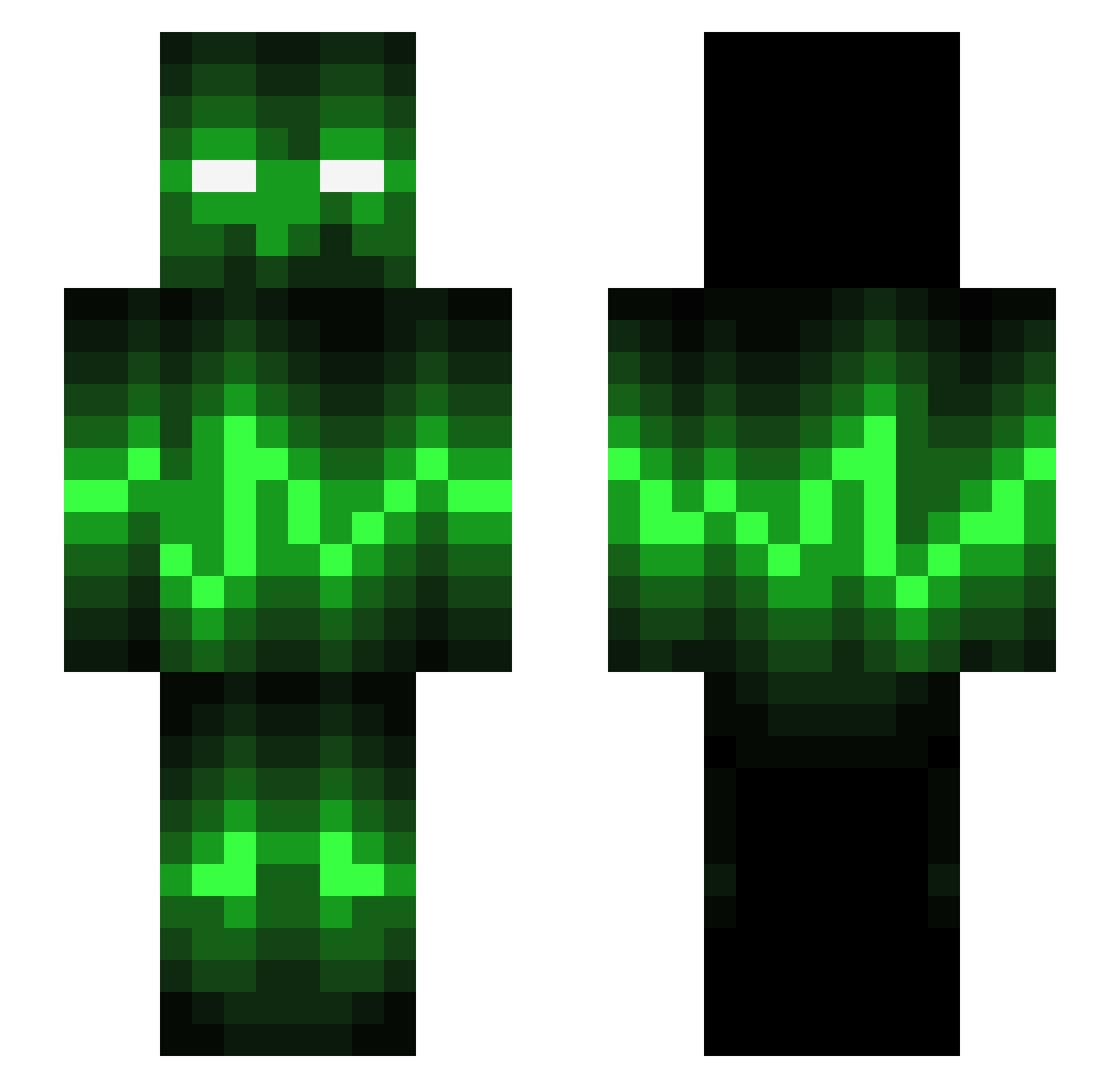
Current Minecraft skin of the player BBBminecraft102, loaded from the official Mojang API. Rotate the 3D model with your mouse or finger, then download the skin as a PNG file and use it in Minecraft: Bedrock Edition or Java Edition for free. When BBBminecraft102 changes their skin, this page updates automatically and the old skin stays in the history below.
Other players with this skin (544)
BBBminecraft102 was the 233rd player we have seen with this skin, first spotted on 03.09.2026. The same skin was seen on these players. Open a nickname to see their current skin and skin history.
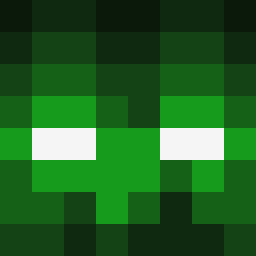 ThomasSTR SWRosa 2b4me svenboy54 Blokzter Enigmakills cameron1708 TXGJasparrow kutkon2 tumor_fish Bigal1532 ManiacalMoose11 anouarb15 mikey295 Addhe Brahyoufake BoJoFo DGargoyle123 FreddieFox42 Cruz_Hill Bassie_H Salis_007 Edw4rd012 isaac524 supervakten SimonHDTV patrick8097 XX98 masterajf Starrzy Lukerbloc Fateful_Shadow _Nessi AMouldyCondom BladeRunner0521 Inferexus Duckanator5000 Stampy84 berry_4 RawrImaKillYou Benner2212 KingCoffeeBean Mylife1324 sindre223 Jincobiloba azzerboy12 Zabali Thaddeaus_ YoungxDark MrInVicTuS Fabi313 dartgun7 iVunThree Jolihoho oliviuc ArysO_ Thendre Zimmerx SEANY21104 VqpeLife
More Audio Wave Minecraft skins
How to install the BBBminecraft102 skin
- Press the Download button above to save the skin as a PNG file.
- Minecraft: Bedrock Edition (PE): open the Dressing Room from the main menu (or tap your character → Edit Character), go to Classic Skins → Owned, press the + (new skin) button, choose the downloaded PNG and pick the Slim (Alex) model. Works on PC and mobile; consoles cannot import custom skins.
- Minecraft: Java Edition: open the Minecraft Launcher, go to the Skins tab, click New Skin, load the PNG, pick the Slim (Alex) model and press Save & Use. You can also upload it at minecraft.net → Profile → Change Skin.
The skin does not show up after import - what should I do?
Restart Minecraft and open the Dressing Room again - imported skins sometimes appear only after a restart. Also make sure you selected the imported skin and picked the Slim (Alex) model.
Which model should I choose, Classic or Slim?
This skin is designed for the Slim (Alex) model. If you pick the wrong model, the arms of the skin will look stretched or squeezed.
Is the skin of BBBminecraft102 free to download?
Yes. Press Download, save the PNG file and use it in Minecraft: Bedrock Edition or Java Edition - no payment or registration needed. The skin also works on multiplayer servers and Realms.
More skins
Looking for more? Go back to all Minecraft skins and check the top skins of the week, month and all time, or find any player's skin by nickname.