
Azukyy - Minecraft Skins & Skin History
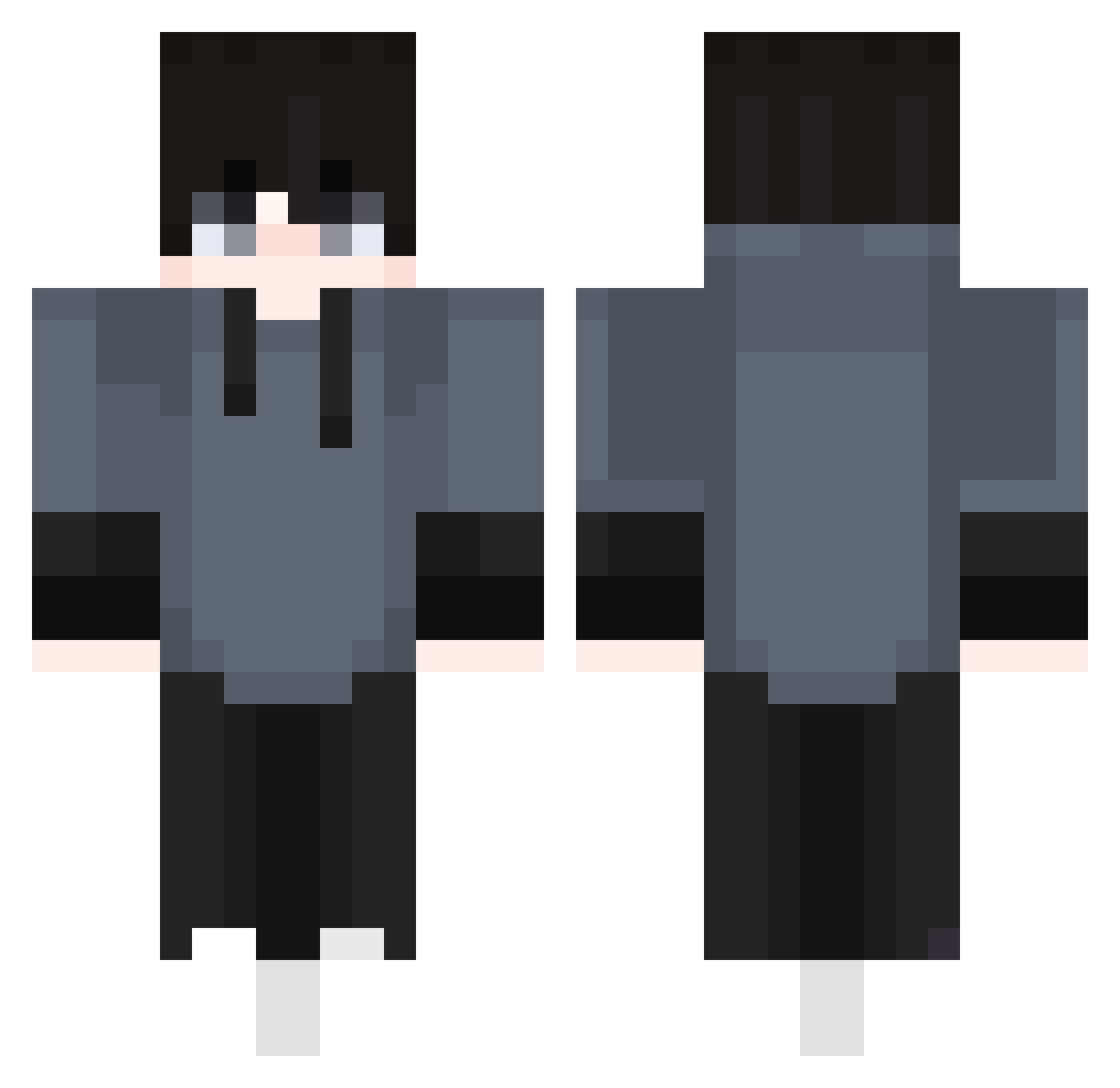
Current Minecraft skin of the player Azukyy, loaded from the official Mojang API. Rotate the 3D model with your mouse or finger, then download the skin as a PNG file and use it in Minecraft: Bedrock Edition or Java Edition for free. When Azukyy changes their skin, this page updates automatically and the old skin stays in the history below.
Other players with this skin (517)
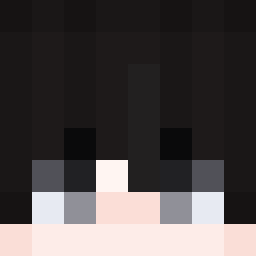
Azukyy was the 487th player we have seen with this skin, first spotted on 14.11.2026. The same skin was seen on these players. Open a nickname to see their current skin and skin history.
 i_M7MD75 BRrechq PlayWithDarik ApfelKun Yaaaas EvilDoMal fkfkfkfkfkk Caidlc Niw01 Matheus69 DarkZen8 Anas_san JKlove0159 Xlopecc GGuK_1 phy8213 raveRlY1S2Nr Skreetlol mxsonxox DisBlack z3ty_ Gexyzz bdn956 _xGilb barreboiiiii HatsMummels1 limer_ Estlow_ AngelBlaze18 Hyrokkk agent_jeffrey SB_CAiEdM Komnot9923 Kach_ pikaczu4180 tnuoo06 Vaiz001 Closer_YC popo_kot ImmortalPredator Pardou Jolovis AlexiSun blackskinNONO Alphaoenix YT_Jraconic hstar4230 _Xnass Vibez3169 o6qb CuzimBorn mikeybr2 cRyki IsaTV_05 Kafedzhiev_ AdamIsJoJo StarForge85 Szyszek38 Ensan_ Akemi_Panda
How to install the Azukyy skin
- Press the Download button above to save the skin as a PNG file.
- Minecraft: Bedrock Edition (PE): open the Dressing Room from the main menu (or tap your character → Edit Character), go to Classic Skins → Owned, press the + (new skin) button, choose the downloaded PNG and pick the Classic (Steve) model. Works on PC and mobile; consoles cannot import custom skins.
- Minecraft: Java Edition: open the Minecraft Launcher, go to the Skins tab, click New Skin, load the PNG, pick the Classic (Steve) model and press Save & Use. You can also upload it at minecraft.net → Profile → Change Skin.
The skin does not show up after import - what should I do?
Restart Minecraft and open the Dressing Room again - imported skins sometimes appear only after a restart. Also make sure you selected the imported skin and picked the Classic (Steve) model.
Which model should I choose, Classic or Slim?
This skin is designed for the Classic (Steve) model. If you pick the wrong model, the arms of the skin will look stretched or squeezed.
Is the skin of Azukyy free to download?
Yes. Press Download, save the PNG file and use it in Minecraft: Bedrock Edition or Java Edition - no payment or registration needed. The skin also works on multiplayer servers and Realms.
More skins
Looking for more? Go back to all Minecraft skins and check the top skins of the week, month and all time, or find any player's skin by nickname.