
Azoht - Minecraft Skins & Skin History
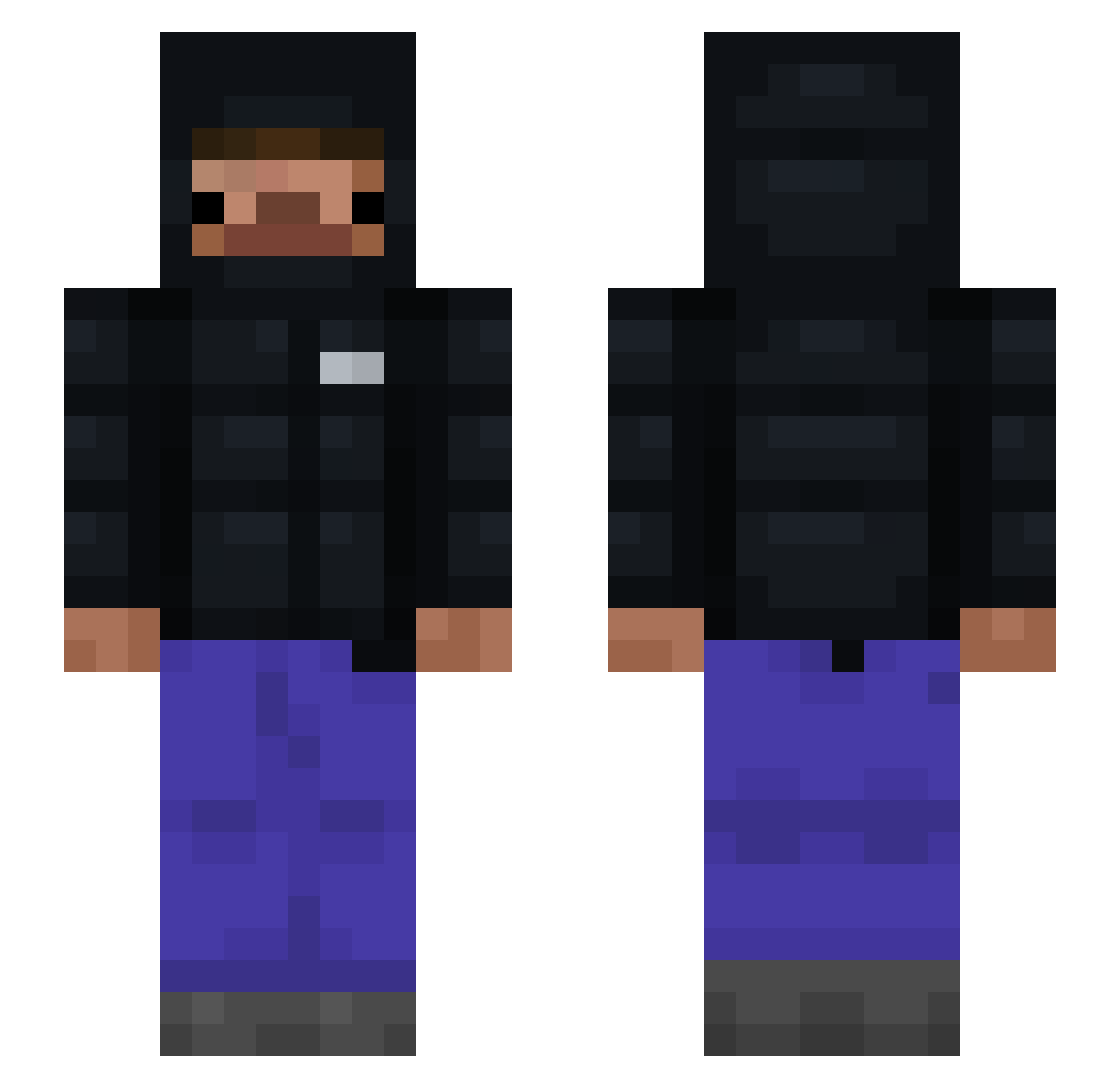
Current Minecraft skin of the player Azoht, loaded from the official Mojang API. Rotate the 3D model with your mouse or finger, then download the skin as a PNG file and use it in Minecraft: Bedrock Edition or Java Edition for free. When Azoht changes their skin, this page updates automatically and the old skin stays in the history below.
Other players with this skin (97)
Azoht was the 51st player we have seen with this skin, first spotted on 20.09.2026. The same skin was seen on these players. Open a nickname to see their current skin and skin history.
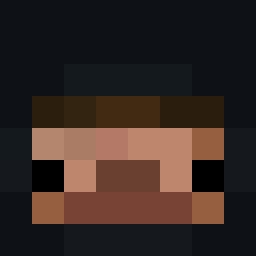 sefilotobus Jackie_Treckoak Nachlaniec_2015 MysticSaess ssiballoma fusionwasd freakymilosz Smorawski poanizer BananGuy jrtmc biegal23 SvK0 JumpingJackie09 xitix91 LegitNiko1741 Sasmul MarchOfDime1 Azetix__ niski2137 Drip_shooter Nah_Id_W1n OKauxx xpedrxkx PIETER_G Antex_456 Zagrir 21_Servings Dreary18 pai2612 KingNothng mvzzx Qubotto25 Eryxil mValentin125 stay_slick vax_Lnsss Myke91 Blocker0511 LuBuSmash Enzo_Of_Tomorrow Mrdigga ItsP4r YzamithS2 palmtree323 Sxndro777 blockcipher itzzz_Filip3k139 idxvx Baremee SovsenV2 JooJiwoon NikolasJackson zZenSv 123kgKrzymus22 Onixpq zxvvwq Maraskim
 ReNoss_ somsiad123
How to install the Azoht skin
- Press the Download button above to save the skin as a PNG file.
- Minecraft: Bedrock Edition (PE): open the Dressing Room from the main menu (or tap your character → Edit Character), go to Classic Skins → Owned, press the + (new skin) button, choose the downloaded PNG and pick the Slim (Alex) model. Works on PC and mobile; consoles cannot import custom skins.
- Minecraft: Java Edition: open the Minecraft Launcher, go to the Skins tab, click New Skin, load the PNG, pick the Slim (Alex) model and press Save & Use. You can also upload it at minecraft.net → Profile → Change Skin.
The skin does not show up after import - what should I do?
Restart Minecraft and open the Dressing Room again - imported skins sometimes appear only after a restart. Also make sure you selected the imported skin and picked the Slim (Alex) model.
Which model should I choose, Classic or Slim?
This skin is designed for the Slim (Alex) model. If you pick the wrong model, the arms of the skin will look stretched or squeezed.
Is the skin of Azoht free to download?
Yes. Press Download, save the PNG file and use it in Minecraft: Bedrock Edition or Java Edition - no payment or registration needed. The skin also works on multiplayer servers and Realms.
More skins
Looking for more? Go back to all Minecraft skins and check the top skins of the week, month and all time, or find any player's skin by nickname.