
Aytevx - Minecraft Skins & Skin History
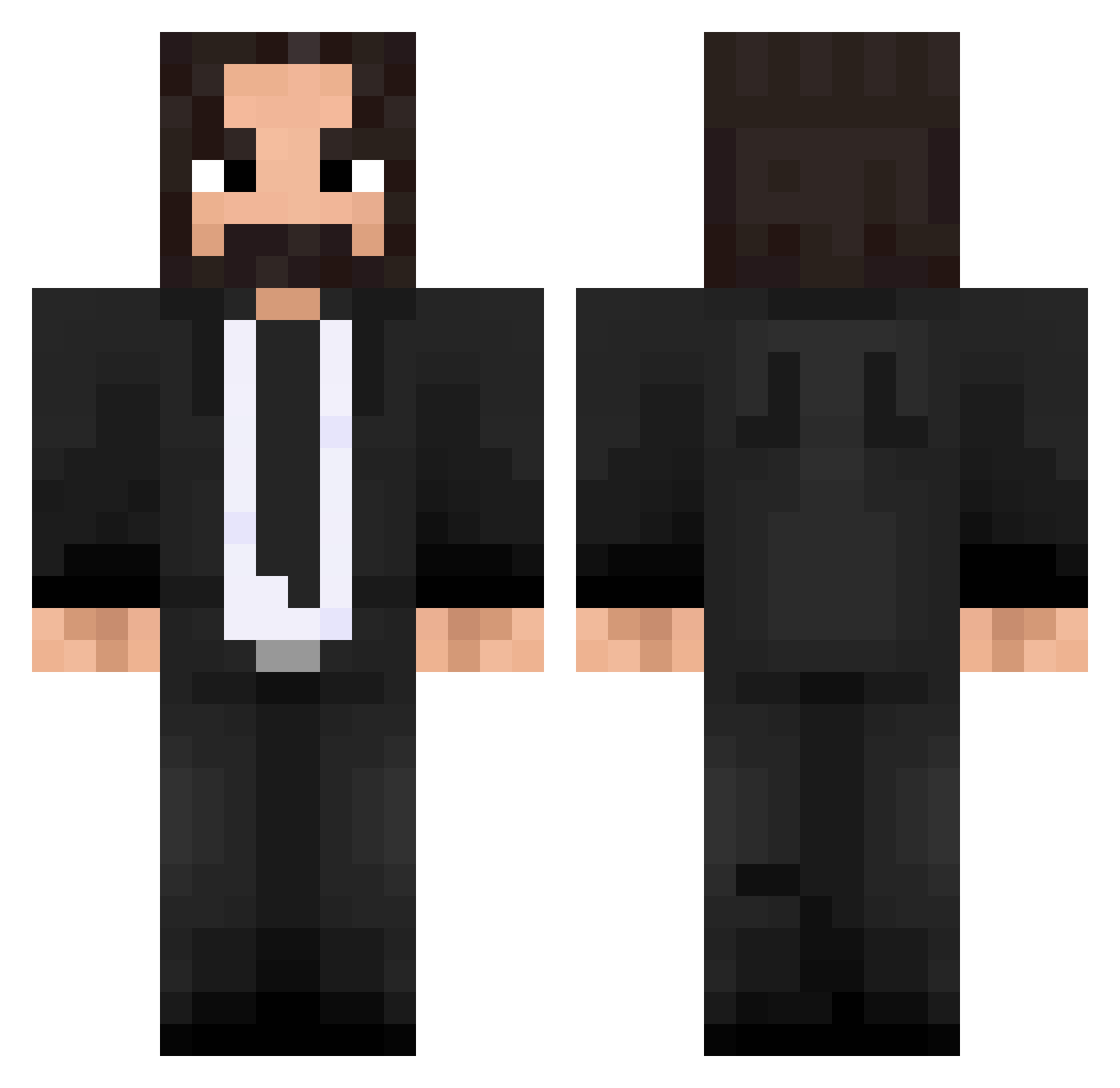
Current Minecraft skin of the player Aytevx, loaded from the official Mojang API. Rotate the 3D model with your mouse or finger, then download the skin as a PNG file and use it in Minecraft: Bedrock Edition or Java Edition for free. When Aytevx changes their skin, this page updates automatically and the old skin stays in the history below.
Other players with this skin (475)
Aytevx was the 259th player we have seen with this skin, first spotted on 22.09.2026. The same skin was seen on these players. Open a nickname to see their current skin and skin history.
 yeboifrimbles17 sneazwe Ghundal Moontana31 tarantinazo KingReaper Maval804 Poopding UrunR ItsBazar Mr_Duckhead C3RB matikiee ThickDan rankpls SRENKZY Epyraz JustinZero OH_ONG Atselei FermisParadox Hydreii Vyzor Leviatan99 KewinerX_GameS wgr_0615 BigDaddy_Dong higanzakura SMN01 XJACOBX303 GEORGY6 Balti08 BenLee1 gyromania99 Fenixcampa Gabmar123 Samso0omz Okaka__ malfuse 10JMX12 Fashion975 SunlitCart giantso1 ShapeG DamianDosk Elena_zhy Gasper_3 Oberschwabe32 AllSeeingEye21 toxic_carot PostyBeno190 Jonbonk Renxet GuterWolf catlandm RenegadeRC 51501TIGER Newmac koshi78 AlexBlack9711
More John Wick Minecraft skins
How to install the Aytevx skin
- Press the Download button above to save the skin as a PNG file.
- Minecraft: Bedrock Edition (PE): open the Dressing Room from the main menu (or tap your character → Edit Character), go to Classic Skins → Owned, press the + (new skin) button, choose the downloaded PNG and pick the Classic (Steve) model. Works on PC and mobile; consoles cannot import custom skins.
- Minecraft: Java Edition: open the Minecraft Launcher, go to the Skins tab, click New Skin, load the PNG, pick the Classic (Steve) model and press Save & Use. You can also upload it at minecraft.net → Profile → Change Skin.
The skin does not show up after import - what should I do?
Restart Minecraft and open the Dressing Room again - imported skins sometimes appear only after a restart. Also make sure you selected the imported skin and picked the Classic (Steve) model.
Which model should I choose, Classic or Slim?
This skin is designed for the Classic (Steve) model. If you pick the wrong model, the arms of the skin will look stretched or squeezed.
Is the skin of Aytevx free to download?
Yes. Press Download, save the PNG file and use it in Minecraft: Bedrock Edition or Java Edition - no payment or registration needed. The skin also works on multiplayer servers and Realms.
More skins
Looking for more? Go back to all Minecraft skins and check the top skins of the week, month and all time, or find any player's skin by nickname.