
Avenge - Minecraft Skins & Skin History
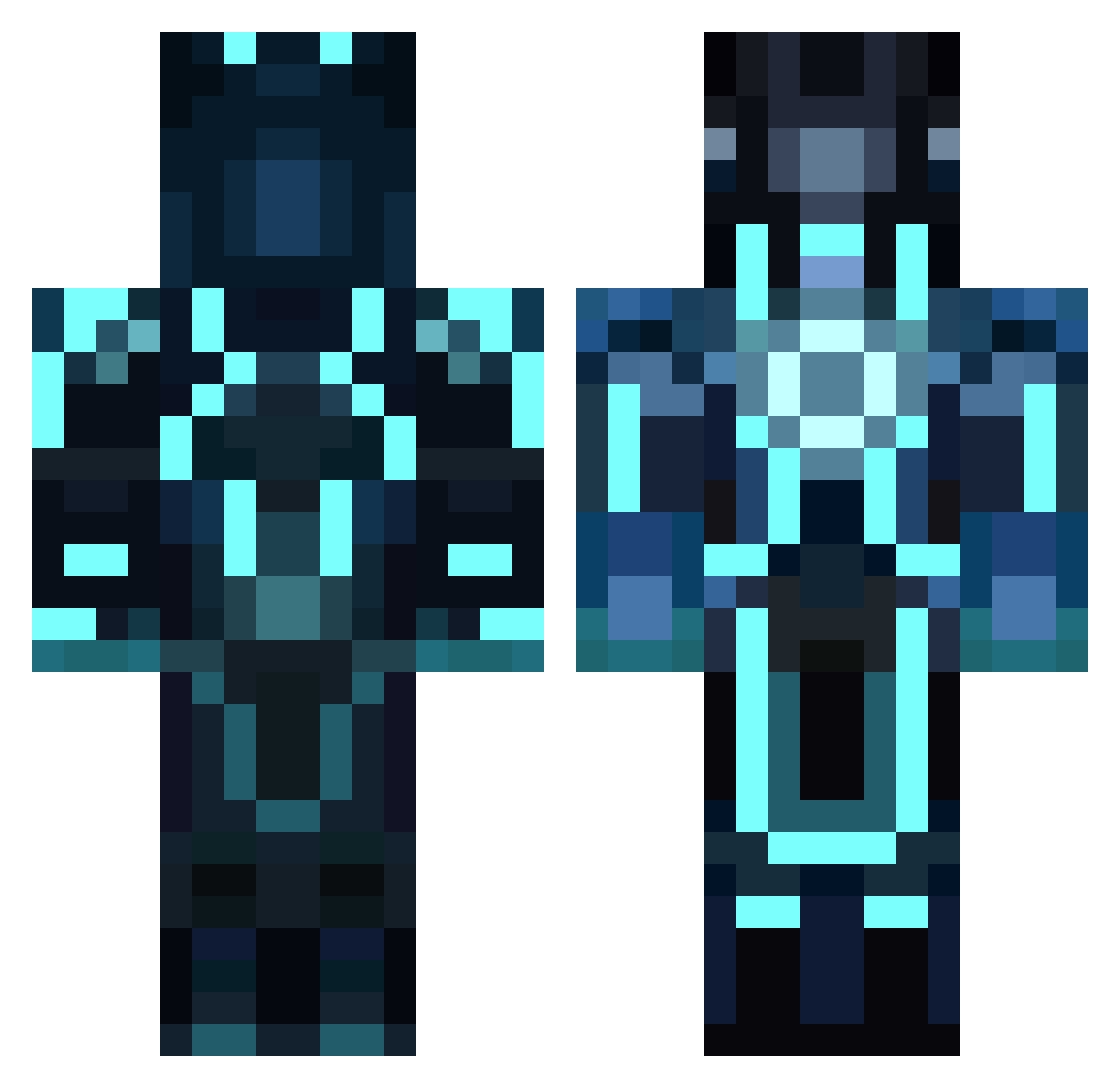
Current Minecraft skin of the player Avenge, loaded from the official Mojang API. Rotate the 3D model with your mouse or finger, then download the skin as a PNG file and use it in Minecraft: Bedrock Edition or Java Edition for free. When Avenge changes their skin, this page updates automatically and the old skin stays in the history below.
Other players with this skin (859)
Avenge was the 580th player we have seen with this skin, first spotted on 04.10.2026. The same skin was seen on these players. Open a nickname to see their current skin and skin history.
 mundm1 Randy_Lime SoggyJ Shoks_123 B_Rabbittt frilior CrispyWaffle11 GtONumB jedidiah805 OnePingOnlyPlz codefighter bullet5400 Neodymium luckytrip777 Bendsy Chosen_King moomoomushroom MitchCroes jeffjacks SlappyMo tigredefogo asian_swag_35 UndeadElite KuroStarStream Schubys Lord_Jak0b sitectrl Buster905 charliee2002 FieseMade EnigmaticManiac JUGGMEN Disconnections Candcharm101 grimm1966 LilMfLip tracteurmaster Fieldstone123 Shaher_161 BiggieSmalls_x3 StupidShoot Hemi9106 Patunen02 Trace_ca immaNOMster picknpunch MooreTechMan willbasket23 k_h_e_p Tony2123 awesome_ice lightmancer1000 GConner BOOGIE___WOOGIE NoFearWeir uniquelikeyou Morasso crafty_player scvbuilder14 RebV
More Glowing Armor Minecraft skins
See all 61 Glowing Armor skins
How to install the Avenge skin
- Press the Download button above to save the skin as a PNG file.
- Minecraft: Bedrock Edition (PE): open the Dressing Room from the main menu (or tap your character → Edit Character), go to Classic Skins → Owned, press the + (new skin) button, choose the downloaded PNG and pick the Classic (Steve) model. Works on PC and mobile; consoles cannot import custom skins.
- Minecraft: Java Edition: open the Minecraft Launcher, go to the Skins tab, click New Skin, load the PNG, pick the Classic (Steve) model and press Save & Use. You can also upload it at minecraft.net → Profile → Change Skin.
The skin does not show up after import - what should I do?
Restart Minecraft and open the Dressing Room again - imported skins sometimes appear only after a restart. Also make sure you selected the imported skin and picked the Classic (Steve) model.
Which model should I choose, Classic or Slim?
This skin is designed for the Classic (Steve) model. If you pick the wrong model, the arms of the skin will look stretched or squeezed.
Is the skin of Avenge free to download?
Yes. Press Download, save the PNG file and use it in Minecraft: Bedrock Edition or Java Edition - no payment or registration needed. The skin also works on multiplayer servers and Realms.
More skins
Looking for more? Go back to all Minecraft skins and check the top skins of the week, month and all time, or find any player's skin by nickname.