
Atheseum - Minecraft Skins & Skin History
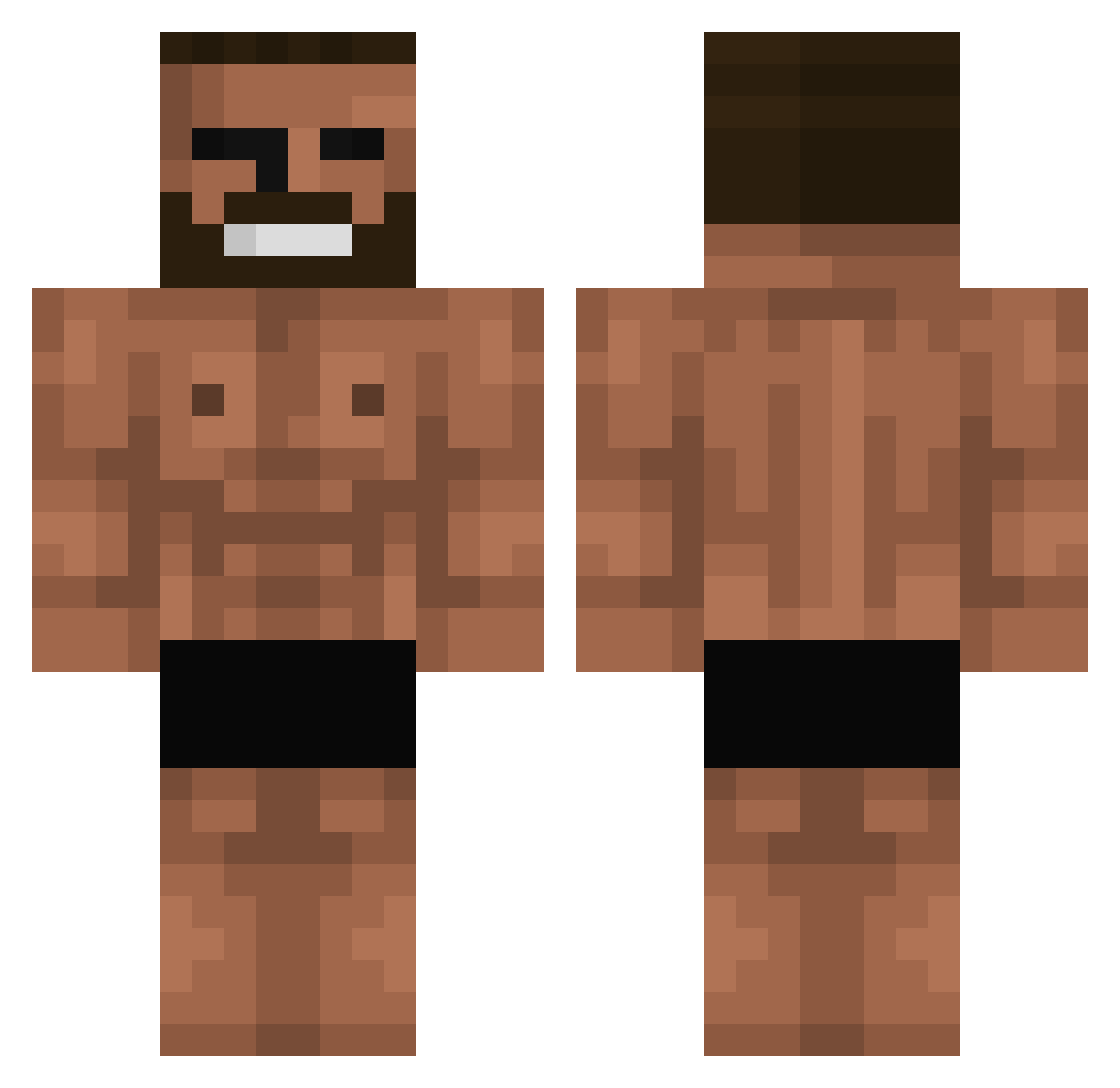
Current Minecraft skin of the player Atheseum, loaded from the official Mojang API. Rotate the 3D model with your mouse or finger, then download the skin as a PNG file and use it in Minecraft: Bedrock Edition or Java Edition for free. When Atheseum changes their skin, this page updates automatically and the old skin stays in the history below.
Other players with this skin (842)
Atheseum was the 773rd player we have seen with this skin, first spotted on 11.11.2026. The same skin was seen on these players. Open a nickname to see their current skin and skin history.
 KIMI1200 Grimfox20 jwx0x BarbaBeuh PrimoEntree pandajjing thshow Brayan_611 piotruspan1337 fmmm Heritrex Yihaea byswr lbw_w leesuba Heroicpeanut Baguette_THE_GOD EBeeshio HobNob871 Muchalfa EliasKonon BingBong3188 Karlitoss14 Jack_Dorsan JHXN77 Hel0ftheN0rth Mitsuri08 Susmore balzZ Goldenface1812 Albertukii RussoAU Konr4der SamuraiNugget Coverse_kid L3rcio Kamsito Hye_Sung Karim180cmSingle GunbariLeeSangje Injusa27 LeRoro7 dhlfhqek madman78 TurfyCreator UK5012 xiannnnnnng30 Onlyfansgirl123 zxh1026 mindboogler MojaCipkaBoli Chelo1333 Pupershnup 6rig0ri_Rasputin BlackPrice08 SirFlakkoz MOKKASSI Dr_Squatch3 Jonanananananan HPdalma
More Gigachad Minecraft skins
How to install the Atheseum skin
- Press the Download button above to save the skin as a PNG file.
- Minecraft: Bedrock Edition (PE): open the Dressing Room from the main menu (or tap your character → Edit Character), go to Classic Skins → Owned, press the + (new skin) button, choose the downloaded PNG and pick the Classic (Steve) model. Works on PC and mobile; consoles cannot import custom skins.
- Minecraft: Java Edition: open the Minecraft Launcher, go to the Skins tab, click New Skin, load the PNG, pick the Classic (Steve) model and press Save & Use. You can also upload it at minecraft.net → Profile → Change Skin.
The skin does not show up after import - what should I do?
Restart Minecraft and open the Dressing Room again - imported skins sometimes appear only after a restart. Also make sure you selected the imported skin and picked the Classic (Steve) model.
Which model should I choose, Classic or Slim?
This skin is designed for the Classic (Steve) model. If you pick the wrong model, the arms of the skin will look stretched or squeezed.
Is the skin of Atheseum free to download?
Yes. Press Download, save the PNG file and use it in Minecraft: Bedrock Edition or Java Edition - no payment or registration needed. The skin also works on multiplayer servers and Realms.
More skins
Looking for more? Go back to all Minecraft skins and check the top skins of the week, month and all time, or find any player's skin by nickname.