
Asterix_2015 - Minecraft Skins & Skin History
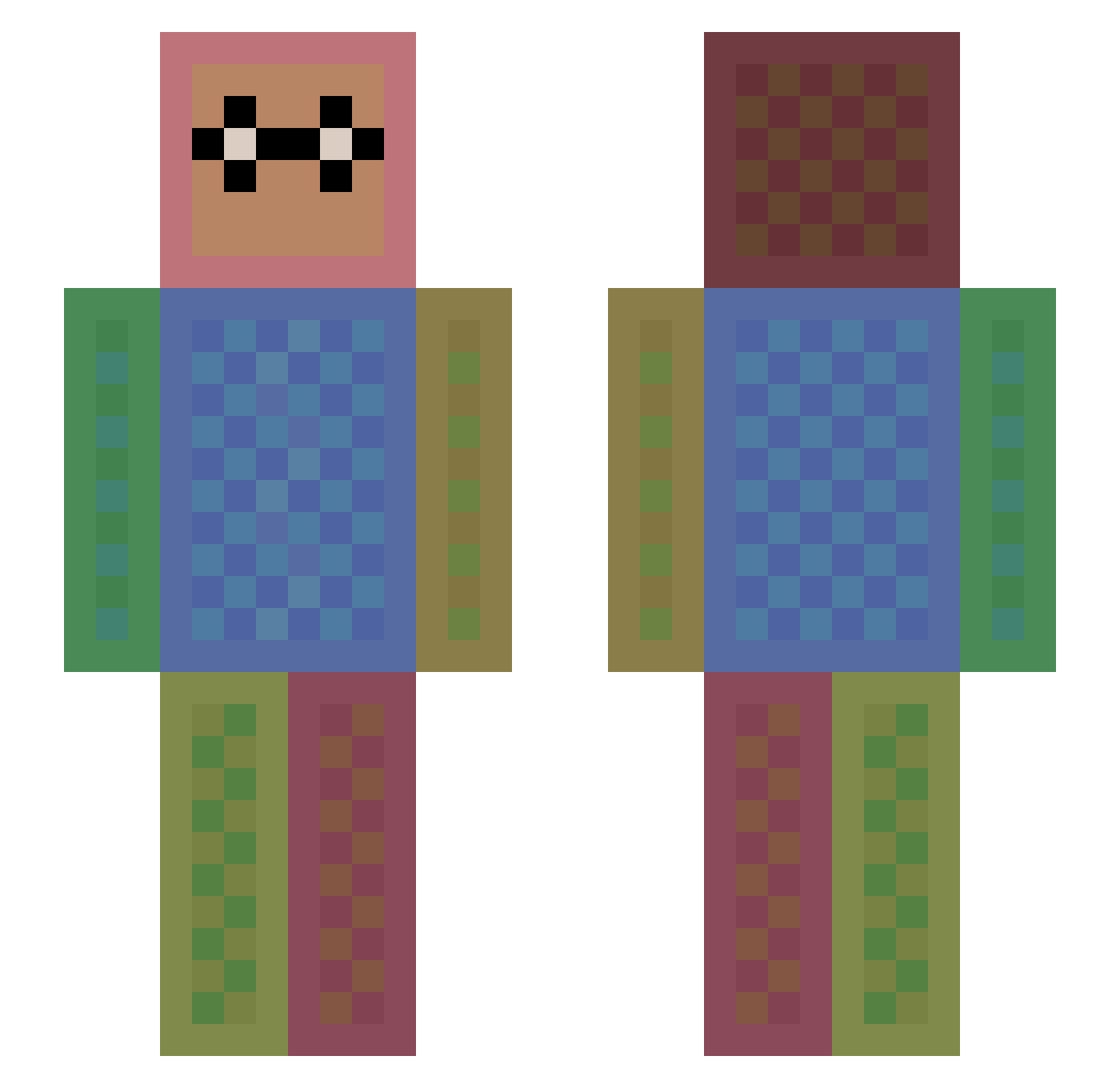
Current Minecraft skin of the player Asterix_2015, loaded from the official Mojang API. Rotate the 3D model with your mouse or finger, then download the skin as a PNG file and use it in Minecraft: Bedrock Edition or Java Edition for free. When Asterix_2015 changes their skin, this page updates automatically and the old skin stays in the history below.
Other players with this skin (1119)
Asterix_2015 was the 744th player we have seen with this skin, first spotted on 24.09.2026. The same skin was seen on these players. Open a nickname to see their current skin and skin history.
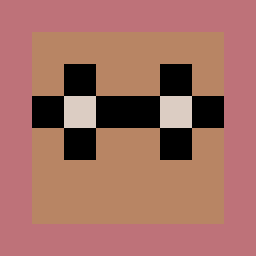 XXGh0sT30XX Samyaza7 Daveee11 Kattniss2004 easton06 Jimmychou1031 hannah020 InvisibleWxrld SubaruOutback RealDoughnut Prena leekimberly1124 dacoach02 EASTONV1 lovebunny1234 parkyw1130 Shotgunstone fakePrimeZ coolcat123 pedrohenrique5 bvshi_ ManuAiko SFireDragon Nys313 Dozz95 Adi4132 blackcat1136 xdarkest_angelx Empirewar1 CopperChaser lvkeapp lucraftru greenlantern299 AK_LUCKY_BLOCKS BirchM Salvo06 soccerstar118 noobworkjr Assain101 edwardabela chopwhite Maylis1110 PokeStepa karin_m karaage115 xxxxisland cameronE99 funnyshloth241 IamRobert05 AcidRoot XavierStevenson TGV1 SallySallySally highgo agente2688 DDinny wolfcarol55 THEBIGGESTJAG AlaricB ILikeMyAtoms
How to install the Asterix_2015 skin
- Press the Download button above to save the skin as a PNG file.
- Minecraft: Bedrock Edition (PE): open the Dressing Room from the main menu (or tap your character → Edit Character), go to Classic Skins → Owned, press the + (new skin) button, choose the downloaded PNG and pick the Slim (Alex) model. Works on PC and mobile; consoles cannot import custom skins.
- Minecraft: Java Edition: open the Minecraft Launcher, go to the Skins tab, click New Skin, load the PNG, pick the Slim (Alex) model and press Save & Use. You can also upload it at minecraft.net → Profile → Change Skin.
The skin does not show up after import - what should I do?
Restart Minecraft and open the Dressing Room again - imported skins sometimes appear only after a restart. Also make sure you selected the imported skin and picked the Slim (Alex) model.
Which model should I choose, Classic or Slim?
This skin is designed for the Slim (Alex) model. If you pick the wrong model, the arms of the skin will look stretched or squeezed.
Is the skin of Asterix_2015 free to download?
Yes. Press Download, save the PNG file and use it in Minecraft: Bedrock Edition or Java Edition - no payment or registration needed. The skin also works on multiplayer servers and Realms.
More skins
Looking for more? Go back to all Minecraft skins and check the top skins of the week, month and all time, or find any player's skin by nickname.