
AshleyBlade - Minecraft Skins & Skin History
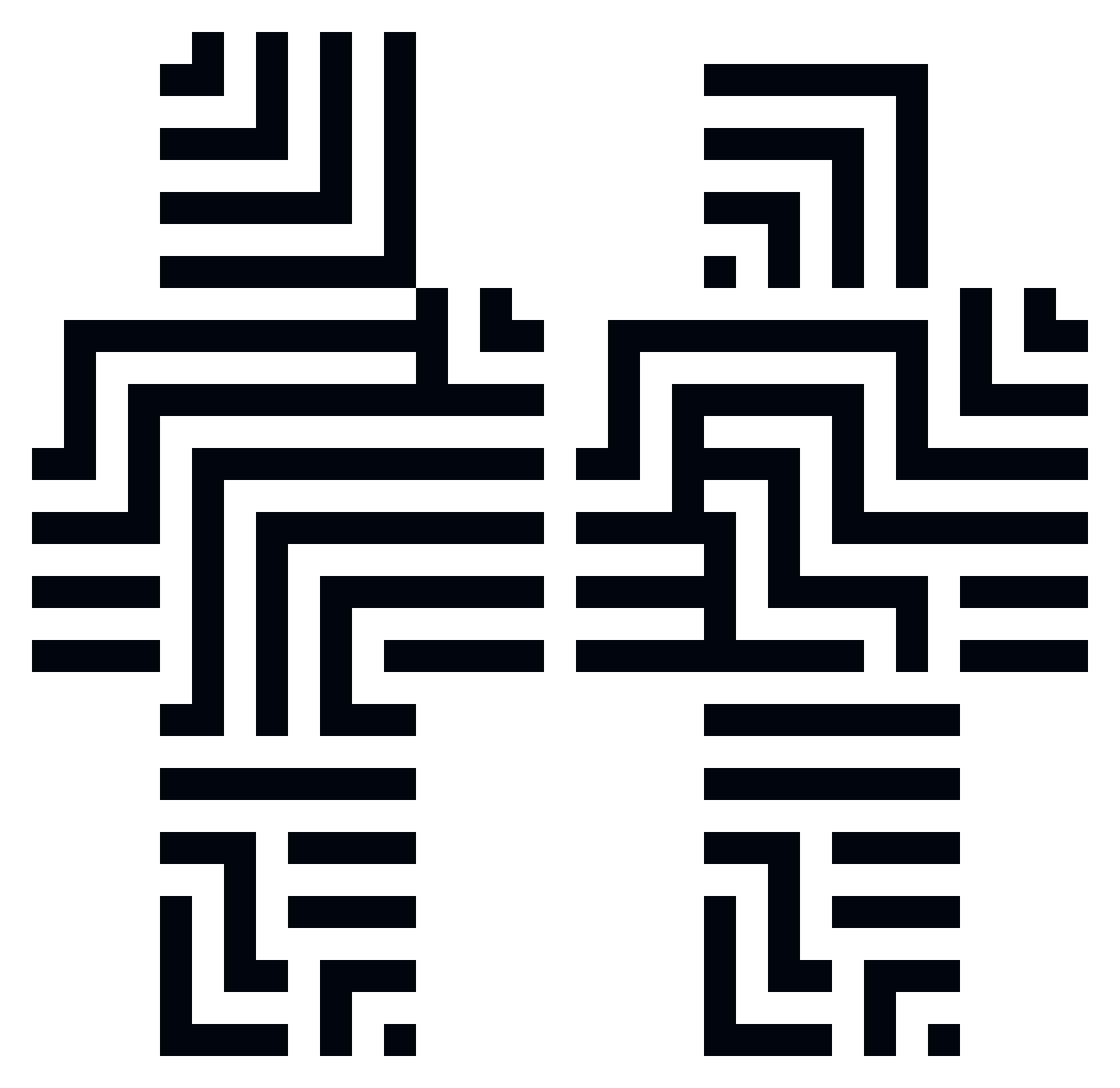
Current Minecraft skin of the player AshleyBlade, loaded from the official Mojang API. Rotate the 3D model with your mouse or finger, then download the skin as a PNG file and use it in Minecraft: Bedrock Edition or Java Edition for free. When AshleyBlade changes their skin, this page updates automatically and the old skin stays in the history below.
Other players with this skin (389)
AshleyBlade was the 79th player we have seen with this skin, first spotted on 13.08.2026. The same skin was seen on these players. Open a nickname to see their current skin and skin history.
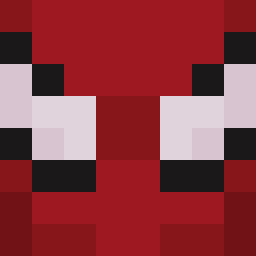 ChizMan
 Greatmanofgreat Warbird01 SpectacularFo Cvgamer08 LXNGWAY Bratik_off Lilseynar vysq Lodreed BurntToastt7 Jackson2137 ActiviaCoco VAld1s Reiay oofed_ phidite Keys2Win panda_boiii Guihuang BVBplayer2000 ullr1137 Fuel0307
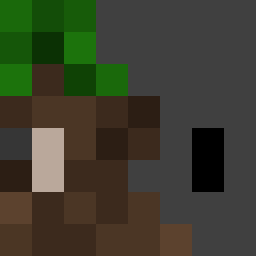 dumb_toffu BurningSmurph LoafsSlave KOS398 Kafeore20 DriftBoat vinaum98
 Shm00pi kilhof 10db Innersea FaZeLugia Salo0 Balandra420 Moth_Man_the_III Julian0369 zacthekid98 MACARONS1 BigBepsiDmon n0aam phzinho8282 ULGee Risuspupa ExoticAlphaRuins sqwinm Real_Dau Doonzy8 Pracigam Prozmyyy jtskiiii 5lele CoffeeIsaGoddess marshalldeala V4mpire0 OS2Y BONEZIES123 Melonik357
How to install the AshleyBlade skin
- Press the Download button above to save the skin as a PNG file.
- Minecraft: Bedrock Edition (PE): open the Dressing Room from the main menu (or tap your character → Edit Character), go to Classic Skins → Owned, press the + (new skin) button, choose the downloaded PNG and pick the Classic (Steve) model. Works on PC and mobile; consoles cannot import custom skins.
- Minecraft: Java Edition: open the Minecraft Launcher, go to the Skins tab, click New Skin, load the PNG, pick the Classic (Steve) model and press Save & Use. You can also upload it at minecraft.net → Profile → Change Skin.
The skin does not show up after import - what should I do?
Restart Minecraft and open the Dressing Room again - imported skins sometimes appear only after a restart. Also make sure you selected the imported skin and picked the Classic (Steve) model.
Which model should I choose, Classic or Slim?
This skin is designed for the Classic (Steve) model. If you pick the wrong model, the arms of the skin will look stretched or squeezed.
Is the skin of AshleyBlade free to download?
Yes. Press Download, save the PNG file and use it in Minecraft: Bedrock Edition or Java Edition - no payment or registration needed. The skin also works on multiplayer servers and Realms.
More skins
Looking for more? Go back to all Minecraft skins and check the top skins of the week, month and all time, or find any player's skin by nickname.