
Asawade - Minecraft Skins & Skin History
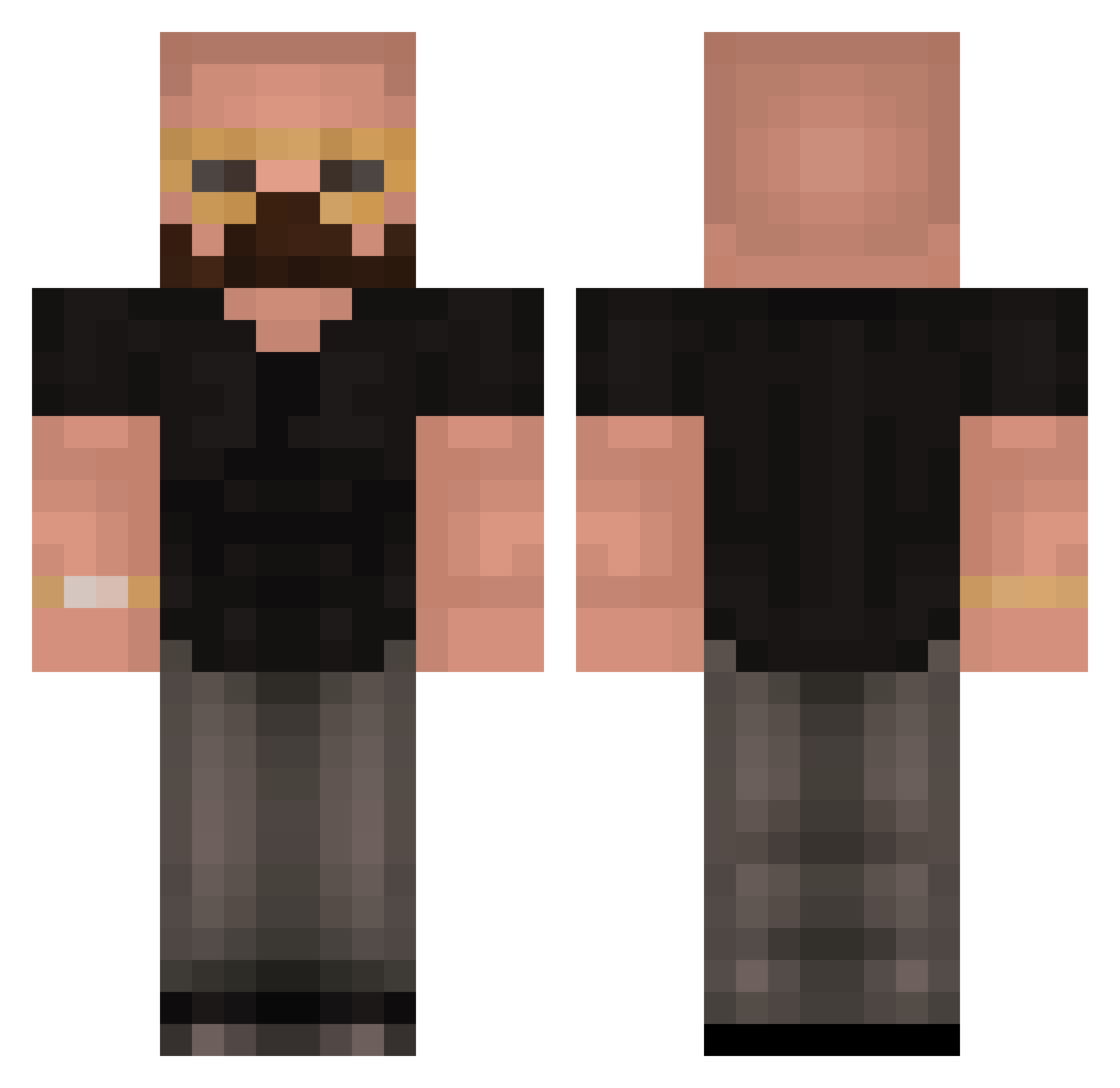
Current Minecraft skin of the player Asawade, loaded from the official Mojang API. Rotate the 3D model with your mouse or finger, then download the skin as a PNG file and use it in Minecraft: Bedrock Edition or Java Edition for free. When Asawade changes their skin, this page updates automatically and the old skin stays in the history below.
Other players with this skin (418)
Asawade was the 387th player we have seen with this skin, first spotted on 24.10.2026. The same skin was seen on these players. Open a nickname to see their current skin and skin history.
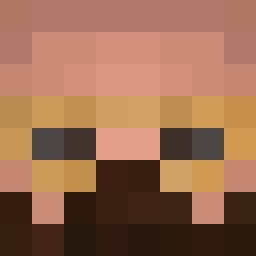 TopGAJay z3ndd Chockalatte NdrewT8 JPMMT7 emuszz Mr_Ace_Aim Snowy_XD1 Flip_Flop_2069_ BigNuttyG JJava26 BGR14 Orangutan1289 mrmercado NolanBoarts Mr_EliteNoob Collin_1202 Andrejs_Tetins mhue12 georgeous3 DaquaviusB SwisherK BlxzPlayz Grim2072 KickLocoForJC shanisjustsogood SuperHotSalsa Baylo457 HerbieGeorge OGSamie12 Preregister YoungVaz Ben69_ ridgie74 dom_77 _a1y_ jojio460 Cheggroll TopGhee Normisht palmbeachjefff Iceape21 TyroneAndratx SimpCDY CoconutClips Gedankefarn ValdeMontana Dushino SCHNOUSTER cachito_de_pan AlimWest AmbatakumOmaygot AndrewTopGTate77 xxxtrV Mist7 Mopcho Clapz2 Plsnomeat UrBaldMalik Big_OB503
More Heisenberg Minecraft skins
How to install the Asawade skin
- Press the Download button above to save the skin as a PNG file.
- Minecraft: Bedrock Edition (PE): open the Dressing Room from the main menu (or tap your character → Edit Character), go to Classic Skins → Owned, press the + (new skin) button, choose the downloaded PNG and pick the Classic (Steve) model. Works on PC and mobile; consoles cannot import custom skins.
- Minecraft: Java Edition: open the Minecraft Launcher, go to the Skins tab, click New Skin, load the PNG, pick the Classic (Steve) model and press Save & Use. You can also upload it at minecraft.net → Profile → Change Skin.
The skin does not show up after import - what should I do?
Restart Minecraft and open the Dressing Room again - imported skins sometimes appear only after a restart. Also make sure you selected the imported skin and picked the Classic (Steve) model.
Which model should I choose, Classic or Slim?
This skin is designed for the Classic (Steve) model. If you pick the wrong model, the arms of the skin will look stretched or squeezed.
Is the skin of Asawade free to download?
Yes. Press Download, save the PNG file and use it in Minecraft: Bedrock Edition or Java Edition - no payment or registration needed. The skin also works on multiplayer servers and Realms.
More skins
Looking for more? Go back to all Minecraft skins and check the top skins of the week, month and all time, or find any player's skin by nickname.