
Arwixel11 - Minecraft Skins & Skin History
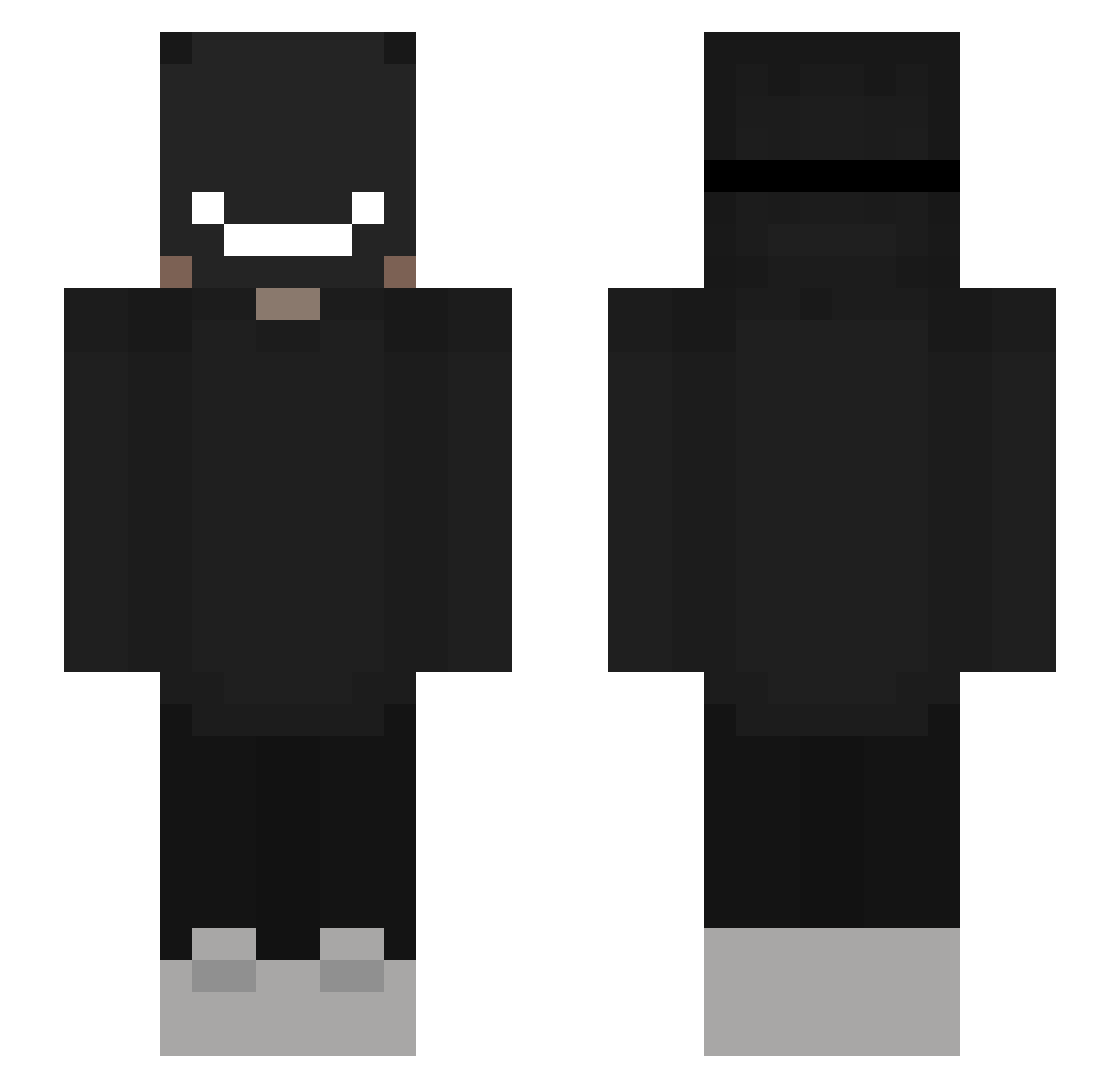
Current Minecraft skin of the player Arwixel11, loaded from the official Mojang API. Rotate the 3D model with your mouse or finger, then download the skin as a PNG file and use it in Minecraft: Bedrock Edition or Java Edition for free. When Arwixel11 changes their skin, this page updates automatically and the old skin stays in the history below.
Other players with this skin (310)
Arwixel11 was the 46th player we have seen with this skin, first spotted on 09.08.2026. The same skin was seen on these players. Open a nickname to see their current skin and skin history.
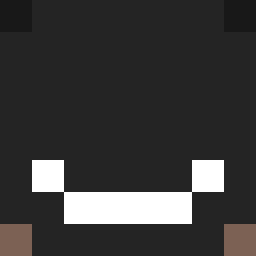 twXtt GamesHaven ConnorRab09 Tcyyyyyyy FreakGay Kr4ayz JUNGERLAKE2 IOP2I Walpole _Teko Arcturus_007 _Cxld_ JsJ114 sidg0704 Mteus517 MegaSintoo Klausenhof011 Twinz2301 daniuszkar KingODog EpicTiger888 ebxyt66 IM_King_ Morgs1006 Mran87 _Satoru_xp CptObvious247
 ItzJustHero Izoku_YT zqueijo denlimechiling Bulbeur apple4250 renilson mayberubyninja christianris Kqbirunrun Z2w24 wokred mauel098mc Santiago201 _rxku_ YEFREN amoe1111 Daltonez Ksa999 fucnlosr duuumii Taalgebruik QSDx TiMy_00Firewall Foodbasket Renegade_Champ PapiDeSenz Dantann Tonia10 keyweegaz Doughboy122 Nxxxb Jotam007
More Badboyhalo Minecraft skins
How to install the Arwixel11 skin
- Press the Download button above to save the skin as a PNG file.
- Minecraft: Bedrock Edition (PE): open the Dressing Room from the main menu (or tap your character → Edit Character), go to Classic Skins → Owned, press the + (new skin) button, choose the downloaded PNG and pick the Slim (Alex) model. Works on PC and mobile; consoles cannot import custom skins.
- Minecraft: Java Edition: open the Minecraft Launcher, go to the Skins tab, click New Skin, load the PNG, pick the Slim (Alex) model and press Save & Use. You can also upload it at minecraft.net → Profile → Change Skin.
The skin does not show up after import - what should I do?
Restart Minecraft and open the Dressing Room again - imported skins sometimes appear only after a restart. Also make sure you selected the imported skin and picked the Slim (Alex) model.
Which model should I choose, Classic or Slim?
This skin is designed for the Slim (Alex) model. If you pick the wrong model, the arms of the skin will look stretched or squeezed.
Is the skin of Arwixel11 free to download?
Yes. Press Download, save the PNG file and use it in Minecraft: Bedrock Edition or Java Edition - no payment or registration needed. The skin also works on multiplayer servers and Realms.
More skins
Looking for more? Go back to all Minecraft skins and check the top skins of the week, month and all time, or find any player's skin by nickname.