
ArmedDad - Minecraft Skins & Skin History
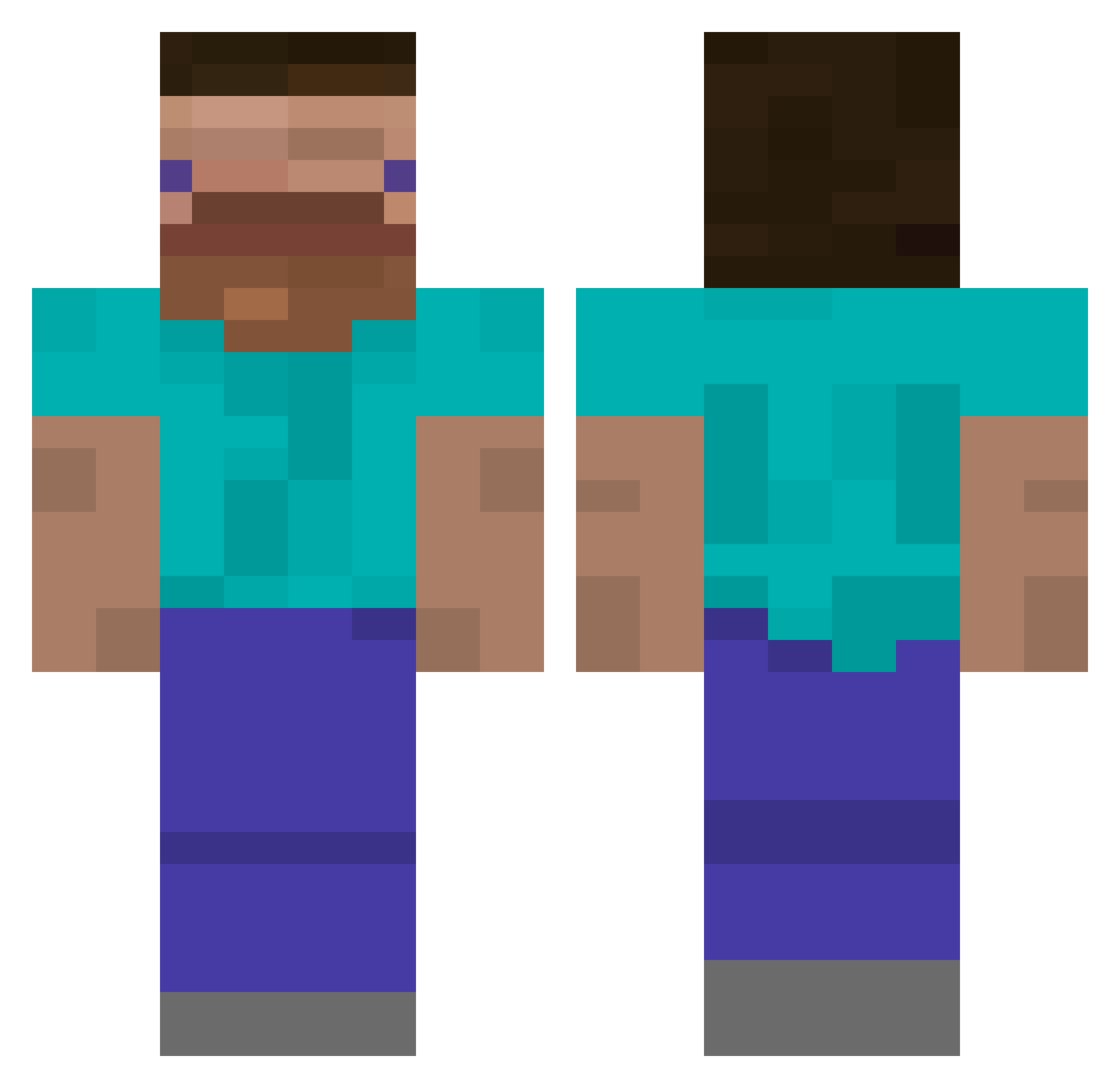
Current Minecraft skin of the player ArmedDad, loaded from the official Mojang API. Rotate the 3D model with your mouse or finger, then download the skin as a PNG file and use it in Minecraft: Bedrock Edition or Java Edition for free. When ArmedDad changes their skin, this page updates automatically and the old skin stays in the history below.
Other players with this skin (385)
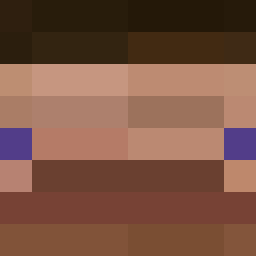
ArmedDad was the 305th player we have seen with this skin, first spotted on 07.10.2026. The same skin was seen on these players. Open a nickname to see their current skin and skin history.
 westone09111 Velvokaj XDDFly haihaiaiyou PepitoMaxi MrLOLGHOST228 zdork11 walow1013 Baylador MrPopka GhostyZooX1 zdxyz Xczvg Cokeboi Mango1110 StrikeStarTM I_sis memoruju Diamondking1049 Palczaczek sharky_job lhxls GiustepStromboli Melk0 Bingusq BruhKart lil_elfff Quiet_Parrot kmj5847 FerryTM_ Abrakadabrra aidxxnn BlackenedBoy TinyDiamond9090 _ItsDucky Redslo Revexse JLerx HongJungi Metty17 Blobby1562 aphantasia bambamboong koI3ol kostas20102 pizdddetts westone0 BeneneTwilight Ext_inction_ JuanSan_ jabypet TuaMaeDe4 Efe316293 Wojnar11 dienoobs01 mare114514 QuackyBoi_ rxssy_ valsaenz MrVoshel
How to install the ArmedDad skin
- Press the Download button above to save the skin as a PNG file.
- Minecraft: Bedrock Edition (PE): open the Dressing Room from the main menu (or tap your character → Edit Character), go to Classic Skins → Owned, press the + (new skin) button, choose the downloaded PNG and pick the Classic (Steve) model. Works on PC and mobile; consoles cannot import custom skins.
- Minecraft: Java Edition: open the Minecraft Launcher, go to the Skins tab, click New Skin, load the PNG, pick the Classic (Steve) model and press Save & Use. You can also upload it at minecraft.net → Profile → Change Skin.
The skin does not show up after import - what should I do?
Restart Minecraft and open the Dressing Room again - imported skins sometimes appear only after a restart. Also make sure you selected the imported skin and picked the Classic (Steve) model.
Which model should I choose, Classic or Slim?
This skin is designed for the Classic (Steve) model. If you pick the wrong model, the arms of the skin will look stretched or squeezed.
Is the skin of ArmedDad free to download?
Yes. Press Download, save the PNG file and use it in Minecraft: Bedrock Edition or Java Edition - no payment or registration needed. The skin also works on multiplayer servers and Realms.
More skins
Looking for more? Go back to all Minecraft skins and check the top skins of the week, month and all time, or find any player's skin by nickname.