
Aqua_Mp3 - Minecraft Skins & Skin History
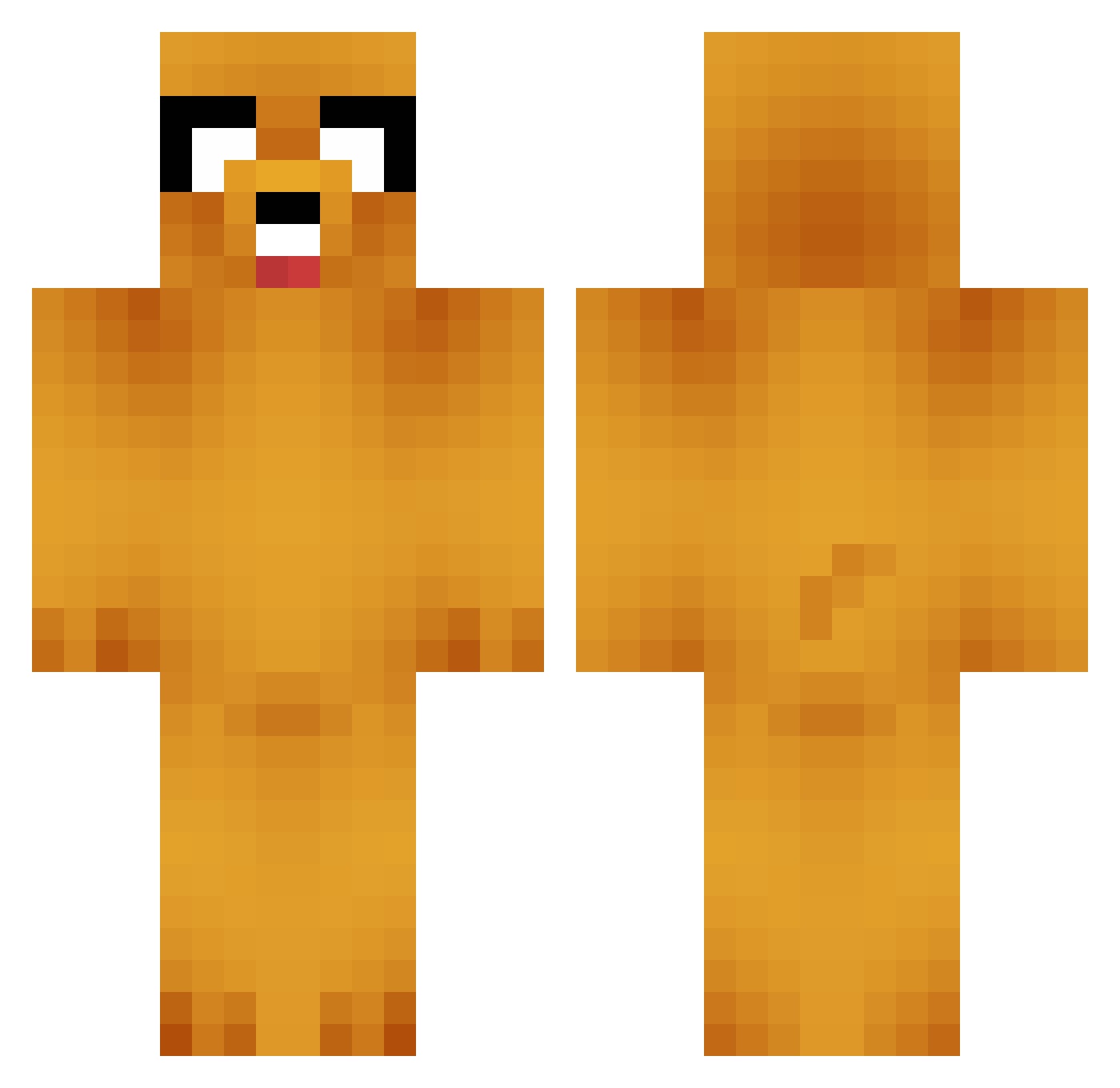
Current Minecraft skin of the player Aqua_Mp3, loaded from the official Mojang API. Rotate the 3D model with your mouse or finger, then download the skin as a PNG file and use it in Minecraft: Bedrock Edition or Java Edition for free. When Aqua_Mp3 changes their skin, this page updates automatically and the old skin stays in the history below.
Other players with this skin (664)
Aqua_Mp3 was the 460th player we have seen with this skin, first spotted on 27.09.2026. The same skin was seen on these players. Open a nickname to see their current skin and skin history.
 el_bandido3000 elon_musk_pobre Charmin8008 Greybull kai921216 byeolbyeol Round_Bubblety Wearcy ss7335 Lv_1010 AxolotlSunrise chanho0510 Xiantao0716 sharxxn JNtense jpscp1006 therealwalkerr babyTOTO12 Kakashi_Obito Toom540 aobaobg chiefys177 David_strim trznity shirokuma1004 amel8383 dingusboi fuhh12 the_lil_crispy AZIAN_INVASION TheRuskyHuski DiellBud Stoc4zzo masmun0 shortcutone Abdallah__ Dj_Reilly123 Oalvaro3 ELkaos blue_alec _Kasino_ Lined456 Tunnaa roketor kokadooo AdolfHtle Frocular 00wayne00 Neardis sadasw Bernardohe17 Saim0nn OreoSammich jbondrums_ Kai_1925 _Hambo2k9 StyxDynamix Ikaroww homiebearz diyey3
More Jake Minecraft skins
How to install the Aqua_Mp3 skin
- Press the Download button above to save the skin as a PNG file.
- Minecraft: Bedrock Edition (PE): open the Dressing Room from the main menu (or tap your character → Edit Character), go to Classic Skins → Owned, press the + (new skin) button, choose the downloaded PNG and pick the Classic (Steve) model. Works on PC and mobile; consoles cannot import custom skins.
- Minecraft: Java Edition: open the Minecraft Launcher, go to the Skins tab, click New Skin, load the PNG, pick the Classic (Steve) model and press Save & Use. You can also upload it at minecraft.net → Profile → Change Skin.
The skin does not show up after import - what should I do?
Restart Minecraft and open the Dressing Room again - imported skins sometimes appear only after a restart. Also make sure you selected the imported skin and picked the Classic (Steve) model.
Which model should I choose, Classic or Slim?
This skin is designed for the Classic (Steve) model. If you pick the wrong model, the arms of the skin will look stretched or squeezed.
Is the skin of Aqua_Mp3 free to download?
Yes. Press Download, save the PNG file and use it in Minecraft: Bedrock Edition or Java Edition - no payment or registration needed. The skin also works on multiplayer servers and Realms.
More skins
Looking for more? Go back to all Minecraft skins and check the top skins of the week, month and all time, or find any player's skin by nickname.