
Aphiktos - Minecraft Skins & Skin History
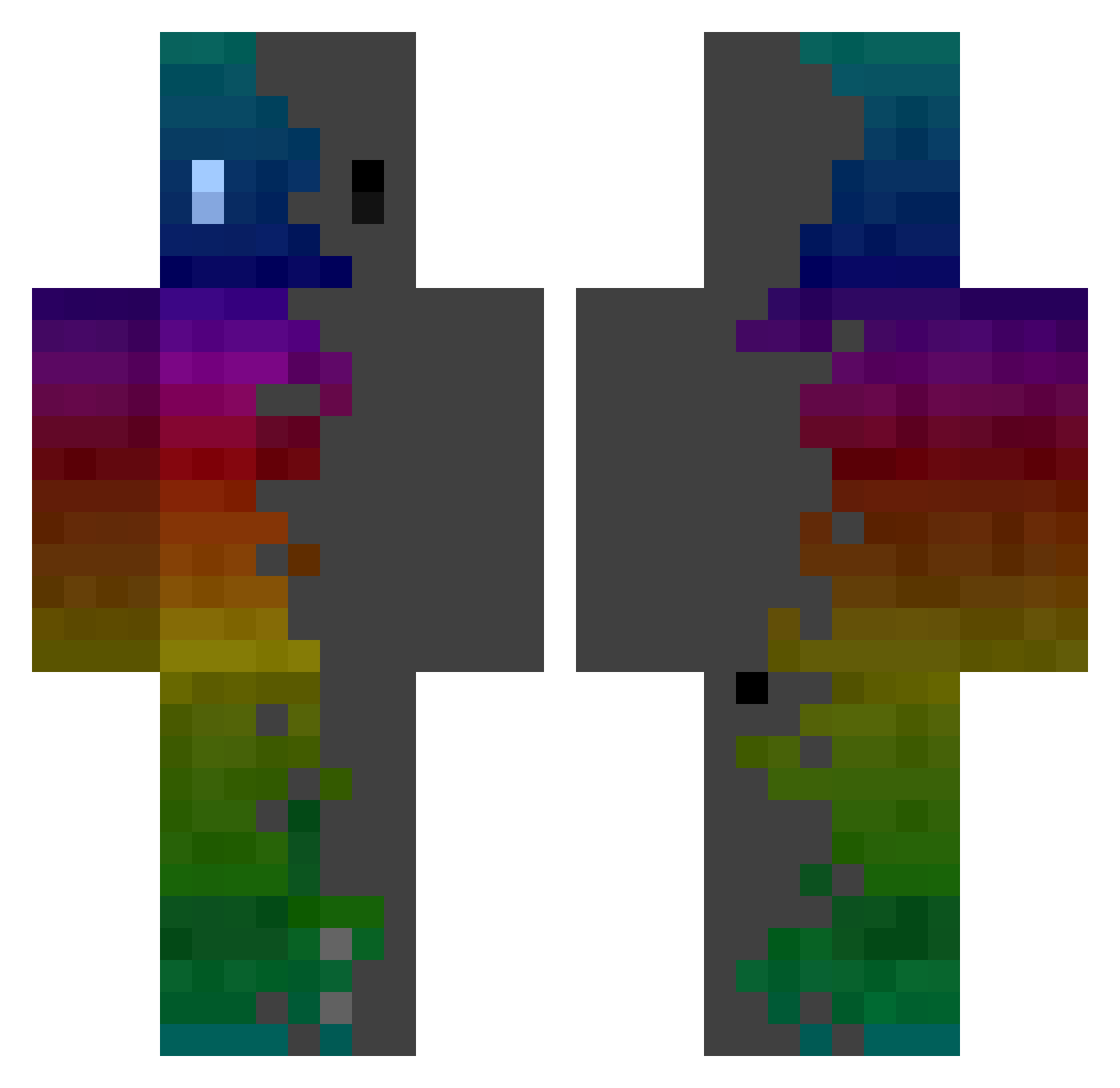
Current Minecraft skin of the player Aphiktos, loaded from the official Mojang API. Rotate the 3D model with your mouse or finger, then download the skin as a PNG file and use it in Minecraft: Bedrock Edition or Java Edition for free. When Aphiktos changes their skin, this page updates automatically and the old skin stays in the history below.
Other players with this skin (364)
Aphiktos was the 234th player we have seen with this skin, first spotted on 03.10.2026. The same skin was seen on these players. Open a nickname to see their current skin and skin history.
 optimatlot MOTEL_Dominic BossKaiden Drivas117 nieutus86 Steve_Yu Ekligamer DelDiablo_21 Lyccaon JuliaMiCraft _ImMiner_ SPIRAL4321 LordChocoplo NinjaFire_PvP Captain_corg1 l3UCCI Inosuke111 1K_skywalker Ba5st6ii1 Kanjo22 MisterCroquette Spockyy zhishixuebao Yohimba Shaykrai _jamsie M3ndo1m ChineseWarlord Blackkurama BABUZ VoidAlcamist Choi_root Scrashek Bigchubb12 gugus67000 SnowflakeSirup nico1625 FlossUrTeeth Left_noko reminecraft67 CyberChrasd xedy04 The_Coalector DEVIL_66 Pulsar_10101 iam_a_noob1746 RRR3510 nagomimasune753 kubus_jdd SmonPatron ReseTYourFace SebastianASCh Domo881 RJBB87 OwO_pudding Doraemon_9234 amnesiahazie ASAPV2 SummyNew NotGenZ
How to install the Aphiktos skin
- Press the Download button above to save the skin as a PNG file.
- Minecraft: Bedrock Edition (PE): open the Dressing Room from the main menu (or tap your character → Edit Character), go to Classic Skins → Owned, press the + (new skin) button, choose the downloaded PNG and pick the Classic (Steve) model. Works on PC and mobile; consoles cannot import custom skins.
- Minecraft: Java Edition: open the Minecraft Launcher, go to the Skins tab, click New Skin, load the PNG, pick the Classic (Steve) model and press Save & Use. You can also upload it at minecraft.net → Profile → Change Skin.
The skin does not show up after import - what should I do?
Restart Minecraft and open the Dressing Room again - imported skins sometimes appear only after a restart. Also make sure you selected the imported skin and picked the Classic (Steve) model.
Which model should I choose, Classic or Slim?
This skin is designed for the Classic (Steve) model. If you pick the wrong model, the arms of the skin will look stretched or squeezed.
Is the skin of Aphiktos free to download?
Yes. Press Download, save the PNG file and use it in Minecraft: Bedrock Edition or Java Edition - no payment or registration needed. The skin also works on multiplayer servers and Realms.
More skins
Looking for more? Go back to all Minecraft skins and check the top skins of the week, month and all time, or find any player's skin by nickname.