
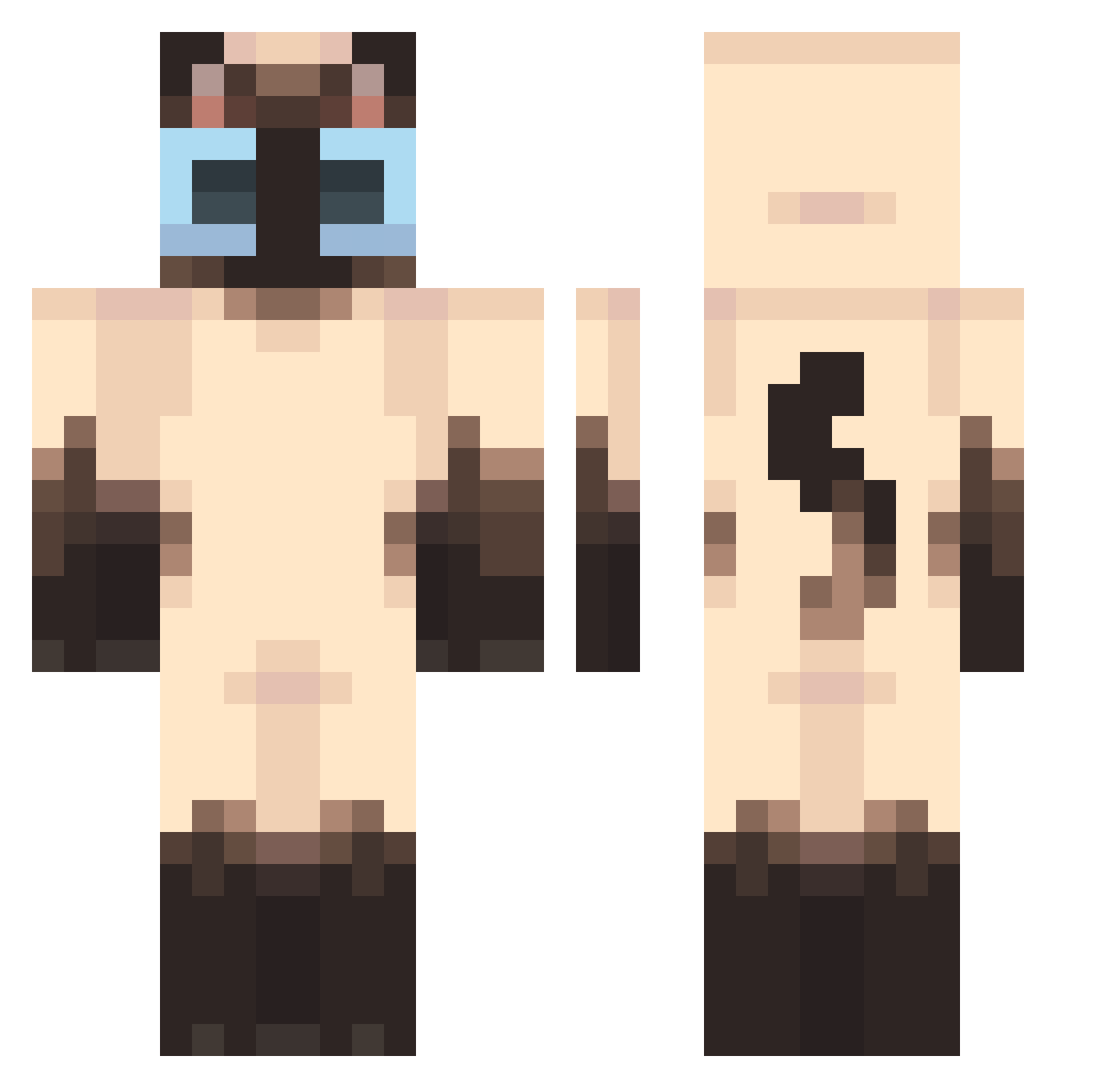
Current Minecraft skin of the player Antuna32_, loaded from the official Mojang API. Rotate the 3D model with your mouse or finger, then download the skin as a PNG file and use it in Minecraft: Bedrock Edition or Java Edition for free. When Antuna32_ changes their skin, this page updates automatically and the old skin stays in the history below.
Other players with this skin (355)
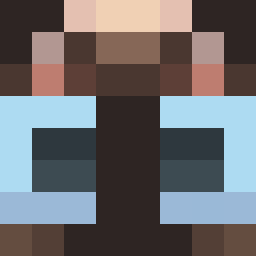
Antuna32_ was the 173rd player we have seen with this skin, first spotted on 02.09.2026. The same skin was seen on these players. Open a nickname to see their current skin and skin history.
 RunJee0 ToodleyDoodley Ha_ha88 oisagi urfavzoeyy pixicaro SUTOROOO Aantek2013 Nongdamgom77 bufum cathy__ mx20001h ThiccBoof Trx_Soda I8k4803 Fwanxx dhsbl Kizinn Lasagnanito newbyyoon EXvXN Melaiah JJAMTONG1014 crispyychicken8 Doughh_ amelierxse mavy_wavyy Maxsy1127 feetlover269 Anettaprochy chewynater12 nucleartheology nobaba817 MeFisoo_1 hansaplastpleist _Nob1e CHAOZU103 vickeywicky baemalea cl0udyi_ l0v3_sofi MeiMei171 IKKEJA nelllic LoxTie_ Sogirly33 lMintyl Puffl3Pink ArthrtA Jason9604 mou_hei rlyee angel1l1l1l1l1 BigP3769 Twentytwopines That1Quasar soapss4 logaxi KHO258 OniUr
More Siamese Cat Minecraft skins
How to install the Antuna32_ skin
- Press the Download button above to save the skin as a PNG file.
- Minecraft: Bedrock Edition (PE): open the Dressing Room from the main menu (or tap your character → Edit Character), go to Classic Skins → Owned, press the + (new skin) button, choose the downloaded PNG and pick the Classic (Steve) model. Works on PC and mobile; consoles cannot import custom skins.
- Minecraft: Java Edition: open the Minecraft Launcher, go to the Skins tab, click New Skin, load the PNG, pick the Classic (Steve) model and press Save & Use. You can also upload it at minecraft.net → Profile → Change Skin.
The skin does not show up after import - what should I do?
Restart Minecraft and open the Dressing Room again - imported skins sometimes appear only after a restart. Also make sure you selected the imported skin and picked the Classic (Steve) model.
Which model should I choose, Classic or Slim?
This skin is designed for the Classic (Steve) model. If you pick the wrong model, the arms of the skin will look stretched or squeezed.
Is the skin of Antuna32_ free to download?
Yes. Press Download, save the PNG file and use it in Minecraft: Bedrock Edition or Java Edition - no payment or registration needed. The skin also works on multiplayer servers and Realms.
More skins
Looking for more? Go back to all Minecraft skins and check the top skins of the week, month and all time, or find any player's skin by nickname.