
Antozoo - Minecraft Skins & Skin History
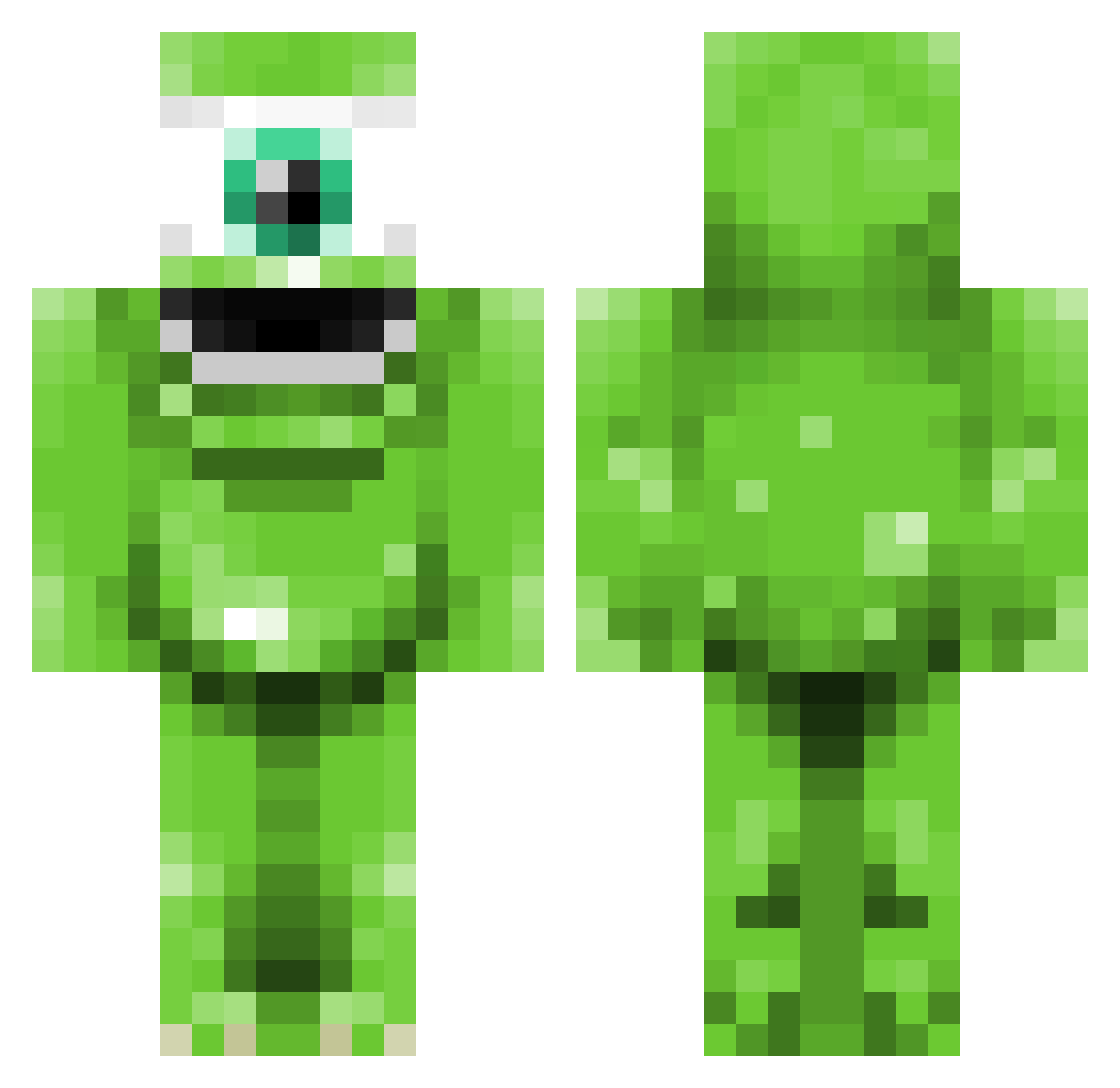
Current Minecraft skin of the player Antozoo, loaded from the official Mojang API. Rotate the 3D model with your mouse or finger, then download the skin as a PNG file and use it in Minecraft: Bedrock Edition or Java Edition for free. When Antozoo changes their skin, this page updates automatically and the old skin stays in the history below.
Other players with this skin (345)
Antozoo was the 137th player we have seen with this skin, first spotted on 02.09.2026. The same skin was seen on these players. Open a nickname to see their current skin and skin history.
 roy20001215 HuntMaxx mexicantacoz28 natedog630 Nightmareslol Kim_jong42 ehMeaty JamieReloaded TheBudgiePvP jackbird1999 mattt971 jjrooney Daae Dylrot FishyGoPishy Kayleigh123444 Rasers japperallen redonion05 Dhoope flaming_pickaxe1 eskejime PistolPeteTM johannes895 trueport SpiderWig gustaldo deady4444 Marldy dimanbaraban Shark_ey camelmania KKKKay Clocloking xDamian360x NewTropic CandR10 cacacash alanrencher TruMooney totallynotalexis Sk8erM Readoo97 Nalgang bradyroo1 Deniska_134 kmjamez sweetsquare jacobalex10 Zekash log0go MonsterInk_53 CHAUNCYx mgg911 SnorRanta CatNappeD SandMan_20 LuffeStyle bibirz _Finland_o3o
More Mike Wazowski Minecraft skins
See all 282 Mike Wazowski skins
How to install the Antozoo skin
- Press the Download button above to save the skin as a PNG file.
- Minecraft: Bedrock Edition (PE): open the Dressing Room from the main menu (or tap your character → Edit Character), go to Classic Skins → Owned, press the + (new skin) button, choose the downloaded PNG and pick the Classic (Steve) model. Works on PC and mobile; consoles cannot import custom skins.
- Minecraft: Java Edition: open the Minecraft Launcher, go to the Skins tab, click New Skin, load the PNG, pick the Classic (Steve) model and press Save & Use. You can also upload it at minecraft.net → Profile → Change Skin.
The skin does not show up after import - what should I do?
Restart Minecraft and open the Dressing Room again - imported skins sometimes appear only after a restart. Also make sure you selected the imported skin and picked the Classic (Steve) model.
Which model should I choose, Classic or Slim?
This skin is designed for the Classic (Steve) model. If you pick the wrong model, the arms of the skin will look stretched or squeezed.
Is the skin of Antozoo free to download?
Yes. Press Download, save the PNG file and use it in Minecraft: Bedrock Edition or Java Edition - no payment or registration needed. The skin also works on multiplayer servers and Realms.
More skins
Looking for more? Go back to all Minecraft skins and check the top skins of the week, month and all time, or find any player's skin by nickname.