
AngryBirdTalan - Minecraft Skins & Skin History
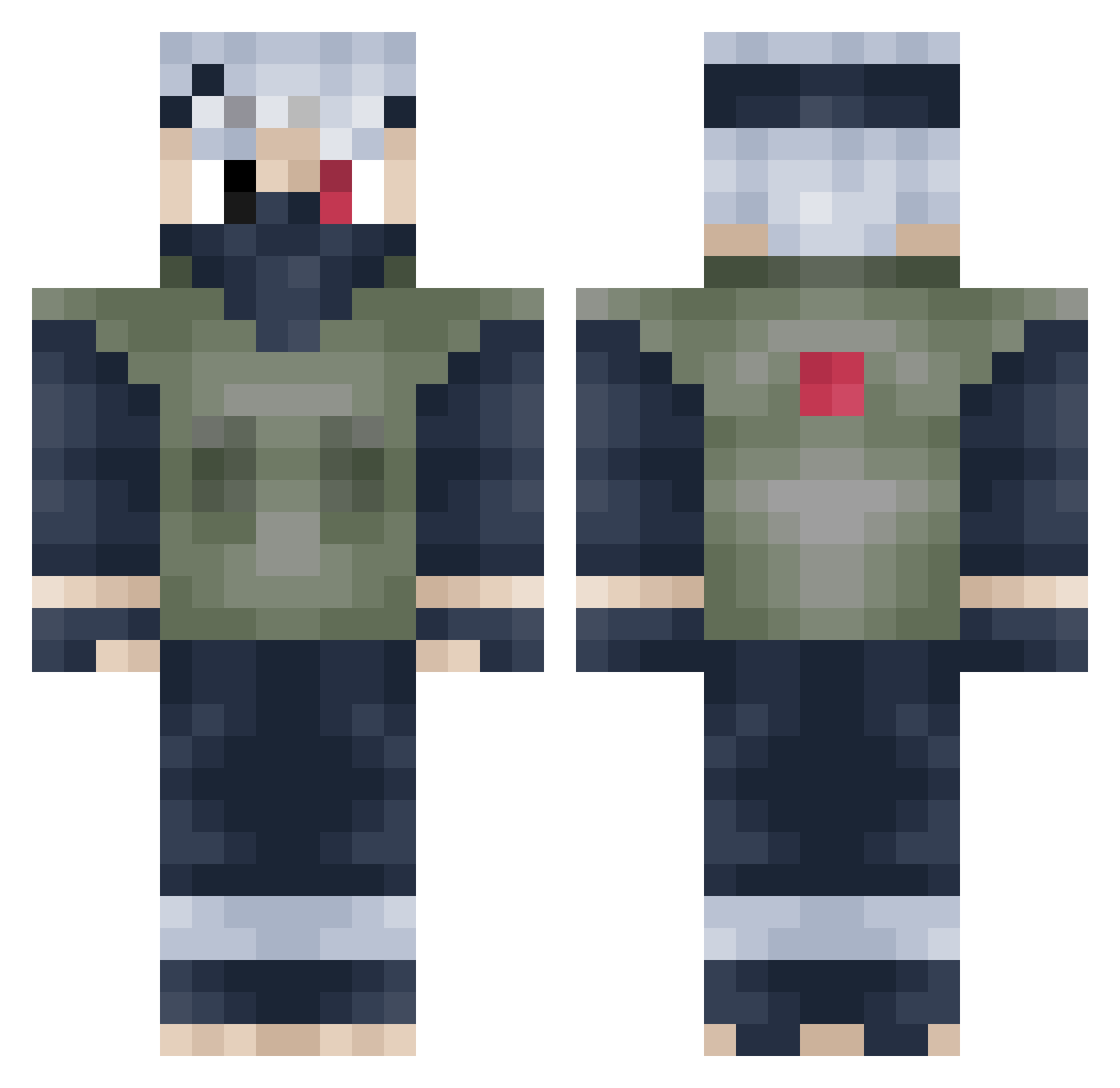
Current Minecraft skin of the player AngryBirdTalan, loaded from the official Mojang API. Rotate the 3D model with your mouse or finger, then download the skin as a PNG file and use it in Minecraft: Bedrock Edition or Java Edition for free. When AngryBirdTalan changes their skin, this page updates automatically and the old skin stays in the history below.
Other players with this skin (327)
AngryBirdTalan was the 300th player we have seen with this skin, first spotted on 12.11.2026. The same skin was seen on these players. Open a nickname to see their current skin and skin history.
 thorfinsguard LastTheGamer EMP_Lord_Cuno Luzes96 Ryuutoki sAAATIRO zeonimpulse dfughgdfgbdf Pracebabe lorenzo1763 Rayzer esgPenguin 838reuben yuminna HankMed Ezekiel2222 Angyal8 ronin_mir iHuskyZ xmufasax dfughgdhfbdf deanMD eirden18 CXM1128 mmccccc Tinokiooooo brodstar111 iamtwinning seathy15 mentldragon23 panderia01 onatox coolcanny101 andymann8 Sirchanced Rhadamanthys1235 Horrorkid6445 tyler896 Trojanix Spoonge07 tycoolboy CoCeinHD dashteii Deniz_Yz bianfu wilda11 kevuhhh RedMartini Neumaticscroll Donomaniac calebzwicker XxScarecrow47xX SourCola Suicidal_Alf ChewieHorns MoosieJoe Yummy_Mc_Yumster Mado20 TheRedRunner00 Deoncei
More Kakashi Hatake Minecraft skins
See all 526 Kakashi Hatake skins
How to install the AngryBirdTalan skin
- Press the Download button above to save the skin as a PNG file.
- Minecraft: Bedrock Edition (PE): open the Dressing Room from the main menu (or tap your character → Edit Character), go to Classic Skins → Owned, press the + (new skin) button, choose the downloaded PNG and pick the Classic (Steve) model. Works on PC and mobile; consoles cannot import custom skins.
- Minecraft: Java Edition: open the Minecraft Launcher, go to the Skins tab, click New Skin, load the PNG, pick the Classic (Steve) model and press Save & Use. You can also upload it at minecraft.net → Profile → Change Skin.
The skin does not show up after import - what should I do?
Restart Minecraft and open the Dressing Room again - imported skins sometimes appear only after a restart. Also make sure you selected the imported skin and picked the Classic (Steve) model.
Which model should I choose, Classic or Slim?
This skin is designed for the Classic (Steve) model. If you pick the wrong model, the arms of the skin will look stretched or squeezed.
Is the skin of AngryBirdTalan free to download?
Yes. Press Download, save the PNG file and use it in Minecraft: Bedrock Edition or Java Edition - no payment or registration needed. The skin also works on multiplayer servers and Realms.
More skins
Looking for more? Go back to all Minecraft skins and check the top skins of the week, month and all time, or find any player's skin by nickname.