
Angery1s - Minecraft Skins & Skin History
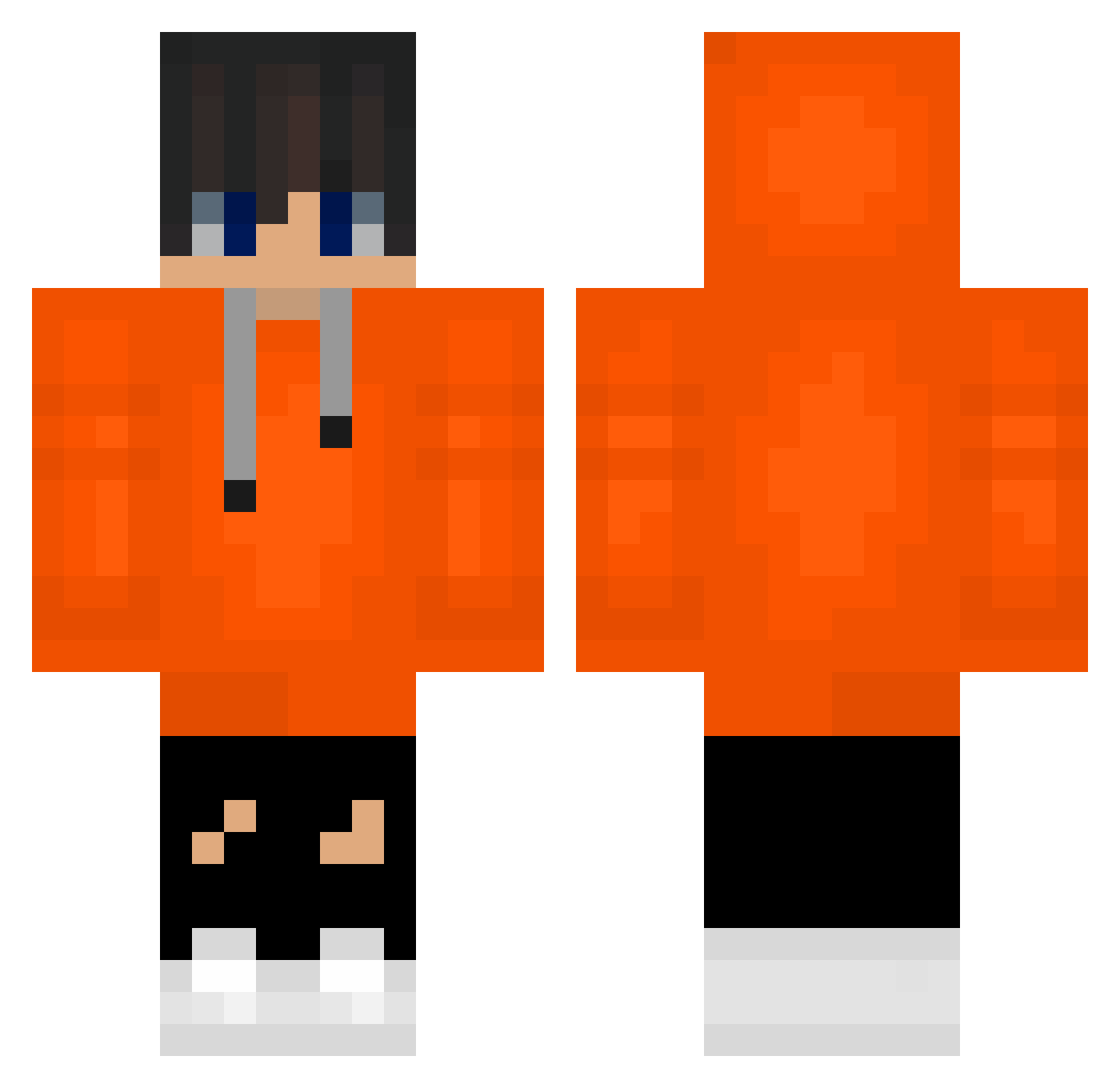
Current Minecraft skin of the player Angery1s, loaded from the official Mojang API. Rotate the 3D model with your mouse or finger, then download the skin as a PNG file and use it in Minecraft: Bedrock Edition or Java Edition for free. When Angery1s changes their skin, this page updates automatically and the old skin stays in the history below.
Other players with this skin (588)
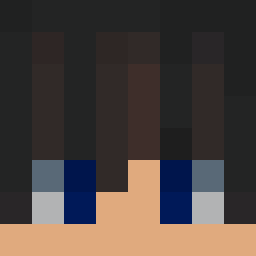
Angery1s was the 513th player we have seen with this skin, first spotted on 07.11.2026. The same skin was seen on these players. Open a nickname to see their current skin and skin history.
 JumpingScroll18 koma1 offBeni elallll sunwoobang komq_idiot steven12291229 kimminhooo korean7798 dodam1117 lowjs alexpark0101 minho1209 dochi98 DavidAlt_125 Zemelin woojinkra superelvira1 skyfall18 Kawaii_Gurke_2 kyungchan614 jokernyang merongee kjs190311 Larky138 TonyB2B wintergod88 junny1314 yeseong1012 jhking2010 _s1x_u MailableGore130 MGhostWarriorr SHIM1102 Ana_Bed saconge ipainn leter__ ToxicKoreanClub Tylertylergogo Mr_Sthag Rinka_Rin lmjosux Tawerner __komq coldcoldoven hw121227 sin137 sonoMrD4rk3r XxStormxX468 taeyul316 cyber_crow2 Poquuin ohjooone1016 Luke_B_ dnwn1220 martinhud breadlery Ddongcheol yamujinmlon
How to install the Angery1s skin
- Press the Download button above to save the skin as a PNG file.
- Minecraft: Bedrock Edition (PE): open the Dressing Room from the main menu (or tap your character → Edit Character), go to Classic Skins → Owned, press the + (new skin) button, choose the downloaded PNG and pick the Classic (Steve) model. Works on PC and mobile; consoles cannot import custom skins.
- Minecraft: Java Edition: open the Minecraft Launcher, go to the Skins tab, click New Skin, load the PNG, pick the Classic (Steve) model and press Save & Use. You can also upload it at minecraft.net → Profile → Change Skin.
The skin does not show up after import - what should I do?
Restart Minecraft and open the Dressing Room again - imported skins sometimes appear only after a restart. Also make sure you selected the imported skin and picked the Classic (Steve) model.
Which model should I choose, Classic or Slim?
This skin is designed for the Classic (Steve) model. If you pick the wrong model, the arms of the skin will look stretched or squeezed.
Is the skin of Angery1s free to download?
Yes. Press Download, save the PNG file and use it in Minecraft: Bedrock Edition or Java Edition - no payment or registration needed. The skin also works on multiplayer servers and Realms.
More skins
Looking for more? Go back to all Minecraft skins and check the top skins of the week, month and all time, or find any player's skin by nickname.