
Andr3w_4_EVER - Minecraft Skins & Skin History
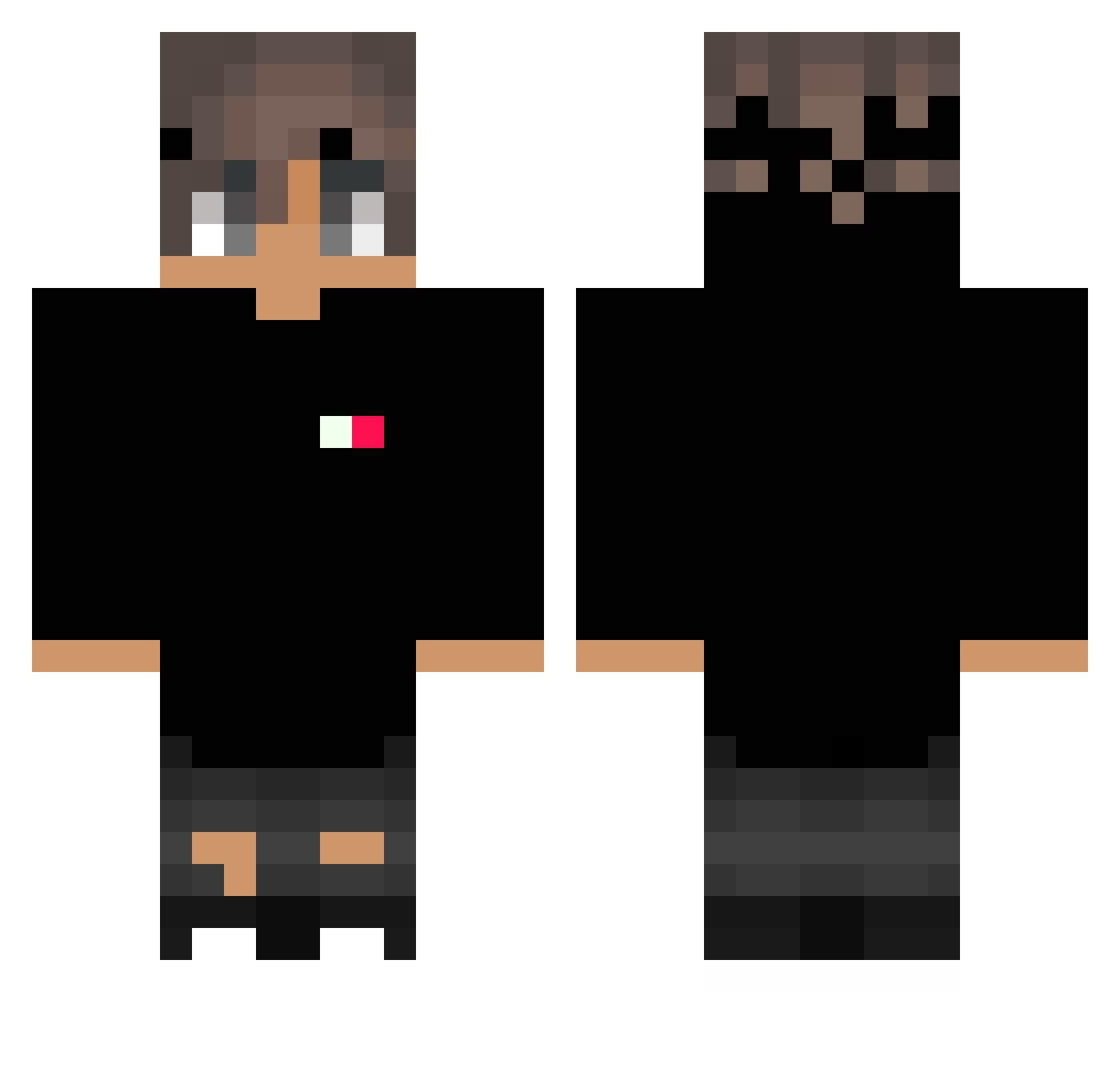
Current Minecraft skin of the player Andr3w_4_EVER, loaded from the official Mojang API. Rotate the 3D model with your mouse or finger, then download the skin as a PNG file and use it in Minecraft: Bedrock Edition or Java Edition for free. When Andr3w_4_EVER changes their skin, this page updates automatically and the old skin stays in the history below.
Other players with this skin (309)
Andr3w_4_EVER was the 298th player we have seen with this skin, first spotted on 05.11.2026. The same skin was seen on these players. Open a nickname to see their current skin and skin history.
 Maks7777 Sirius76 Josegamerz JunEe0707 LoVeYoU0822 mmsantana10 NotFlo099 adrianekunskun ITZGhostEg Napluid ChesterCarroll Cash_Flow35 ProTrollerV2 TALENTORARO skylaw_dolizac Erdbeerheld Je5u5_38 ClaxMC ximJi iConfigFiles McGunner_178 ninjadomega thejuan290 xildup TriPVP neklOFRA winderw ZunKe Thibou Brenvs TheCrazyDonkey33 kneggy salo88 yGuilhermeeBR mano49 fullak IchbinsGiga MUFCMARK Rikimaruu Geo111222333 kaf1nx xLogicZx RyuHyeongJu KevinLikesCookie P4ul_02 koooohei7 Janekq1 Mixed_Colors RainbowS1x WanDlay_ Gilch0917 Azertikk MXNO_ Mark_yolo153 _Flordax_ TaddoYT Rud9200 ElBrayan12 _Proozy iiMajd
How to install the Andr3w_4_EVER skin
- Press the Download button above to save the skin as a PNG file.
- Minecraft: Bedrock Edition (PE): open the Dressing Room from the main menu (or tap your character → Edit Character), go to Classic Skins → Owned, press the + (new skin) button, choose the downloaded PNG and pick the Classic (Steve) model. Works on PC and mobile; consoles cannot import custom skins.
- Minecraft: Java Edition: open the Minecraft Launcher, go to the Skins tab, click New Skin, load the PNG, pick the Classic (Steve) model and press Save & Use. You can also upload it at minecraft.net → Profile → Change Skin.
The skin does not show up after import - what should I do?
Restart Minecraft and open the Dressing Room again - imported skins sometimes appear only after a restart. Also make sure you selected the imported skin and picked the Classic (Steve) model.
Which model should I choose, Classic or Slim?
This skin is designed for the Classic (Steve) model. If you pick the wrong model, the arms of the skin will look stretched or squeezed.
Is the skin of Andr3w_4_EVER free to download?
Yes. Press Download, save the PNG file and use it in Minecraft: Bedrock Edition or Java Edition - no payment or registration needed. The skin also works on multiplayer servers and Realms.
More skins
Looking for more? Go back to all Minecraft skins and check the top skins of the week, month and all time, or find any player's skin by nickname.