
AncaSmecheroasa - Minecraft Skins & Skin History
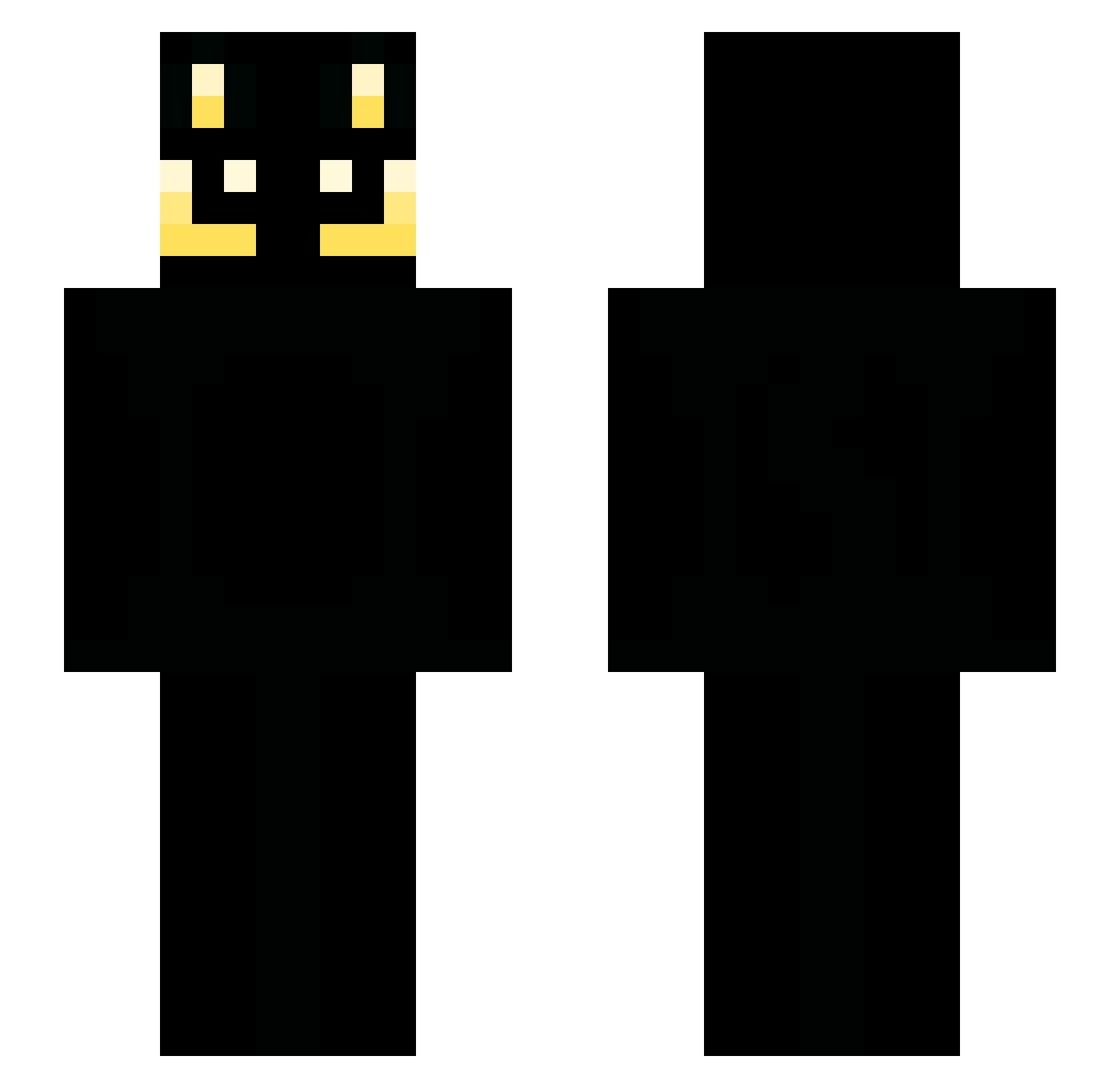
Current Minecraft skin of the player AncaSmecheroasa, loaded from the official Mojang API. Rotate the 3D model with your mouse or finger, then download the skin as a PNG file and use it in Minecraft: Bedrock Edition or Java Edition for free. When AncaSmecheroasa changes their skin, this page updates automatically and the old skin stays in the history below.
Other players with this skin (53)
AncaSmecheroasa was the 26th player we have seen with this skin, first spotted on 30.09.2026. The same skin was seen on these players. Open a nickname to see their current skin and skin history.
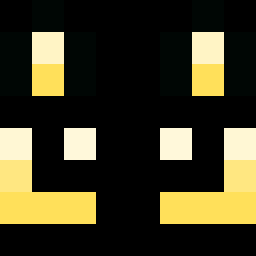 longfishstick Macsoz Efotman neonix321 burgardt94 xX_CoRaL_Xx buki_inari rnjsqhgus OMU_007 noracat999 KianHeld PESI10 dwlv haarod samm10 sebu0221 LilMajk Vouee_a_Lechec KotekMeowMeow BlackWare11 LLLLLINEEE vitaminGoh hugoexe Jazz0421 zNezu Tristan363636 Krushedd ikuuuurija miniciuffo2004 onyiis waphong tikowa2 Lucie812 danielhuang0908 St4RxScre4M Crun8582 Geunini
 off0 Bizonjack
 LeadXz Ghop3r MINSEO____ EXDLuki Sebitomoe
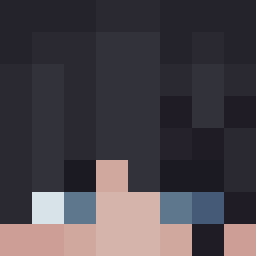 SHIBAINE LTCmaslo minyah_ RedicJM Spankz19 Justaplaneguy diddyboy3234
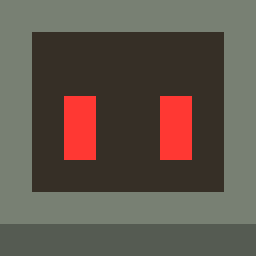 AwesomeSauceFish gamum23
More Bendy Minecraft skins
How to install the AncaSmecheroasa skin
- Press the Download button above to save the skin as a PNG file.
- Minecraft: Bedrock Edition (PE): open the Dressing Room from the main menu (or tap your character → Edit Character), go to Classic Skins → Owned, press the + (new skin) button, choose the downloaded PNG and pick the Slim (Alex) model. Works on PC and mobile; consoles cannot import custom skins.
- Minecraft: Java Edition: open the Minecraft Launcher, go to the Skins tab, click New Skin, load the PNG, pick the Slim (Alex) model and press Save & Use. You can also upload it at minecraft.net → Profile → Change Skin.
The skin does not show up after import - what should I do?
Restart Minecraft and open the Dressing Room again - imported skins sometimes appear only after a restart. Also make sure you selected the imported skin and picked the Slim (Alex) model.
Which model should I choose, Classic or Slim?
This skin is designed for the Slim (Alex) model. If you pick the wrong model, the arms of the skin will look stretched or squeezed.
Is the skin of AncaSmecheroasa free to download?
Yes. Press Download, save the PNG file and use it in Minecraft: Bedrock Edition or Java Edition - no payment or registration needed. The skin also works on multiplayer servers and Realms.
More skins
Looking for more? Go back to all Minecraft skins and check the top skins of the week, month and all time, or find any player's skin by nickname.