
Amongus_dechapeu - Minecraft Skins & Skin History
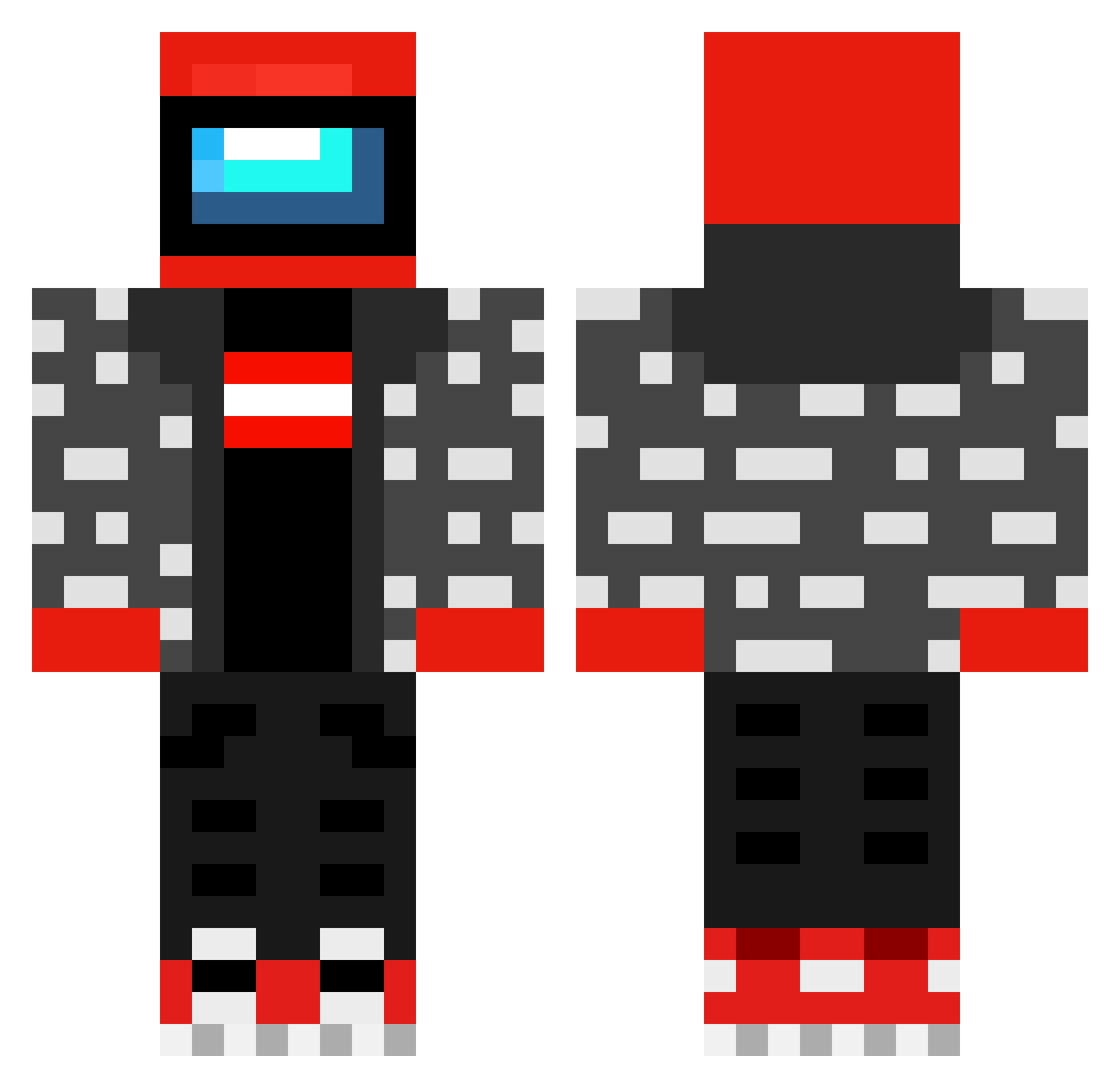
Current Minecraft skin of the player Amongus_dechapeu, loaded from the official Mojang API. Rotate the 3D model with your mouse or finger, then download the skin as a PNG file and use it in Minecraft: Bedrock Edition or Java Edition for free. When Amongus_dechapeu changes their skin, this page updates automatically and the old skin stays in the history below.
Other players with this skin (482)
Amongus_dechapeu was the 94th player we have seen with this skin, first spotted on 16.08.2026. The same skin was seen on these players. Open a nickname to see their current skin and skin history.
 XhoingXina Th1tu Burdma AidanMC2 FullStack0verflo Kubaka Fifi8888
 Lionboy37318 millymelsa dovennnnn lerfax Yartux911 FledderCedder mogulye TALHA124 LOMURA MaxiS9 IMPOSTERIMPOSTER Mils88 jpino03 dzblack Depressedemo420 JorgenThomassen Proboz_ XHEILTLERX fwhuero kufrob MacksX ITSMESAMIR SupremeLasagna Schwedr Jakobo789 Ludrig _Ray_Mox_ PezzodiPane88 mr_serek_yt hero________ aUwUtisim PetrMan Meaba0 Nut_man4 Drundyu ImpostorAmongUs Sekris22 sindoux DuccioGamer PatateAnonyme P2Arrow GoldenHawks Maidenless_Parry jkheart BlitzyPlayz TigreBosques iztmptab roguecherokee Crow_Kuro99 SnarledTuna Trenchgunner23 Asoulreaper7 MangleyFlangley
More Drip Minecraft skins
How to install the Amongus_dechapeu skin
- Press the Download button above to save the skin as a PNG file.
- Minecraft: Bedrock Edition (PE): open the Dressing Room from the main menu (or tap your character → Edit Character), go to Classic Skins → Owned, press the + (new skin) button, choose the downloaded PNG and pick the Classic (Steve) model. Works on PC and mobile; consoles cannot import custom skins.
- Minecraft: Java Edition: open the Minecraft Launcher, go to the Skins tab, click New Skin, load the PNG, pick the Classic (Steve) model and press Save & Use. You can also upload it at minecraft.net → Profile → Change Skin.
The skin does not show up after import - what should I do?
Restart Minecraft and open the Dressing Room again - imported skins sometimes appear only after a restart. Also make sure you selected the imported skin and picked the Classic (Steve) model.
Which model should I choose, Classic or Slim?
This skin is designed for the Classic (Steve) model. If you pick the wrong model, the arms of the skin will look stretched or squeezed.
Is the skin of Amongus_dechapeu free to download?
Yes. Press Download, save the PNG file and use it in Minecraft: Bedrock Edition or Java Edition - no payment or registration needed. The skin also works on multiplayer servers and Realms.
More skins
Looking for more? Go back to all Minecraft skins and check the top skins of the week, month and all time, or find any player's skin by nickname.