
AmoTatix - Minecraft Skins & Skin History
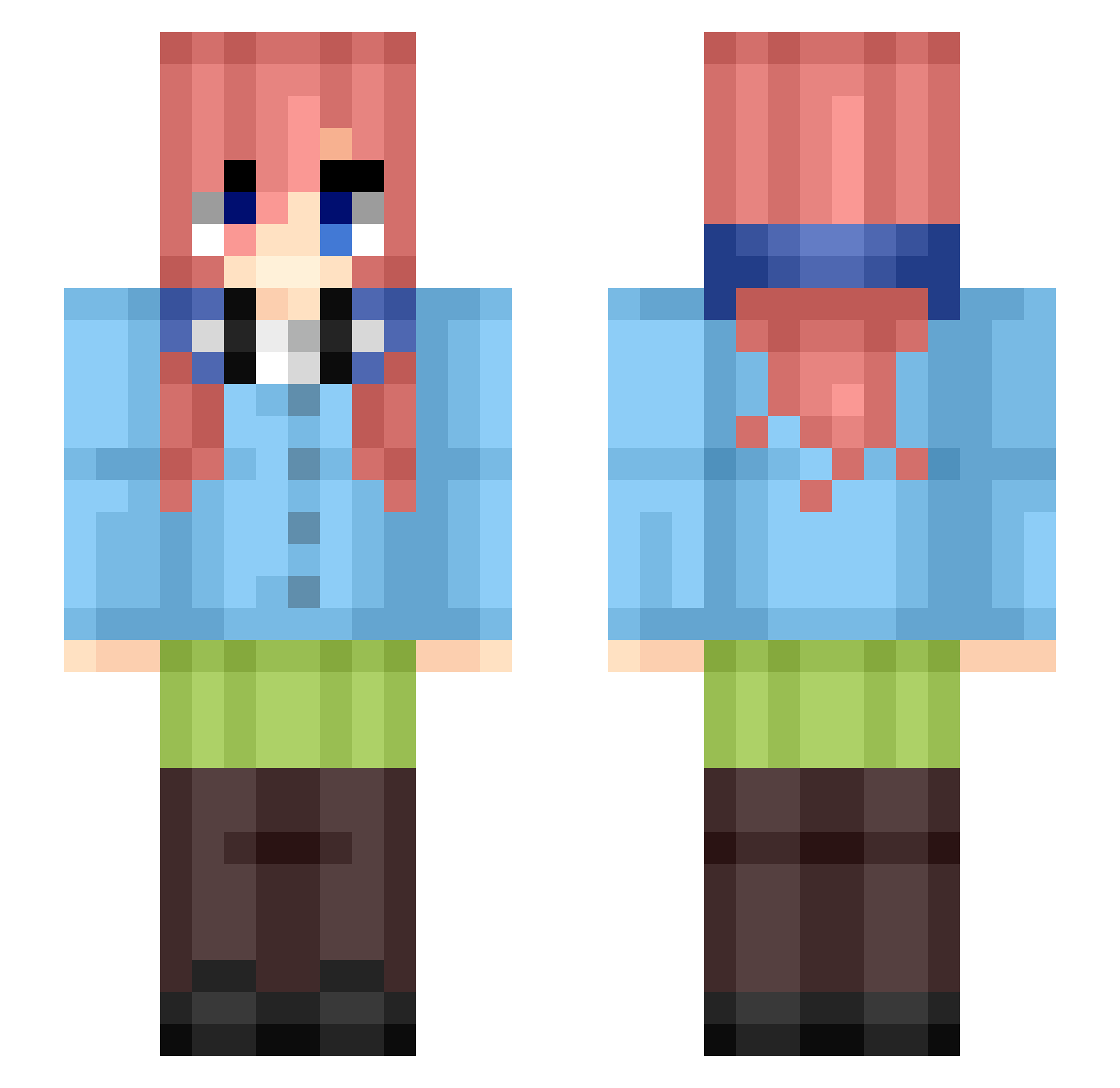
Current Minecraft skin of the player AmoTatix, loaded from the official Mojang API. Rotate the 3D model with your mouse or finger, then download the skin as a PNG file and use it in Minecraft: Bedrock Edition or Java Edition for free. When AmoTatix changes their skin, this page updates automatically and the old skin stays in the history below.
Other players with this skin (44)
AmoTatix was the 11th player we have seen with this skin, first spotted on 21.08.2026. The same skin was seen on these players. Open a nickname to see their current skin and skin history.
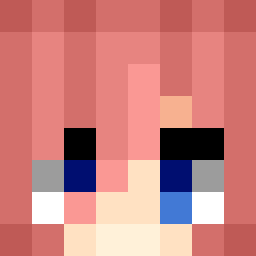 Flips__471 e1co0d
 15sminutes nettspendjr saurerkeks Xx_MikuN_xX Benike99 yokur feeteater67 Decadence69
 smougus mikami_teru KhalihOverdose
 _Kur0s4k1 MasterWuu_ Lewissasha099 Helpy_Gostosao12 Unknowncuh Alr1x miku_nakan0_ Carattano Gatto_Panzone12 Inice4 saloguarfYT DakendoTP Diegmain Alvaro0146 esa_m Gufy2 RockyHockyPocky Nomade789 susan0606 Lenny2458 RyZeCry owo877 Maciek13_31 Slay_29 Alexissersa29 NearIsDead YonatanGaming InsertedFailed GlassesBoi609 Alphxtron God_Sabiq
More Miku Nakano Minecraft skins
How to install the AmoTatix skin
- Press the Download button above to save the skin as a PNG file.
- Minecraft: Bedrock Edition (PE): open the Dressing Room from the main menu (or tap your character → Edit Character), go to Classic Skins → Owned, press the + (new skin) button, choose the downloaded PNG and pick the Slim (Alex) model. Works on PC and mobile; consoles cannot import custom skins.
- Minecraft: Java Edition: open the Minecraft Launcher, go to the Skins tab, click New Skin, load the PNG, pick the Slim (Alex) model and press Save & Use. You can also upload it at minecraft.net → Profile → Change Skin.
The skin does not show up after import - what should I do?
Restart Minecraft and open the Dressing Room again - imported skins sometimes appear only after a restart. Also make sure you selected the imported skin and picked the Slim (Alex) model.
Which model should I choose, Classic or Slim?
This skin is designed for the Slim (Alex) model. If you pick the wrong model, the arms of the skin will look stretched or squeezed.
Is the skin of AmoTatix free to download?
Yes. Press Download, save the PNG file and use it in Minecraft: Bedrock Edition or Java Edition - no payment or registration needed. The skin also works on multiplayer servers and Realms.
More skins
Looking for more? Go back to all Minecraft skins and check the top skins of the week, month and all time, or find any player's skin by nickname.