
Amethystol - Minecraft Skins & Skin History
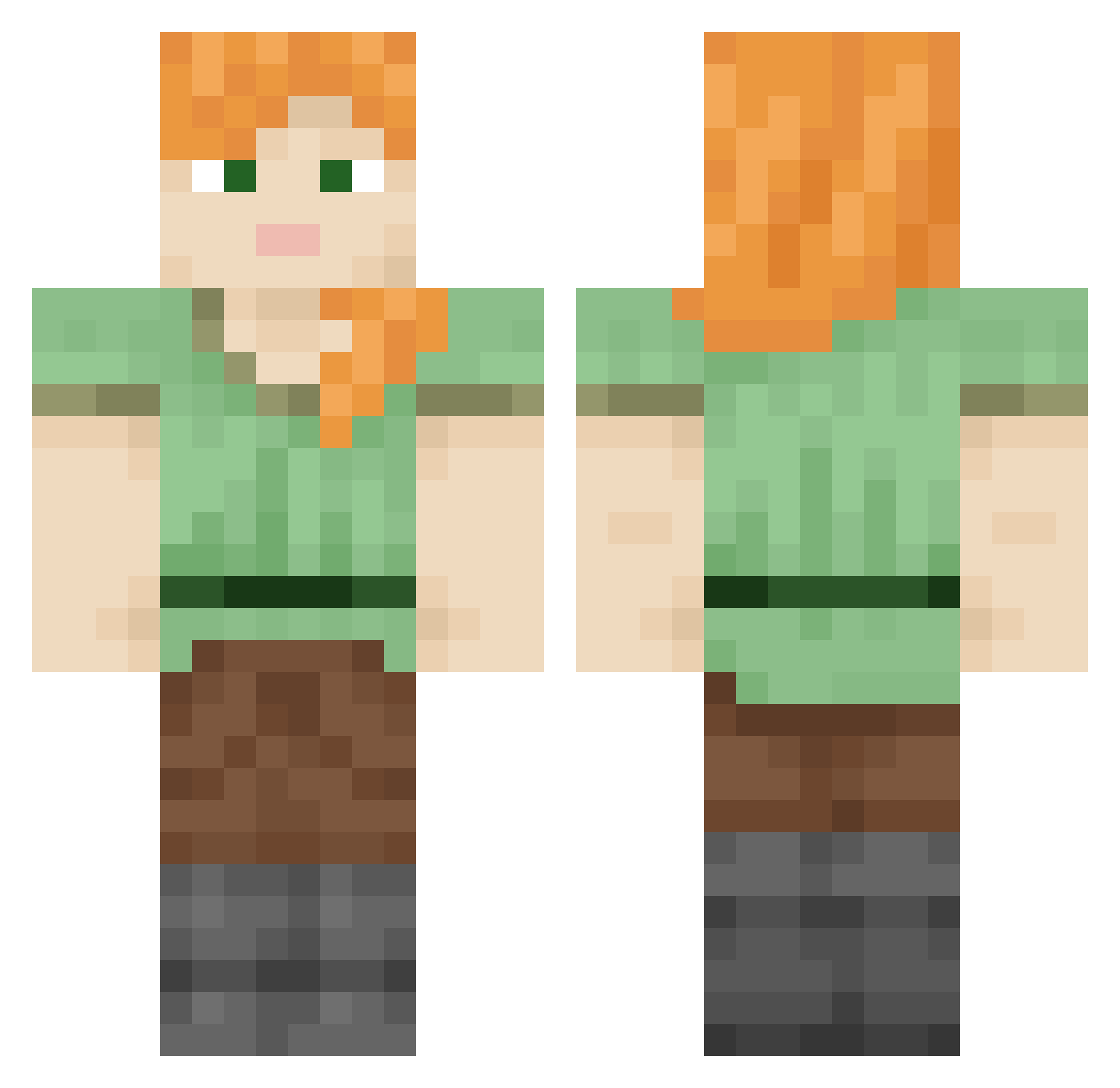
Current Minecraft skin of the player Amethystol, loaded from the official Mojang API. Rotate the 3D model with your mouse or finger, then download the skin as a PNG file and use it in Minecraft: Bedrock Edition or Java Edition for free. When Amethystol changes their skin, this page updates automatically and the old skin stays in the history below.
Other players with this skin (1010)
Amethystol was the 863rd player we have seen with this skin, first spotted on 07.11.2026. The same skin was seen on these players. Open a nickname to see their current skin and skin history.
 Durbturk noselite _ebolavirus_ EVILEST AnthonyB_ Nokrozz babby64 PoeBird Diabolism Yevette KOFULI Ninexion thedrmmr52 Dubber MiniOakenshield Motorboats haccc WorldLing TobiaszegPL CHaQu Chromia4488 Caress thinh0704hcm Exhaustibility argenol AleeBumaye Alexgamer3699 Cogit LoushiftX Leonurus yoblataf bod1kq wincer EYEREACH jwinnn Gustavodorock dariox69 cesms Stratocumulus bakanoziroh SkidMark420 Inappropriate Cogware Suckable DoctuS enchantresses sticky_cheeeese gorbit shepherdia tomlee010364 _rxspect_ ManeyV rancor Geemie Prepossess Cryptous Vendettist SquidOfDoom Richens Hymenophyllaceae
How to install the Amethystol skin
- Press the Download button above to save the skin as a PNG file.
- Minecraft: Bedrock Edition (PE): open the Dressing Room from the main menu (or tap your character → Edit Character), go to Classic Skins → Owned, press the + (new skin) button, choose the downloaded PNG and pick the Classic (Steve) model. Works on PC and mobile; consoles cannot import custom skins.
- Minecraft: Java Edition: open the Minecraft Launcher, go to the Skins tab, click New Skin, load the PNG, pick the Classic (Steve) model and press Save & Use. You can also upload it at minecraft.net → Profile → Change Skin.
The skin does not show up after import - what should I do?
Restart Minecraft and open the Dressing Room again - imported skins sometimes appear only after a restart. Also make sure you selected the imported skin and picked the Classic (Steve) model.
Which model should I choose, Classic or Slim?
This skin is designed for the Classic (Steve) model. If you pick the wrong model, the arms of the skin will look stretched or squeezed.
Is the skin of Amethystol free to download?
Yes. Press Download, save the PNG file and use it in Minecraft: Bedrock Edition or Java Edition - no payment or registration needed. The skin also works on multiplayer servers and Realms.
More skins
Looking for more? Go back to all Minecraft skins and check the top skins of the week, month and all time, or find any player's skin by nickname.