
Amazon_Bot_ - Minecraft Skins & Skin History
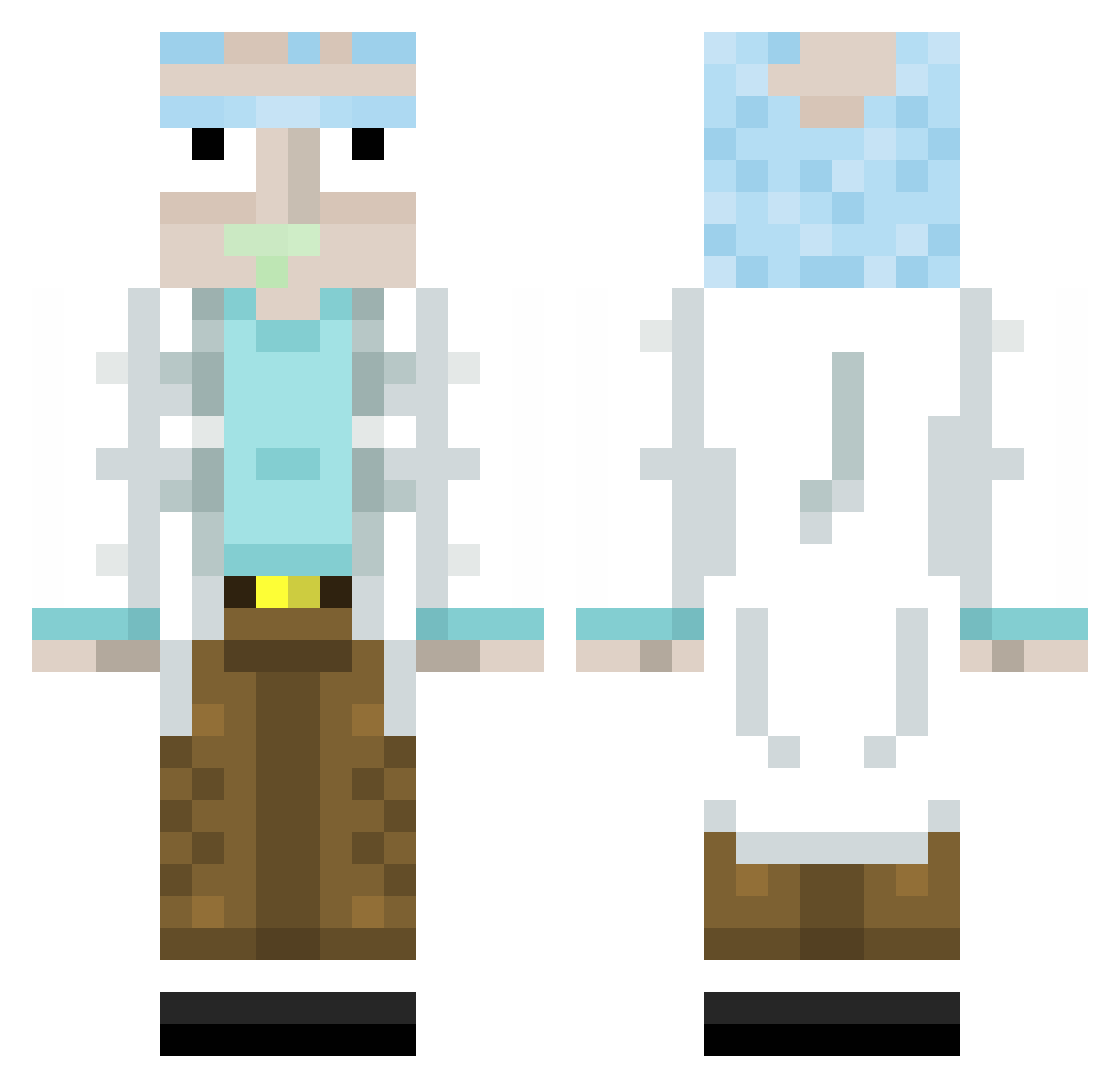
Current Minecraft skin of the player Amazon_Bot_, loaded from the official Mojang API. Rotate the 3D model with your mouse or finger, then download the skin as a PNG file and use it in Minecraft: Bedrock Edition or Java Edition for free. When Amazon_Bot_ changes their skin, this page updates automatically and the old skin stays in the history below.
Other players with this skin (383)
Amazon_Bot_ was the 327th player we have seen with this skin, first spotted on 04.11.2026. The same skin was seen on these players. Open a nickname to see their current skin and skin history.
 htk31415 mithycalace Jinitix Massive_Nebula Flakdodouce McKoon32 Steeven19 MetSalamanca JosHDawgS Shomor qiwooi92602 VSHE 0Ham liawawa JackCough115 Joss791 inferno_apes Krutet sniperoutsider Atchoum_Atchoum _pit_0 Risifrutti179 Momo11797 RoadTo_Dream MM77Gaming Vu5e Benny101z M13e Mattgle Volpina26 loliyiya Idascraft TaseyZ DenSatoshi Technikl Leaxot MrKuzuna Daohuimon chiels123 Goosevig tcraft25 KTPOPE22 kakalas2 Rango7z Dx69 Juliancilloo Kanabish Stafou62 BuerLoG0 pennywise1896 RealSmoky Smashinu1 kadixxx SplitSpot NXLTrauma25 JGFranca yoloboy12334 N3ckDE EL_RUFI Shyfrxg_
More Rick Sanchez Minecraft skins
See all 235 Rick Sanchez skins
How to install the Amazon_Bot_ skin
- Press the Download button above to save the skin as a PNG file.
- Minecraft: Bedrock Edition (PE): open the Dressing Room from the main menu (or tap your character → Edit Character), go to Classic Skins → Owned, press the + (new skin) button, choose the downloaded PNG and pick the Classic (Steve) model. Works on PC and mobile; consoles cannot import custom skins.
- Minecraft: Java Edition: open the Minecraft Launcher, go to the Skins tab, click New Skin, load the PNG, pick the Classic (Steve) model and press Save & Use. You can also upload it at minecraft.net → Profile → Change Skin.
The skin does not show up after import - what should I do?
Restart Minecraft and open the Dressing Room again - imported skins sometimes appear only after a restart. Also make sure you selected the imported skin and picked the Classic (Steve) model.
Which model should I choose, Classic or Slim?
This skin is designed for the Classic (Steve) model. If you pick the wrong model, the arms of the skin will look stretched or squeezed.
Is the skin of Amazon_Bot_ free to download?
Yes. Press Download, save the PNG file and use it in Minecraft: Bedrock Edition or Java Edition - no payment or registration needed. The skin also works on multiplayer servers and Realms.
More skins
Looking for more? Go back to all Minecraft skins and check the top skins of the week, month and all time, or find any player's skin by nickname.