
AmazinnONE - Minecraft Skins & Skin History
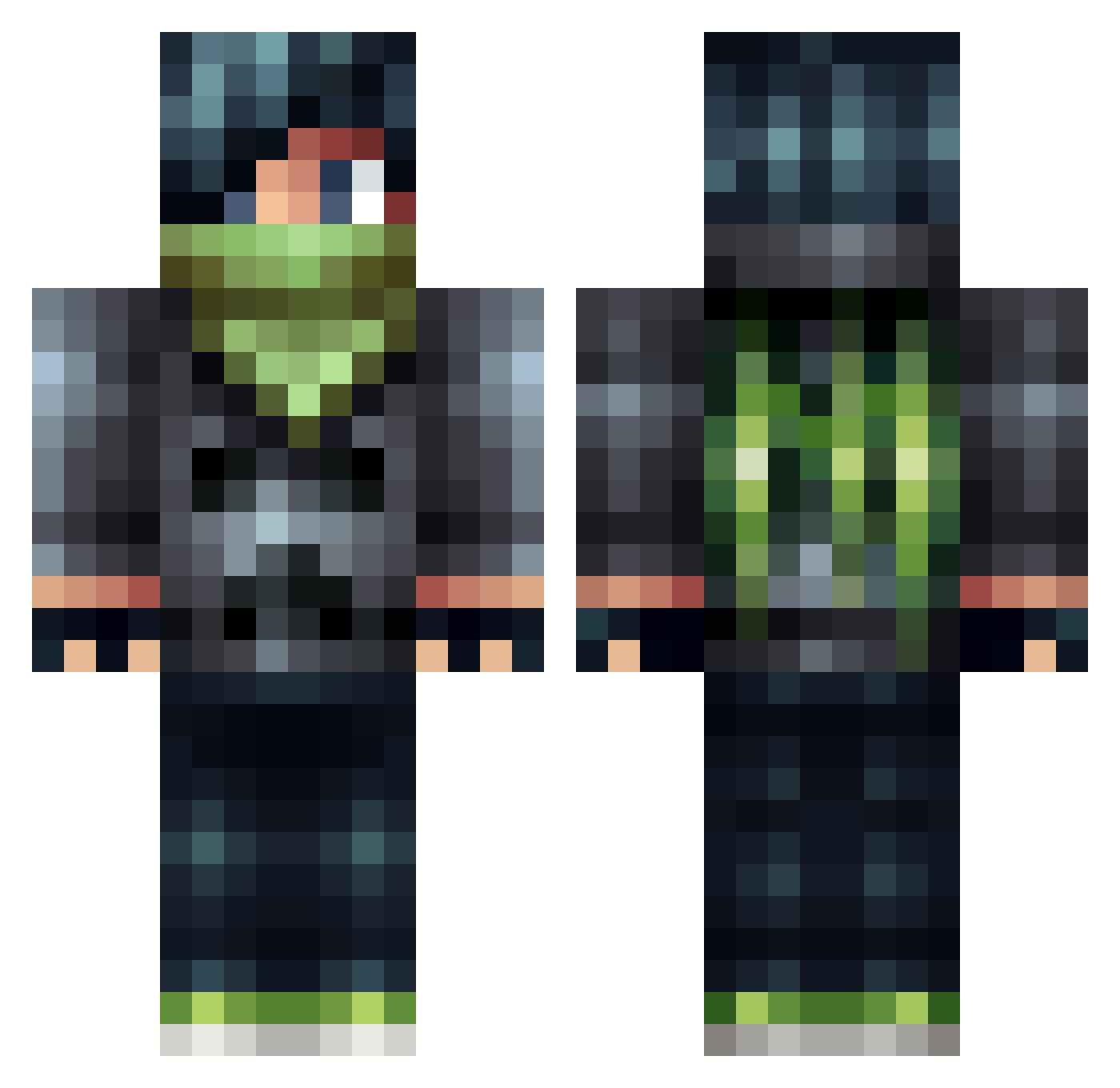
Current Minecraft skin of the player AmazinnONE, loaded from the official Mojang API. Rotate the 3D model with your mouse or finger, then download the skin as a PNG file and use it in Minecraft: Bedrock Edition or Java Edition for free. When AmazinnONE changes their skin, this page updates automatically and the old skin stays in the history below.
Other players with this skin (505)
AmazinnONE was the 98th player we have seen with this skin, first spotted on 17.08.2026. The same skin was seen on these players. Open a nickname to see their current skin and skin history.
 Jagsasin JayzTroubleSome Percy_Ja EduHD realision epicandrew69 Wickedzie MrTastyBiscuit Tangy139 6mo7mad GamingGillie RealPhoenixx creeperofpower wellsy10 DarkV11 Algereev JustNinjaPvP friendly_or_not rootentooten ivan710 gabbe379 NightFall7452 Kingrox DeadlyShinobi GoornyCZ AdamC_89 BrUiNz14 stdlmine09 DALE_GAMING Pickles0125 firstRyan jasonplayes verty1 Miningjordy undeadhunter6645 Ariax8 yusky _Wolfsister_ Ultimate_Slamer boody2000 sam757 KimzonDelta brandonwisely12 causbury BrokenGamer117 CODchamp1998 GamerAwesomeMan Gman53764 FragMe Opal4618 ShaheenGK ladyb0y FireworkLauncher Derek____ pepsi14242 Falcarius1000 Frontal_Dragon4 isul6ani pAsiAkus LucidApparition
More Bandit Minecraft skins
How to install the AmazinnONE skin
- Press the Download button above to save the skin as a PNG file.
- Minecraft: Bedrock Edition (PE): open the Dressing Room from the main menu (or tap your character → Edit Character), go to Classic Skins → Owned, press the + (new skin) button, choose the downloaded PNG and pick the Classic (Steve) model. Works on PC and mobile; consoles cannot import custom skins.
- Minecraft: Java Edition: open the Minecraft Launcher, go to the Skins tab, click New Skin, load the PNG, pick the Classic (Steve) model and press Save & Use. You can also upload it at minecraft.net → Profile → Change Skin.
The skin does not show up after import - what should I do?
Restart Minecraft and open the Dressing Room again - imported skins sometimes appear only after a restart. Also make sure you selected the imported skin and picked the Classic (Steve) model.
Which model should I choose, Classic or Slim?
This skin is designed for the Classic (Steve) model. If you pick the wrong model, the arms of the skin will look stretched or squeezed.
Is the skin of AmazinnONE free to download?
Yes. Press Download, save the PNG file and use it in Minecraft: Bedrock Edition or Java Edition - no payment or registration needed. The skin also works on multiplayer servers and Realms.
More skins
Looking for more? Go back to all Minecraft skins and check the top skins of the week, month and all time, or find any player's skin by nickname.