
Altarimu - Minecraft Skins & Skin History
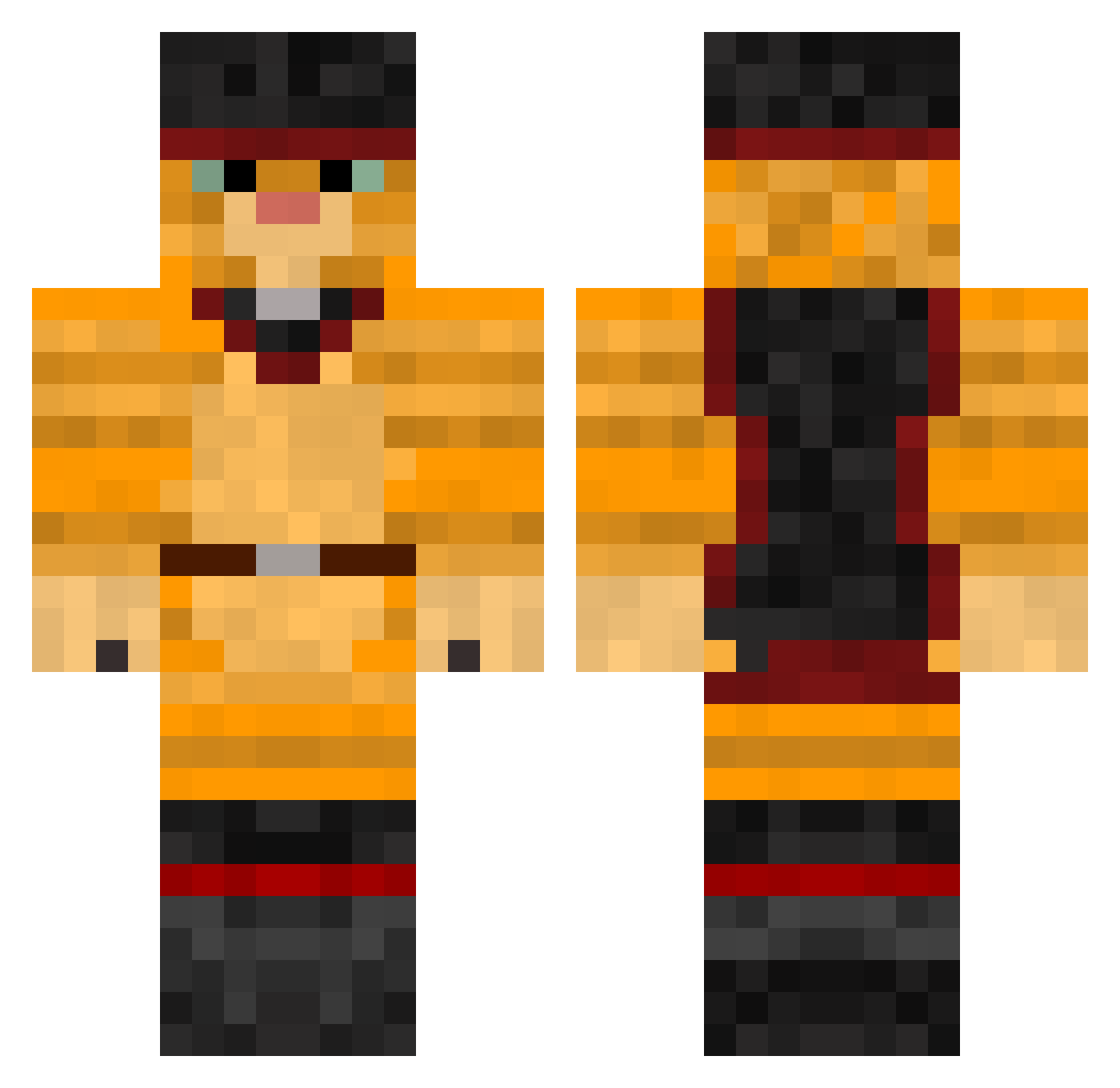
Current Minecraft skin of the player Altarimu, loaded from the official Mojang API. Rotate the 3D model with your mouse or finger, then download the skin as a PNG file and use it in Minecraft: Bedrock Edition or Java Edition for free. When Altarimu changes their skin, this page updates automatically and the old skin stays in the history below.
Other players with this skin (379)
Altarimu was the 317th player we have seen with this skin, first spotted on 17.10.2026. The same skin was seen on these players. Open a nickname to see their current skin and skin history.
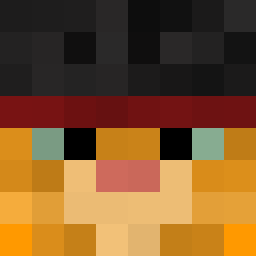 crumplyshark Shorttyx ilysnookie PussNbewts askelpalautin Phoenix05123 phoon77 meab2000 Momrocks314 rickyspong GatoYoutube melpard4002 Nugulman lokeloke123 Jezepi mcgrath165 Junkman28 Ilugma CatFlapp Fnatic_Campo Yslor jojobarr1200 proximitycat moran991 N3CR0F4NT4S14 Ho_rang inashb Shinybee2 Axel_Curch44 BigSpoon29 larisj jazzy_george Evighoj rasmus98p Inspex spazza555 OneClassyMoFoo darkbeast102345 shadowRunner2 Menzz j074690 xBaechux Suzhamin gege05 Kimsterone JackMiner2442 void_walker151 Realtek95 noname5454 DrunkenCheetah TMmonkey11 Leo4503 chef711 KillKREW760 bwkoffler carmeltoffe minikkedi02 memsen OutATime527 Robby7896
More Puss In Boots Minecraft skins
See all 62 Puss In Boots skins
How to install the Altarimu skin
- Press the Download button above to save the skin as a PNG file.
- Minecraft: Bedrock Edition (PE): open the Dressing Room from the main menu (or tap your character → Edit Character), go to Classic Skins → Owned, press the + (new skin) button, choose the downloaded PNG and pick the Classic (Steve) model. Works on PC and mobile; consoles cannot import custom skins.
- Minecraft: Java Edition: open the Minecraft Launcher, go to the Skins tab, click New Skin, load the PNG, pick the Classic (Steve) model and press Save & Use. You can also upload it at minecraft.net → Profile → Change Skin.
The skin does not show up after import - what should I do?
Restart Minecraft and open the Dressing Room again - imported skins sometimes appear only after a restart. Also make sure you selected the imported skin and picked the Classic (Steve) model.
Which model should I choose, Classic or Slim?
This skin is designed for the Classic (Steve) model. If you pick the wrong model, the arms of the skin will look stretched or squeezed.
Is the skin of Altarimu free to download?
Yes. Press Download, save the PNG file and use it in Minecraft: Bedrock Edition or Java Edition - no payment or registration needed. The skin also works on multiplayer servers and Realms.
More skins
Looking for more? Go back to all Minecraft skins and check the top skins of the week, month and all time, or find any player's skin by nickname.